RS20iInstallationandOperatingGuide
Page 18
RS20i Installation & Operating Guide Document # 9301H52900 Ver. 1.02
1.4.3 Manual Automation
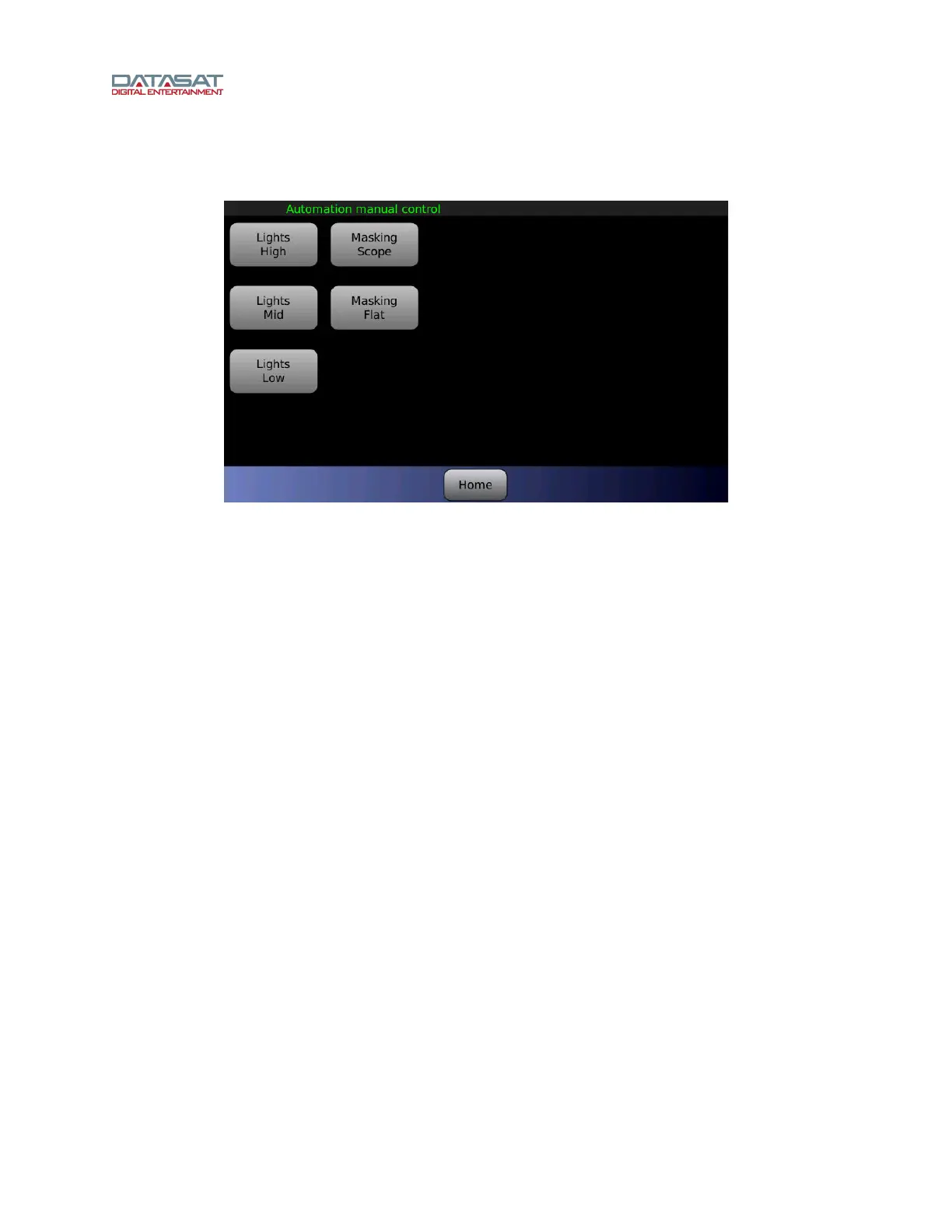
The Automation button opens the automation manual control screen.
Figure 8. Automation Manual Control screen, example
This screen allows for direct control of automation events in any order, at any time. The installer creates
the automation buttons with custom functionality through the automation setup menus. A maximum of
twenty buttons can be assigned. If no buttons are displayed, then there were no automation buttons
defined in the current setup.
For details about configuring Automation Buttons and the associated Macro functions, see 4.11
Automation Macros, page
101, and 4.14 Automation Buttons, page 106.



 To Next Page