RS20iInstallationandOperatingGuide
Page 92
RS20i Installation & Operating Guide Document # 9301H52900 Ver. 1.02
If the password is lost and you cannot access the RS20i, contact Datasat Digital Entertainment technical
support.
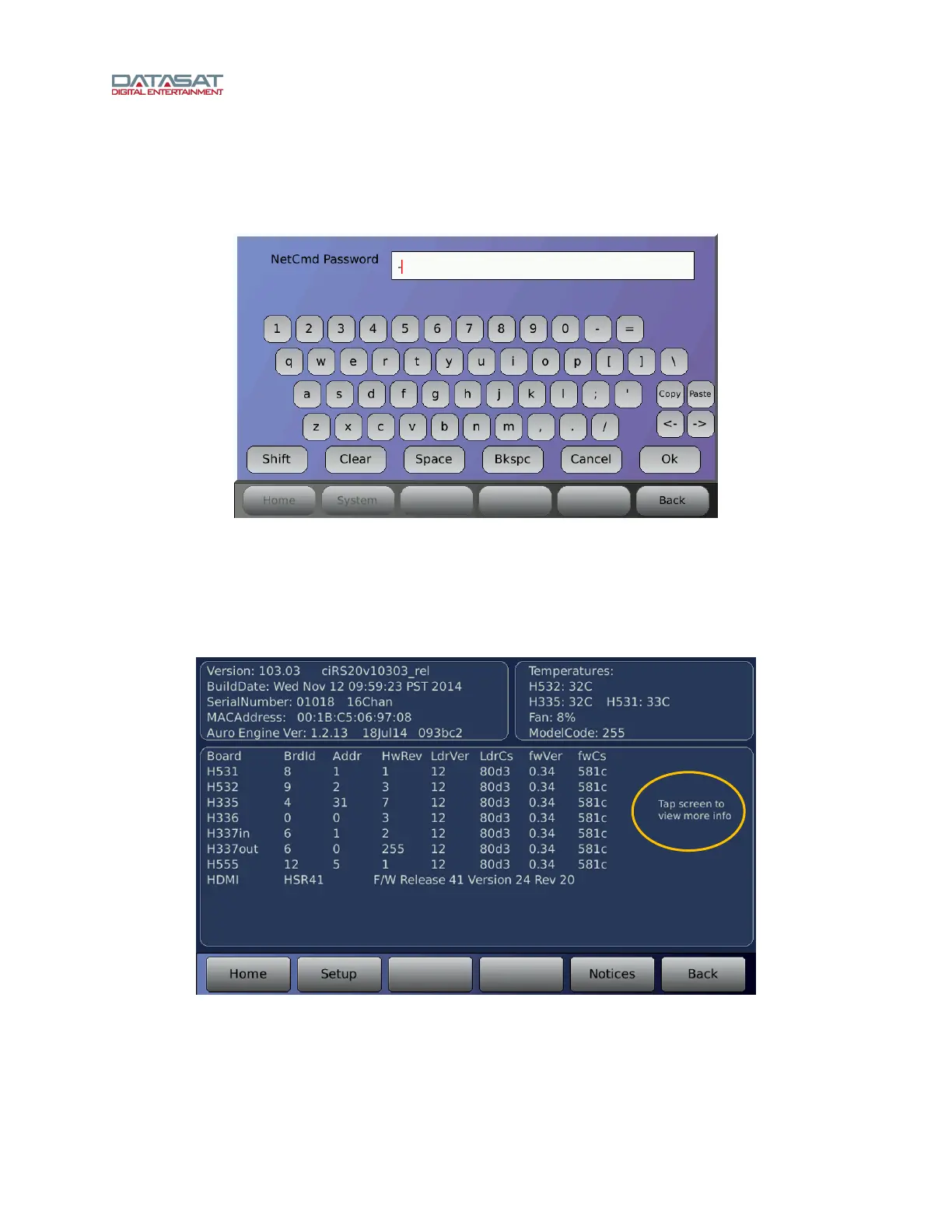
To remove password protection, clear the password by pressing the Clear button, then enter a hyphen
“-“ and press OK.
Figure 59. Virtual Keyboard
4.8.4 System Info
The System Info screen provides information about the audio processor, including the RS20i software
version, build date, serial number, MAC address, and circuit board temperatures. To access this screen:
Setup > Info
Figure 60. System Info Screen
The information presented on this screen is described in this table.
Tap screen to
see more
information such
as board voltage



 To Next Page