RS20iInstallationandOperatingGuide
Page 47
RS20i Installation & Operating Guide Document # 9301H52900 Ver. 1.02
4.3.5.2 Calculating the Surround Delay
Sound from the back of the theater should arrive at the listener’s ears approximately 20 ms after the
arrival of the front speaker sound. The following procedure describes how to arrive at the correct
surround delay setting.
• Measure the distance between a rear seat and the nearest surround speaker in feet. If
calculating in metric, convert meters to feet by multiplying by 3.
• Measure the distance from the same rear seat to the nearest screen speaker. If calculating in
metric, convert meters to feet by multiplying by 3.
• Subtract surround distance from the screen distance, and add 20 (screen - surround + 20). The
result is the surround delay in milliseconds.
• After setting the surround delay in the RS20i, verify the setting by listening to a familiar soundtrack.
The action on-screen should match sound in the theater.
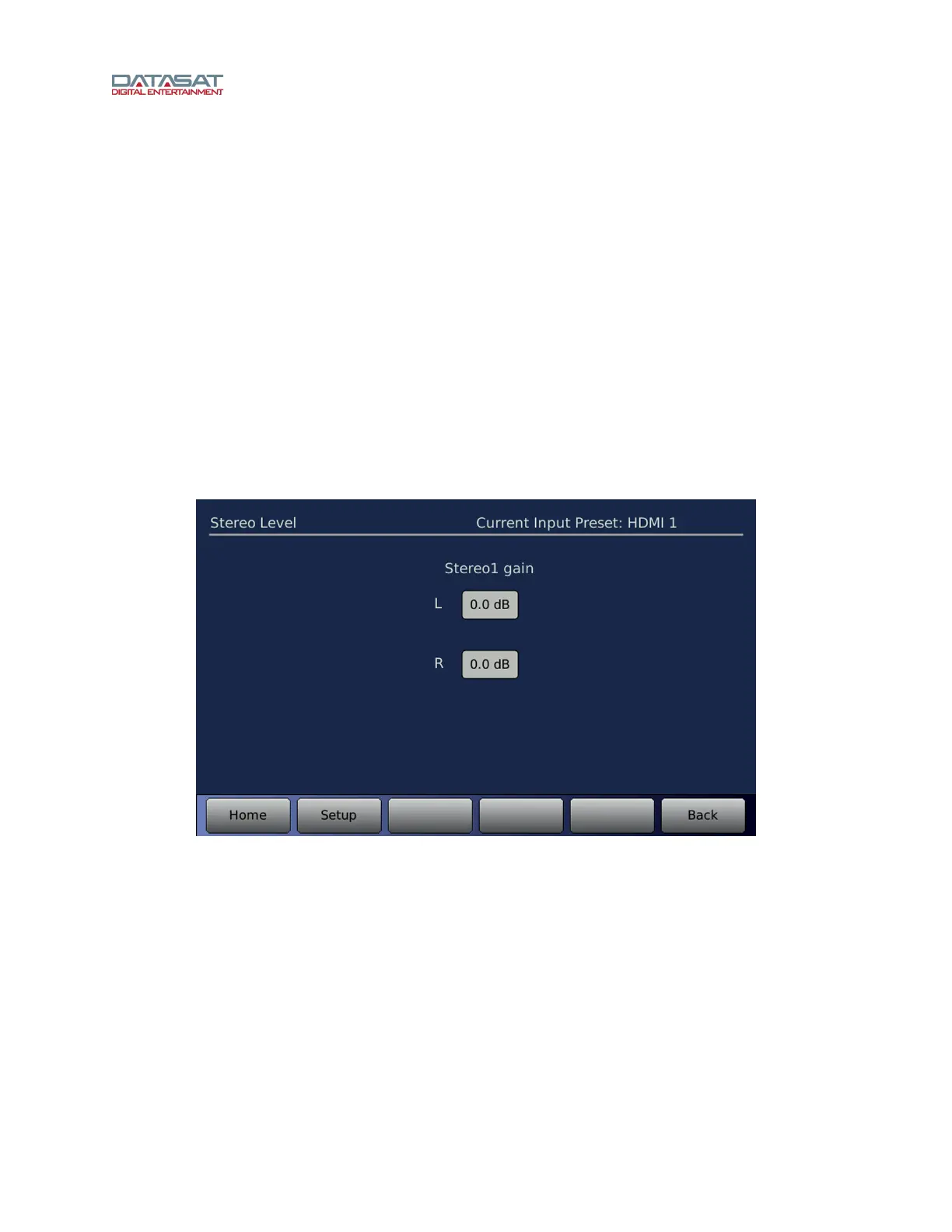
4.3.5.3 Stereo Level
This screen is available for Input Presets that use the Stereo1 or Stereo2 input source.
Setup > Inputs > Input Options > Stereo Level
Figure 28. Stereo Level
Select Left or Right and adjust the gain (-6.0dB to +6.0dB) using the Volume control knob on the front
panel.



 To Next Page