2
Copy Operations
2-70 ineo+ 650/550/451
2.20 Registering copy programs (Mode Memory)
Frequently used copy settings can be stored together as a program to easily be recalled. A maximum of 30
programs can be registered.
A name of up to 16 characters can be specified for the registered copy programs.
1 Using the touch panel and control panel keys, specify the copy settings to be registered in the copy
program.
?
Can the current settings be checked?
% To check the currently specified copy settings, touch [Check Job] in the left panel, and then touch
[Job Details].
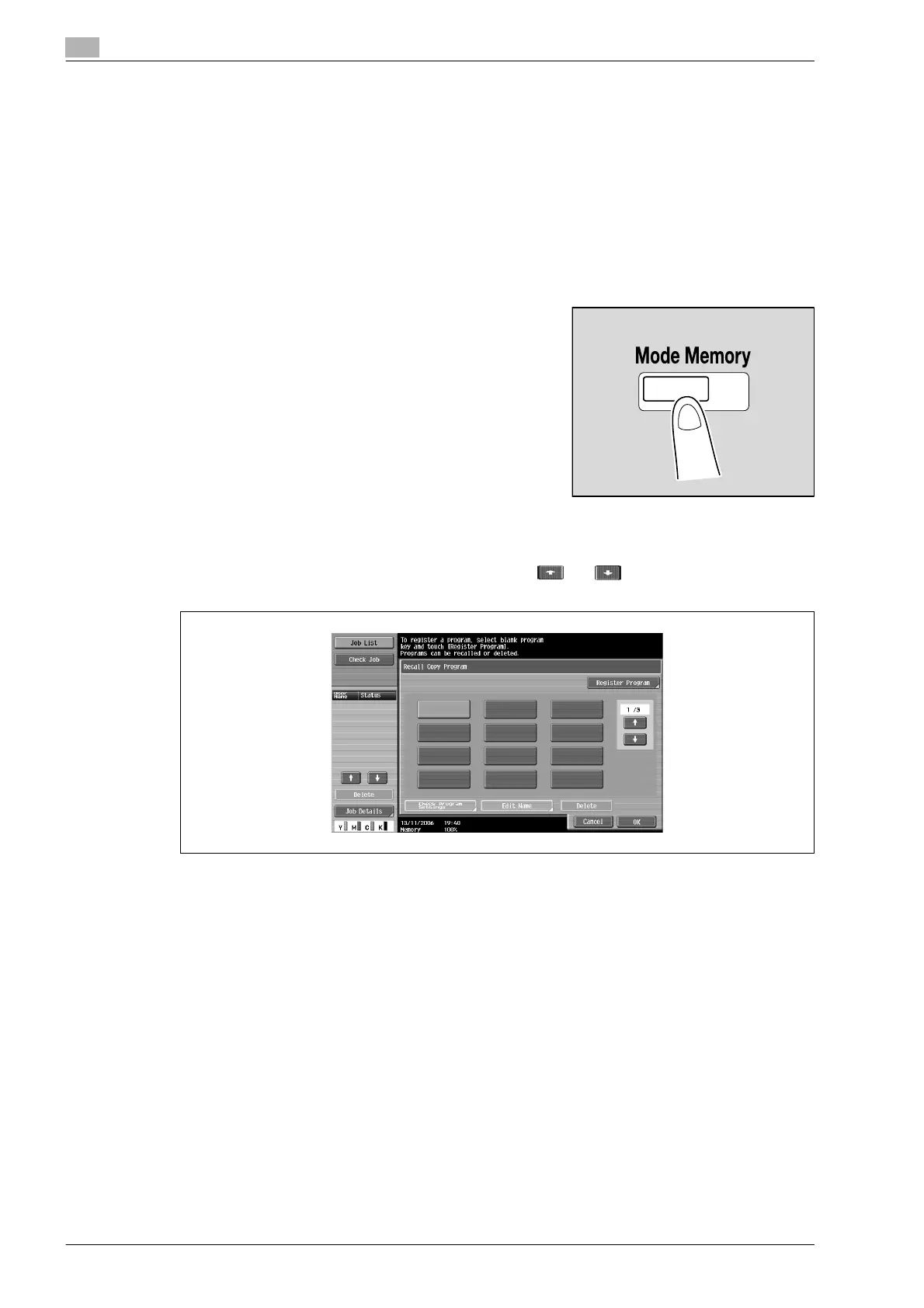
2 Press the [Mode Memory] key.
The Recall Copy Program screen appears.
3 From the copy program buttons that appear in the screen, touch the button where you wish to store
the copy settings, and then touch [Register Program].
– There are three Recall Copy Program screens. Touch and to display a different screen.
– If 30 copy programs have been registered, delete an unnecessary copy program.
The Register Copy Program screen appears.












 To Next Page