4
Box Operations
4-18 ineo+ 650/550/451
4.4 Overview of document organizing
Available operations in the file document screen
The following operations can be performed from the File Document screen.
From the File Document screen, documents in the following user boxes can be organized. The operations
that can be performed with some user boxes may be limited. The limitations on the operations are shown
below.
o available
e not available
!
Detail
Documents can be moved or copied between public user boxes, personal user boxes and group user
boxes.
When organizing documents in the Secure Print User Box, the ID and password for the confidential
document must be entered.
Checking documents saved in user boxes
The following procedure describes how to check the list of documents saved in a user box.
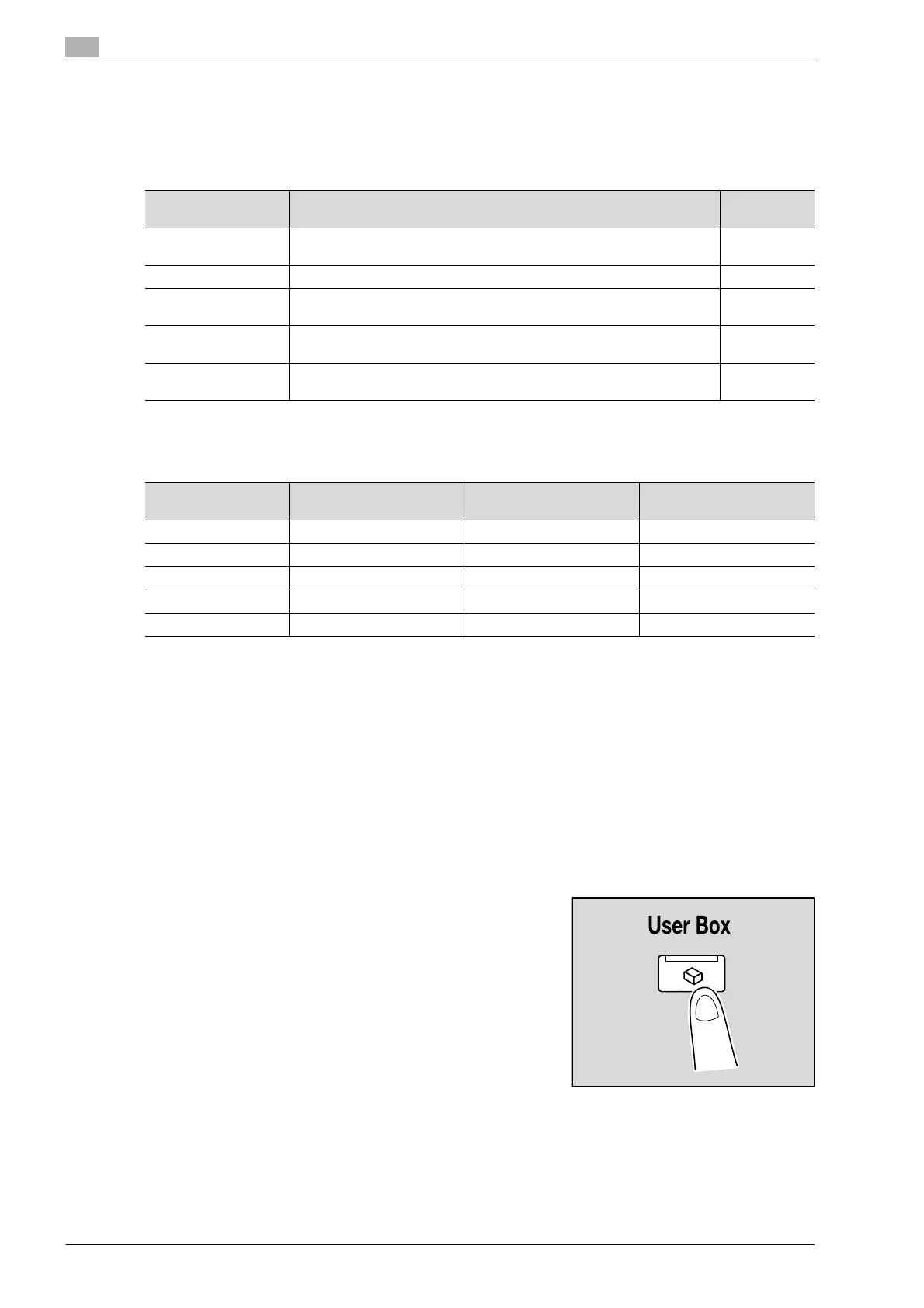
1 Press the [User Box] key in the control panel.
Operation Description Page refer-
ence
Delete Data that is no longer needed, for example, documents that have already
been printed or transmitted, can be deleted.
p. 4-23
Edit Name The name of a saved document can be changed. p. 4-24
Move Document data that is currently saved in a user box can be moved to a dif-
ferent public user box/personal user box/group user box.
p. 4-26
Copy Document data currently saved in a user box can be copied to a different
public user box/personal user box/group user box.
p. 4-28
Document Details The date and time when the document was saved and a preview image can
be checked.
p. 4-30
Operation Public/personal/group
user boxes
Annotation User Box Secure Print User Box
Delete ooo
Edit Name ooo
Move oe e
Copy oe e
Document Details ooo












 To Next Page