5
Network Scanner Operations
5-40 ineo+ 650/550/451
Frame erase (Erase)
An area around the edge of the document can be erased. Areas with a width of 0.1 to 50 mm can be specified
separately for the left and right sides and the top and bottom.
2
Note
If a width to be erased around the document is specified with "Frame Erase" with the "Book Scanning"
function, the same settings are also applied on the Frame Erase screen (displayed from the Erase
screen).
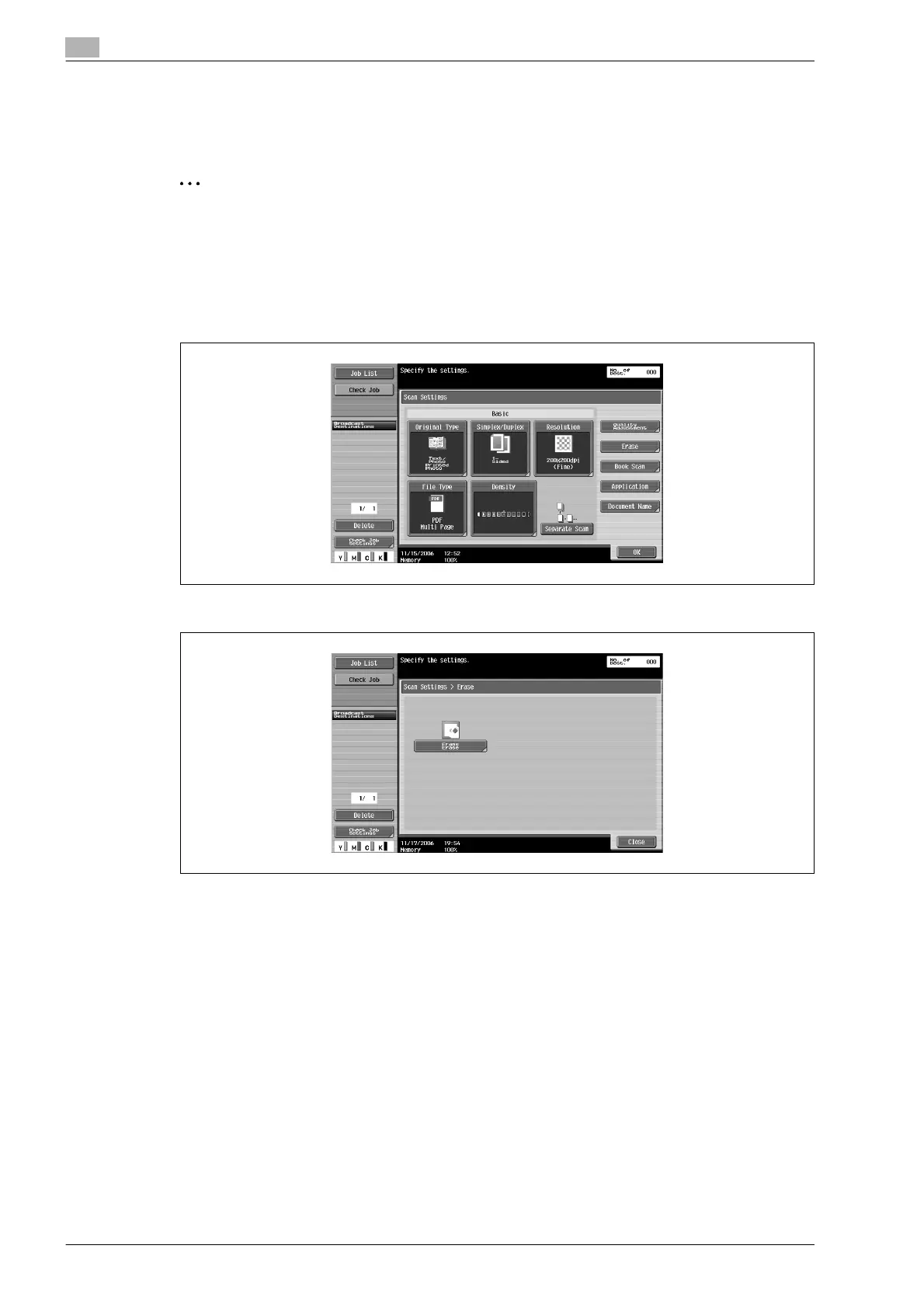
1 Touch [Scan Settings] in the Fax/Scan mode screen.
2 Touch [Erase].
3 Touch [Frame Erase].












 To Next Page