4
Box Operations
4-34 ineo+ 650/550/451
4.10 Overview of document printing
Available operations in the use document screen
The following operations can be performed from the Use Document screen.
From the Use Document screen, documents in the following user boxes can be printed and transmitted. The
operations that can be performed with some user boxes may be limited. The limitations on the operations are
shown below.
o available
e not available
Checking documents saved in user boxes
The following procedure describes how to check the list of documents saved in a user box.
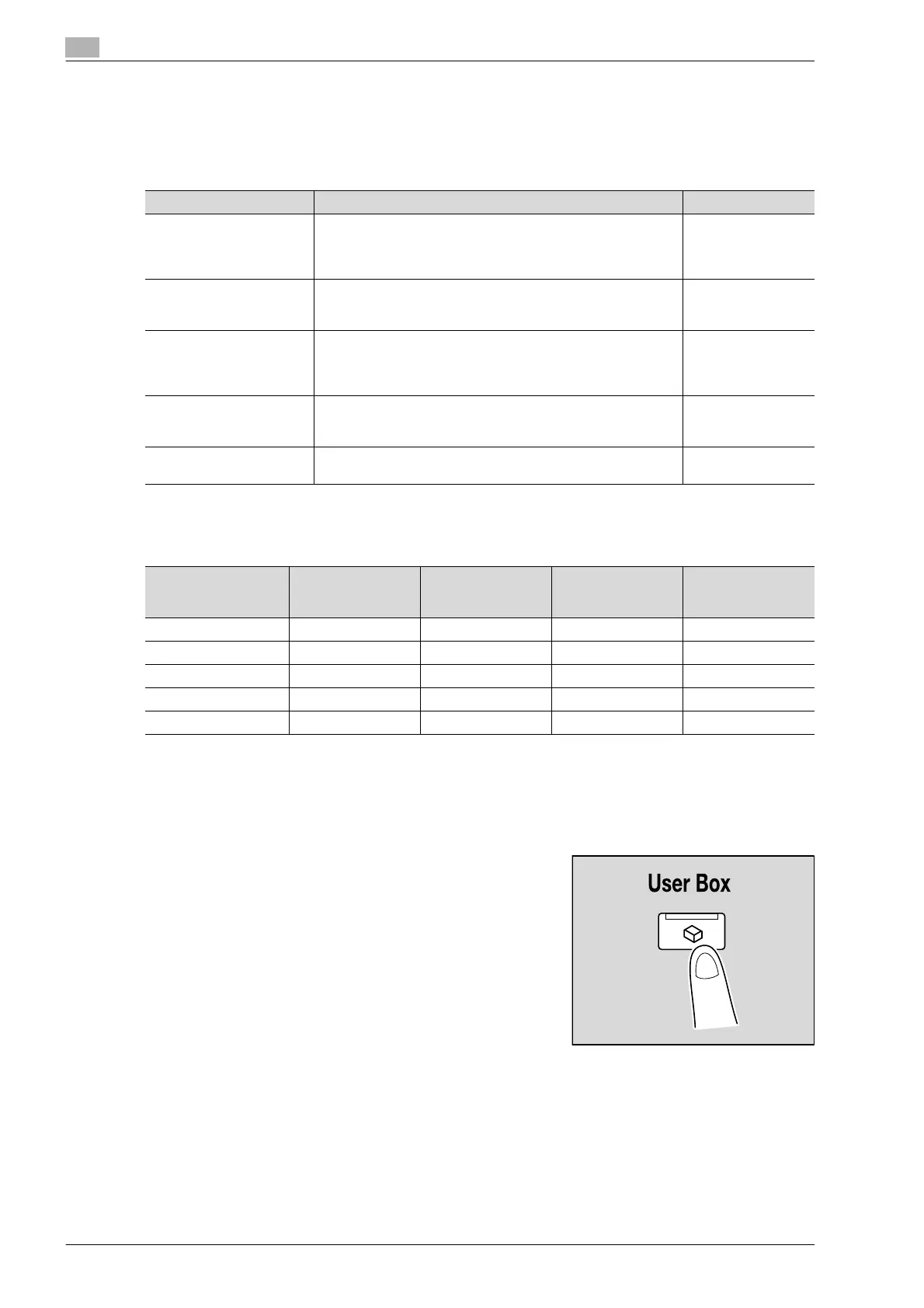
1 Press the [User Box] key in the control panel.
Operation Description Page reference
Print Documents saved in user boxes in Copy mode, Fax/Scan mode
or Print mode can be printed. Finishing settings, such as the
number of copies and double-sided printing, can be added
when the document is printed.
p. 4-37
Send Documents saved in user boxes in Fax/Scan mode or Print
mode can be sent by e-mail. Finishing and transmission set-
tings can be added when the document is transmitted.
Combine Multiple documents within the same user box can be combined
and printed. Finishing settings, such as the number of copies
and double-sided printing, can be added when the document is
printed.
p. 4-43
Bind TX Multiple documents within the same user box can be combined
and transmitted. Finishing and transmission settings can be
added when the document is transmitted.
Document Details The date and time when the document was saved and a pre-
view image can be checked.
p. 4-30
Operation Public/person-
al/group user box-
es
Annotation User
Box
Secure Print User
Box
Encrypted PDF
User Box
Print oooo
Send ooe e
Combine oe e e
Bind TX oe e e
Document Details oooo












 To Next Page