2
Copy Operations
2-136 ineo+ 650/550/451
2.38 Printing the date/time or page number on copies
("Stamp/Composition" functions)
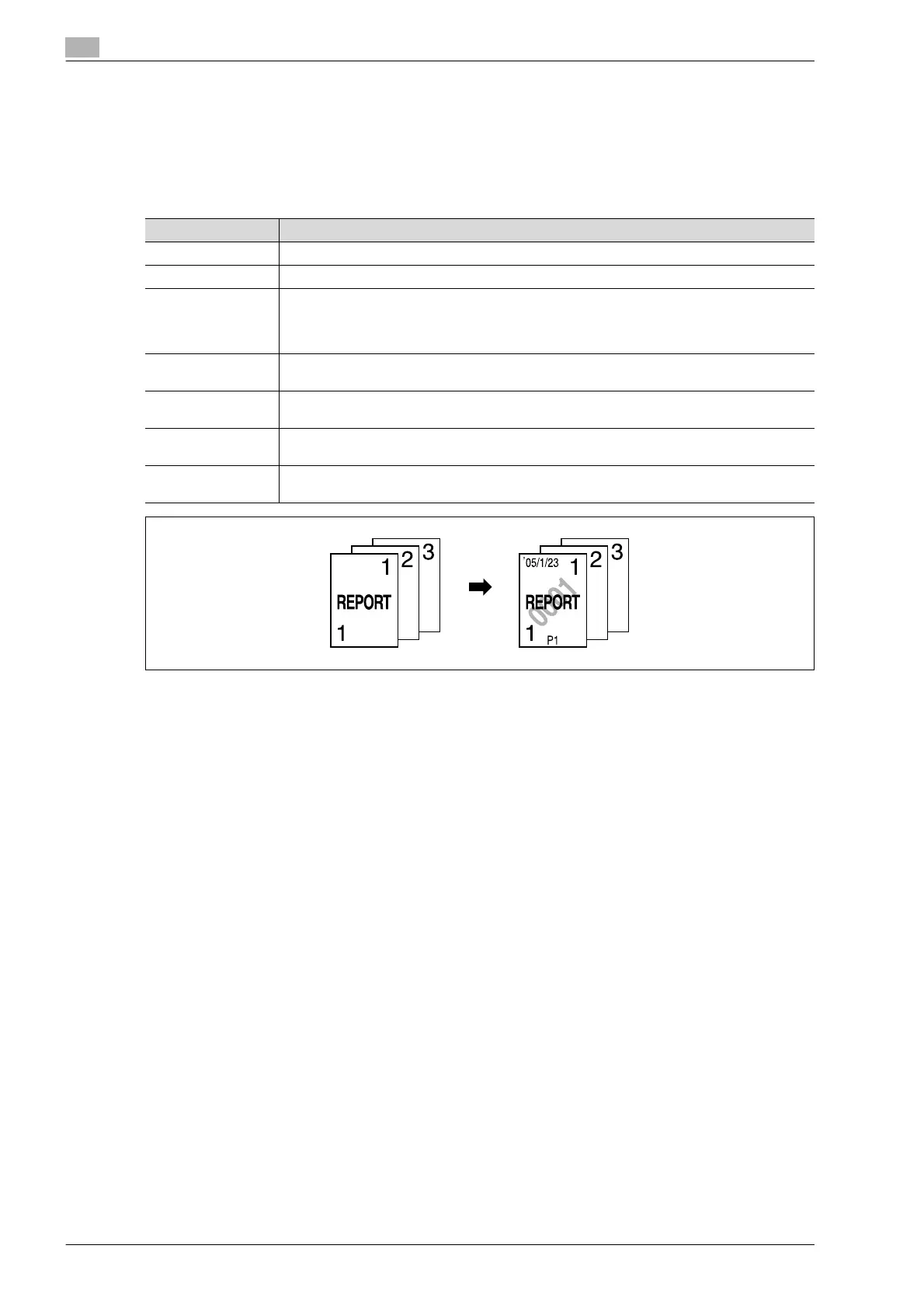
The date/time or page number can be added to copies at the specified location, or a distribution number can
be added when multiple copies are made.
The following Stamp/Composition functions are available and can be combined.
Function Description
Date/Time Select a format and print the date or time on the specified pages.
Page Number Select a format and print page numbers starting with the specified page number.
Stamp • Preset Stamp
Print copies with previously stored preset stamps overlapping pages.
• Registered Stamp
Print copies with a stamp registered with the Copy Protection Utility overlapping pages.
Copy Protect Print copies with copy protection text (hidden text that prevents unauthorized copying), such
as a preset stamp or the date.
Stamp Repeat Print copies with text (such as registered stamps, preset stamps or the date) repeating
throughout the page.
Overlay Copies can be printed with the contents of the first document page overlapped by (as an over-
lay image) the remaining document pages.
Header/Footer The date and time or a distribution number can be printed on each page.
This function is available only when specified by the administrator.












 To Next Page