ineo+ 650/550/451 7-3
Fax Operations (Option)
7
7 Fax Operations (Option)
7.1 General fax operation
This section contains information about general operations for sending a fax.
!
Detail
Color faxes cannot be sent and received. Use scan functions to send a colored fax.
Sending a fax
!
Detail
The procedure for faxing a single-sided original using basic operations is explained here. Various
functions that make sending faxes more convenient are provided in this machine.
1 Press [Fax/Scan] key to display the Fax/Scan screen.
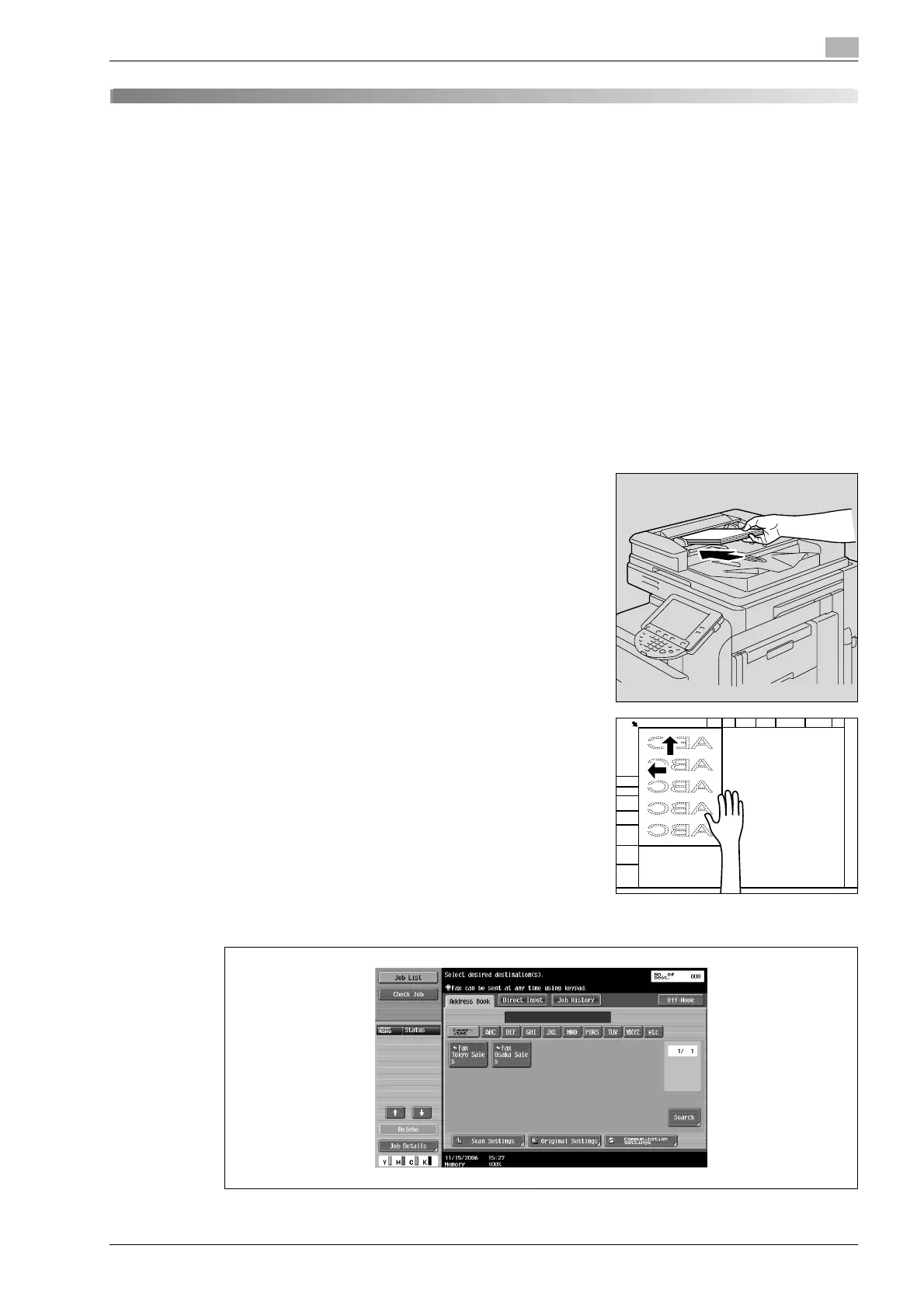
2 Position the original to be faxed.
– For details on positioning the original, refer to "Loading the
original" on page 7-6.
3 Touch [Scan Settings], specify the desired function and touch [OK].












 To Next Page