5
Network Scanner Operations
5-28 ineo+ 650/550/451
5.5 Specifying scan and transmission settings (Scan settings/original
settings/communication settings)
Settings that can be specified
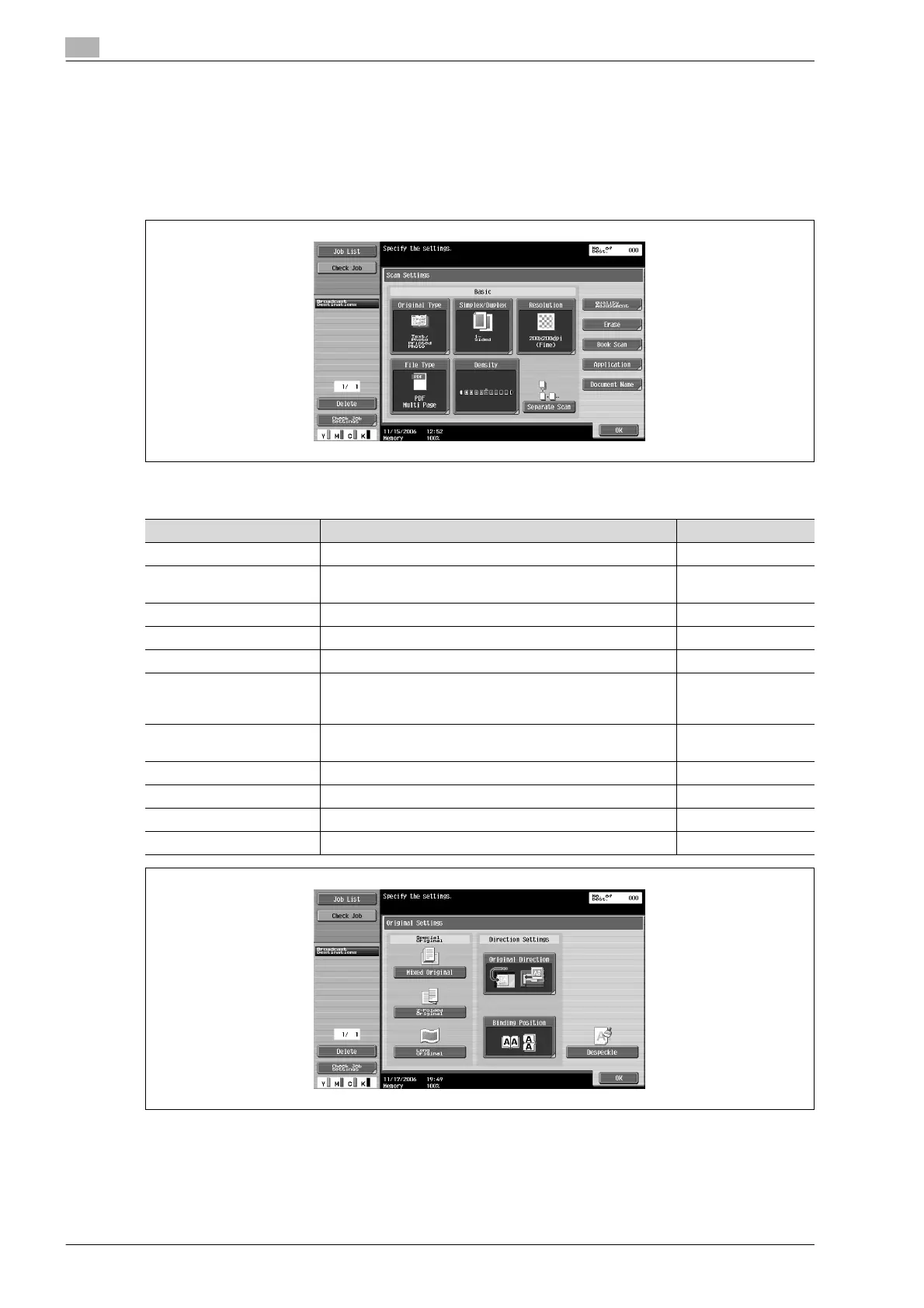
In the Fax/Scan mode screen, touch [Scan Settings], [Original Settings] or [Communication Settings] to
specify detailed settings for scanning and sending. Settings can be specified for the following.
Scan Settings
Parameter Description Page reference
Original Type Select the quality of the document to be scanned. p. 5-30
Simplex/Duplex Select whether a single-sided or double-sided document is to
be scanned.
p. 5-31
Resolution Select the resolution for scanning. p. 5-32
File Type Select the file format for the scan data to be saved. p. 5-33
Density Select the density for scanning. p. 5-35
Separate Scan The scan operation can be divided into several sessions
when all pages of a document cannot be loaded into the ADF
or when placing the document on the original glass.
p. 5-36
Quality Adjustment Adjust the image quality, such as the background, color and
sharpness.
p. 5-36
Erase Specify settings for the "Erase" function. p. 5-40
Book Scan Set the "Book Scanning" function. p. 5-41
Application Specify settings for the scan size, filing numbers, etc. p. 5-45
Document Name Specify the name that the document is saved with. p. 5-60












 To Next Page