ineo+ 650/550/451 5-35
Network Scanner Operations
5
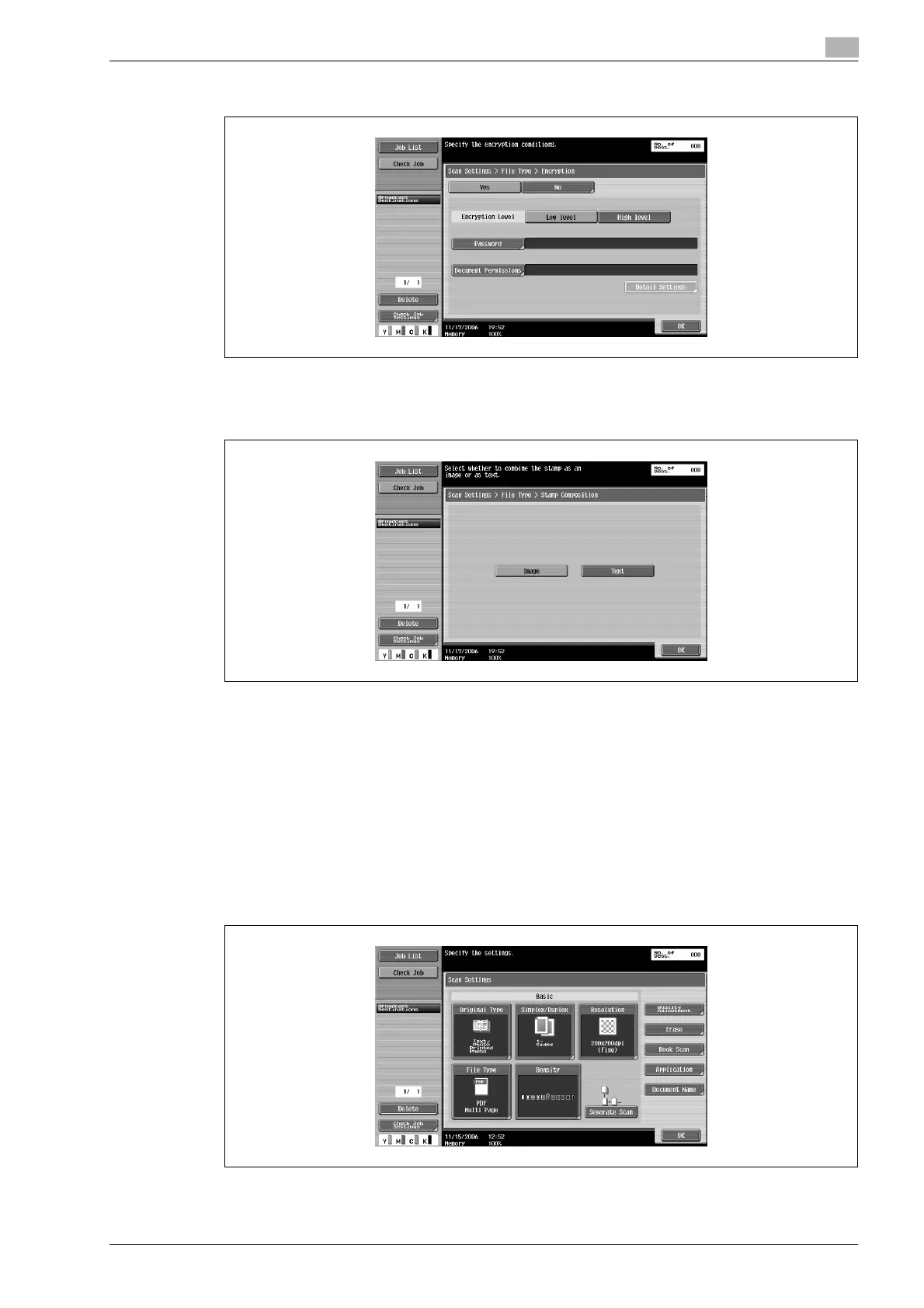
5 Specify the encryption settings.
6 To specify the stamp combination method, touch [Stamp Composition].
7 Select the desired stamp composition.
8 Touch [OK].
9 Select the scan setting.
10 Touch [OK], and then touch [OK] in the next screen that appears.
Density
Adjust the density for scanning.
1 Touch [Scan Settings] in the Fax/Scan mode screen.
2 Touch [Density].












 To Next Page