ineo+ 650/550/451 3-25
Print Operations
3
Editing an overlay file
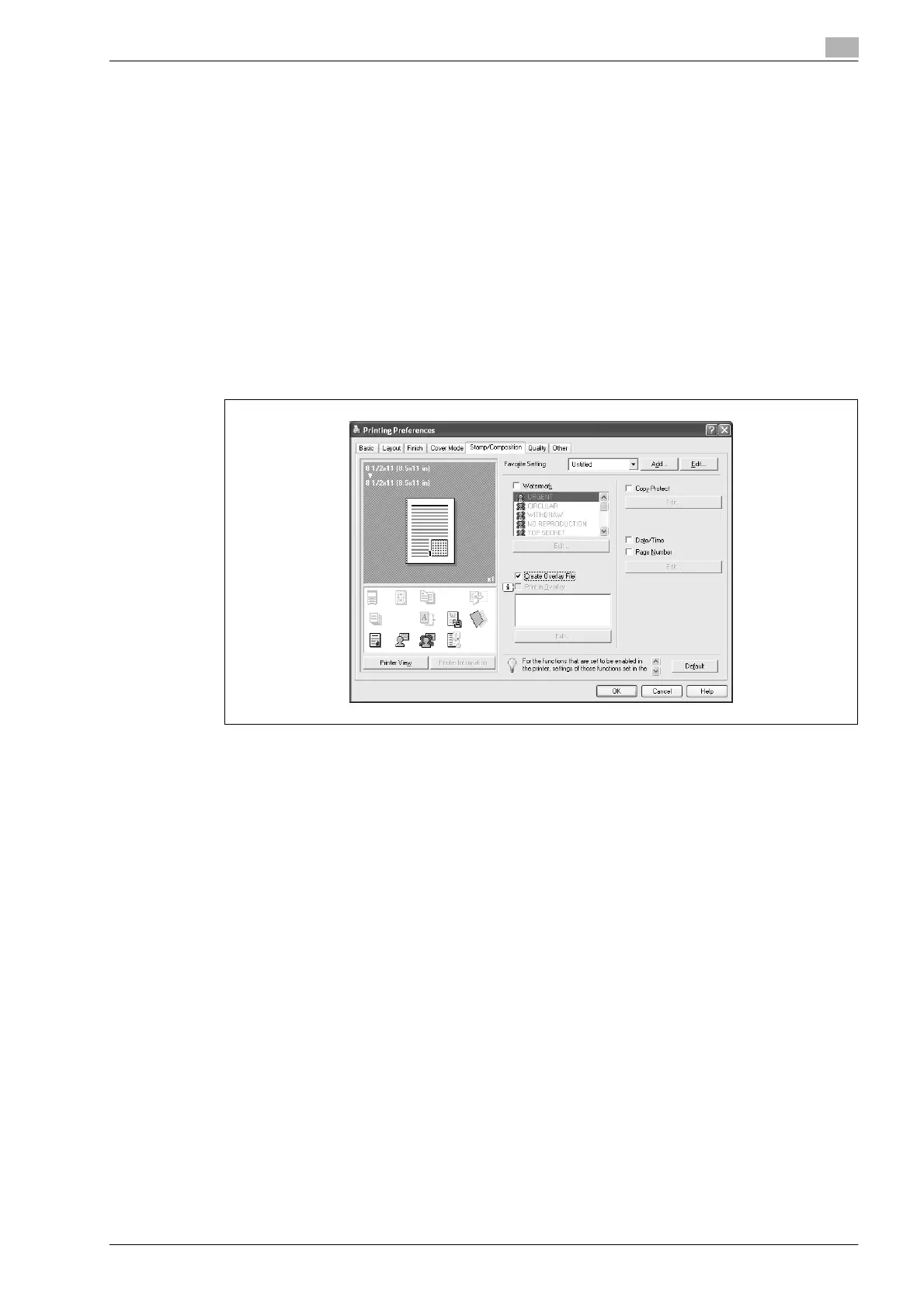
To use an overlay, an overlay file must be created and added to the overlay file list. You can create and save
a new overlay file by selecting the "Create Overlay File" check box, specifying the document that you want
to create as an overlay file, then clicking the [Print] button on the Print dialog box. To add an existing overlay
file that was created to the list, specify the file.
Creating an overlay file
1 Create the overlay file data using any application.
2 From the [File] menu, select "Print".
3 Select this machine in "Printer Name", and then click the [Properties] button or the [Preferences] button.
4 Click the Stamp/Composition tab.
5 Select the "Create Overlay File" check box.
6 Click the [OK] button.
The Print dialog box appears again.
7 Click the [Print] button.
The dialog box to save the overlay file appears.












 To Next Page