6
Web Connection Operations
6-30 ineo+ 650/550/451
If "Internet Fax" was selected
2
Note
"Internet Fax" appears if the Internet fax operation is available.
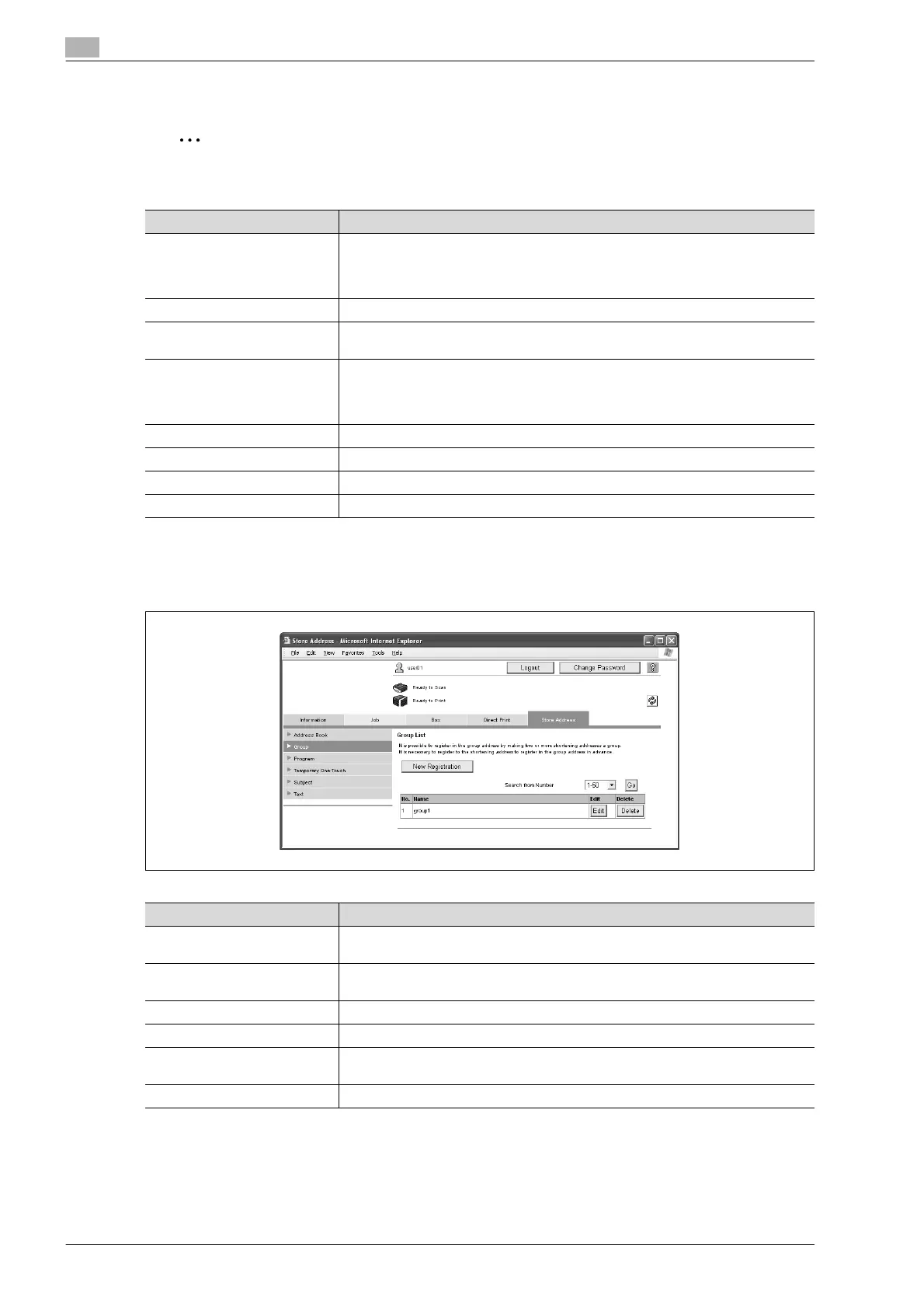
Group
The list of currently registered group destinations can be displayed, and destinations can be registered or
their settings can be changed.
Item Description
No. Specify the registration number.
Select "Use opening number" or "Direct Input". If "Direct Input" is selected, type in
the number. If "0" is specified, the user box is automatically registered with the next
available number.
Name Type in the name of the destination (up to 24 characters).
Index Select the index characters for the destination. To normally display the destination
in the touch panel, check the "Main" check box.
Limiting Access to Destinations Select the display level for the destination.
If "Search from Reference Allowed Group" is selected, click the [Search from List]
button, and then select an access permission group from the list. If "Set direct Ref-
erence Allowed Level" is selected, select a level.
E-Mail Address Type in the address of the destination (up to 320 characters).
Resolution Select the resolution.
Paper Size Select the paper size.
Compression Type Select the compression method.
Item Description
[New Registration] button Click this button to register a new destination. For details, refer to "Registering a
group destination" on page 6-31.
Search from Number Select a range of registration numbers, and then click the [Go] button to display the
list of destinations with the displayed numbers.
No. Displays the registration number.
Name Displays the name of the registered destination.
[Edit] button Click this button to display a page for changing the settings and editing the regis-
tered destination. The settings are the same ones available during registration.
[Delete] button Click this button to display a page to delete the registered destination.












 To Next Page