ineo+ 650/550/451 7-19
Fax Operations (Option)
7
7.6 Sending a fax using a program destination
When a program address has been registered, a fax can be sent by specifying the registered program button.
If transmission settings (Original type and original specification etc.) are registered by a program key, a fax
can be sent by simply touching that button without the need for specifying function settings each time.
It is also possible to register a group button in 1 program button to send a fax once or register a time and
send faxes at the same time each day.
To send a fax after specifying a program destination
1 Press [Fax/Scan] key, and the Fax/Scan screen is displayed.
2 Load the original to be faxed.
– Refer to "Loading the original" on page 7-6 for details on loading the original.
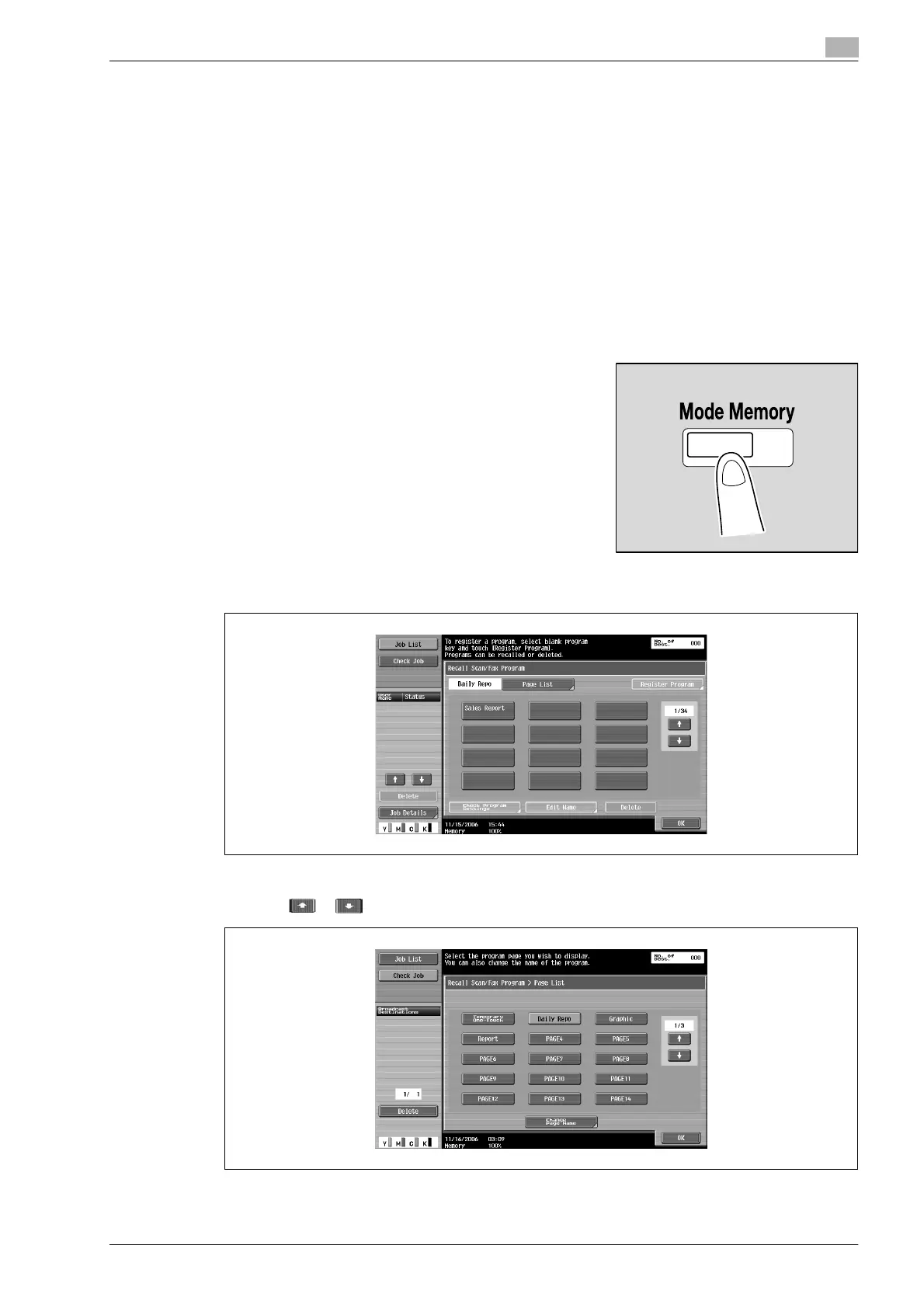
3 Press [Mode Memory] key.
4 Touch [Page List].
5 Touch the page button in which the desired program destination is registered, and then touch [OK].
– Touch or to display the previous or next page button screen.












 To Next Page