ineo+ 650/550/451 6-3
Web Connection Operations
6
6 Web Connection Operations
The User mode provides functions for checking and operating the machine on a user level. You can select
from five tabs (Information, Job, Box, Direct Print, and Store Address). This section contains descriptions of
the items in the menu that appears on the left side of the page when each User mode tab is clicked.
6.1 Information tab
On the Information tab, information and settings concerning the system configuration of the machine are
displayed.
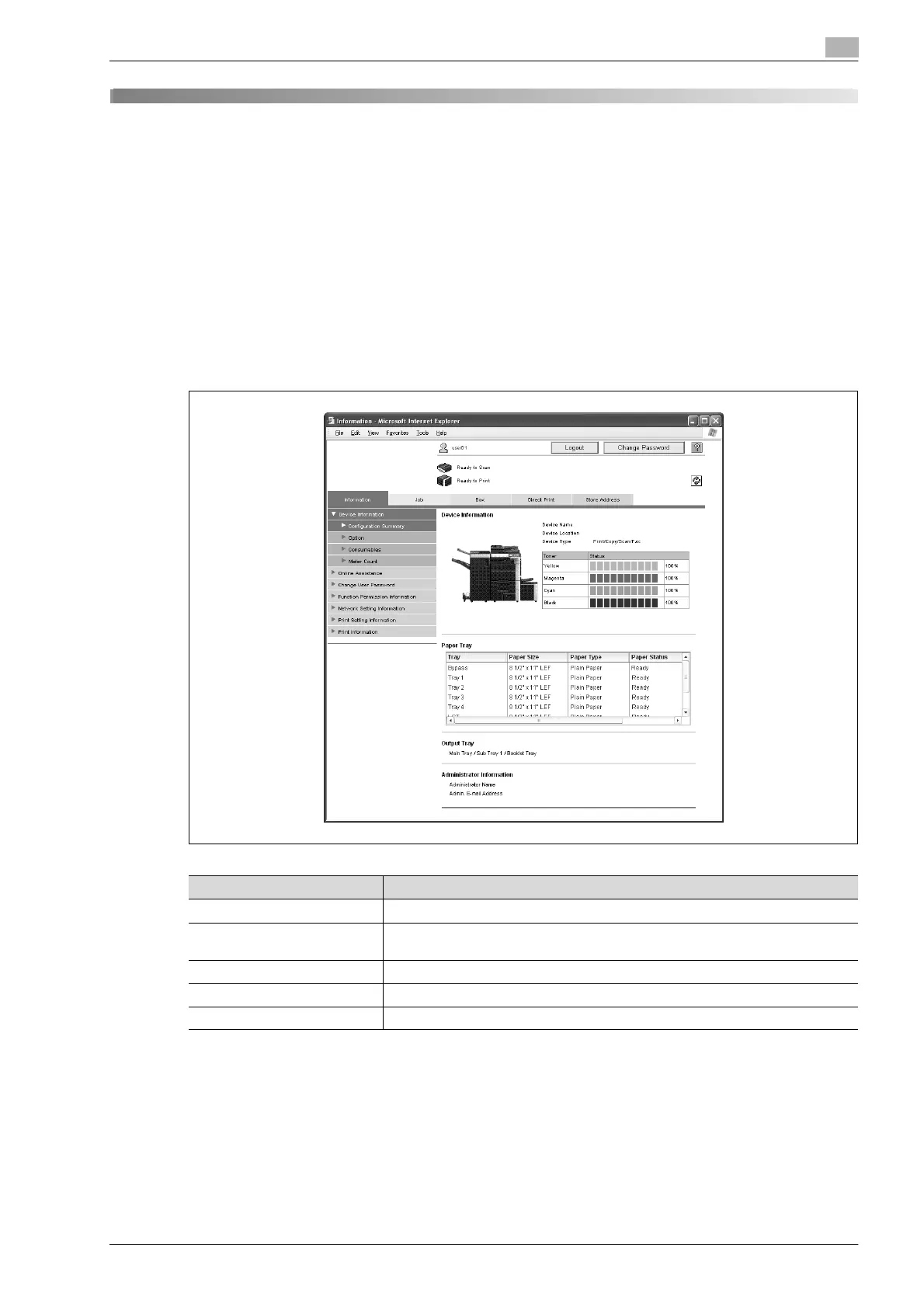
Device Information - Configuration Summary
The system configuration and status of the machine are displayed. This is the first page that appears when
the machine is accessed with Web Connection.
!
Detail
If "HTML" was selected as the display format during logon, select a paper tray under "Paper Tray", and
then click the [Detail] button to view detailed information.
For details on displaying information about unavailable features, contact your technical representative.
Item Description
Device Information Displays device information and the toner status.
Paper Tray Displays the name of each installed paper tray, the size and type of the loaded pa-
per, the remaining paper quantities and the paper capacities.
Output Tray Displays the name of each installed output tray.
Administrator Information Displays the administrator information.
Unavailable Information Displays the information for paper trays and functions that cannot be used.












 To Next Page