5
Network Scanner Operations
5-66 ineo+ 650/550/451
E-Mail encryption
A setting can be specified for this parameter when "S/MIME Communication Settings" is set to "ON". Select
whether or not to encrypt e-mail messages that are sent.
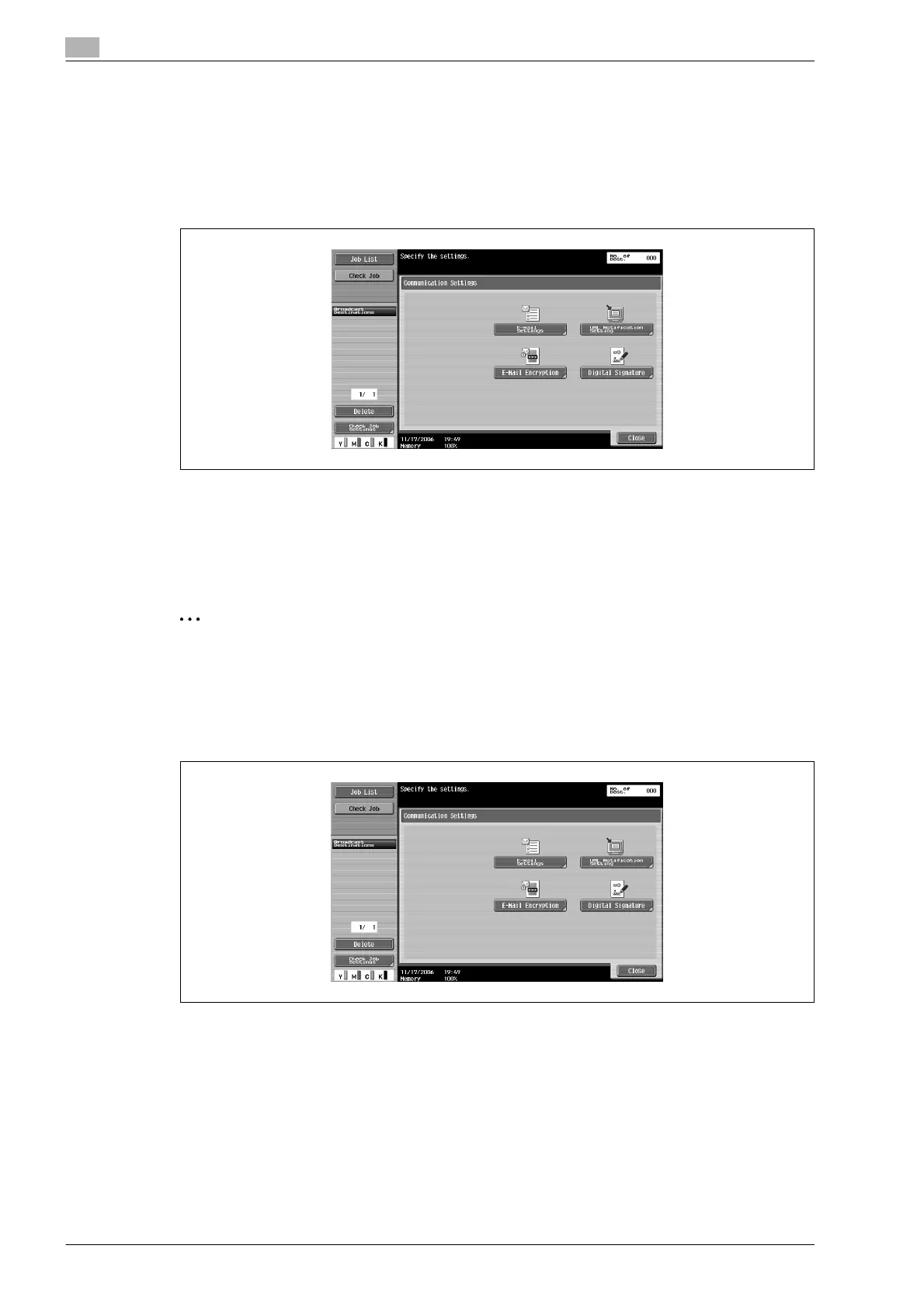
1 Touch [Communication Settings] in the Fax/Scan mode screen.
2 Touch [E-Mail Encryption].
3 Touch [Close], and then touch [Close] in the next screen that appears.
Digital signature
This parameter appears when "S/MIME Communication Settings" is set to "ON". Select whether or not to
add a digital signature to e-mail messages that are sent.
2
Note
This parameter may not be available or may be set to normally sign, depending on the specified S/MIME
communication settings.
1 Touch [Communication Settings] in the Fax/Scan mode screen.
2 To add a digital signature, touch [Digital Signature].
3 Touch [Close], and then touch [Close] in the next screen that appears.












 To Next Page