ineo+ 650/550/451 2-117
Copy Operations
2
2.32 Producing separate copies of each page in a page spread ("Book
Copy" function)
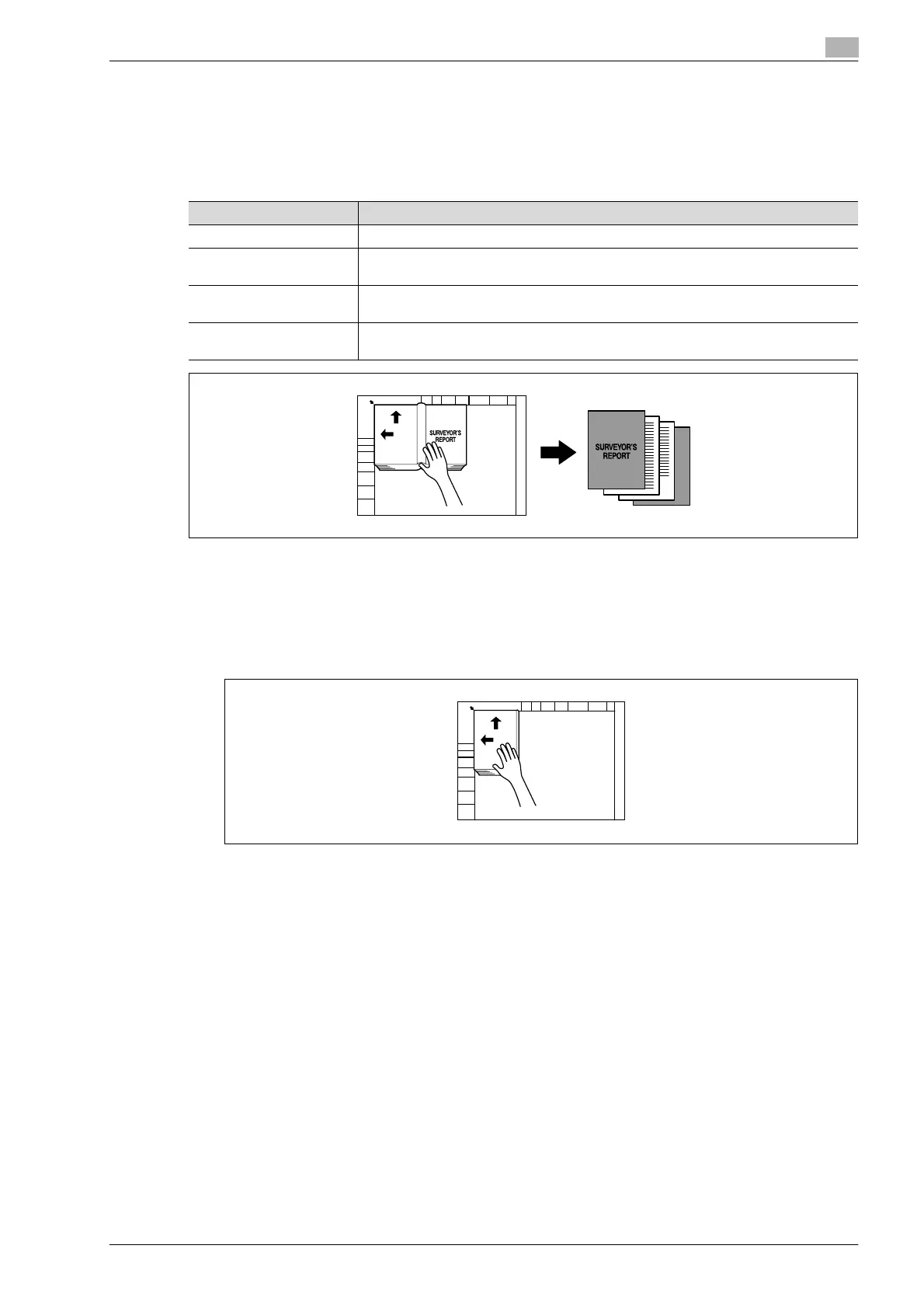
An open book or catalog can be copied with the left and right pages on separate sheets of paper.
The following copy methods are available, and there are settings for adding front and back covers.
0 Place the document on the original glass.
1 Place the pages on the original glass, starting with the first page.
– For details on positioning the document, refer to "Feeding the document" on page 2-26.
– If "Front and Back Cover" was selected, the front cover is scanned before the back cover, and then
all page spreads are scanned in order.
?
How are the front and back covers copied?
% Scan the front cover, then the back cover, and then scan the remainder of the document.
2 Load the paper to be used into the desired paper tray.
Setting Description
Book Spread Both pages of the page spread are printed on the same page.
Separation Separate copies of each page in the page spread are printed in the document page or-
der. The document is scanned to fit the size of paper that will be used.
Front Cover The front cover and separate copies of each page in the page spreads are printed in the
document page order.
Front and Back Cover The front cover, separate copies of each page in the page spreads and the back cover
are printed in the document page order.












 To Next Page