ineo+ 650/550/451 3-53
Print Operations
3
3.15 Printing (PPD driver for Mac OS X)
General settings
1 From the [File] menu, select "Print".
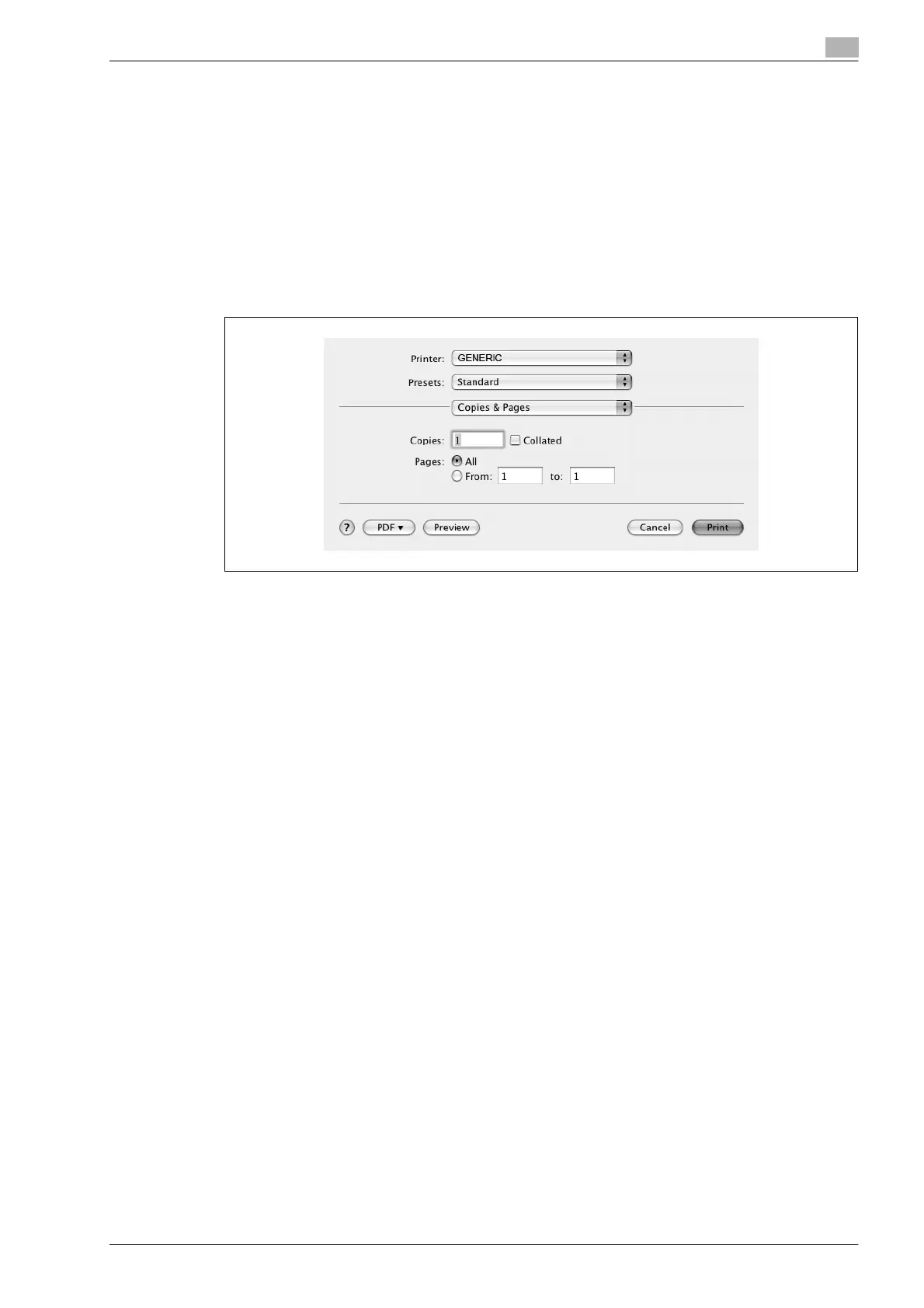
2 Select "Copies & Pages".
3 Specify settings for the following:
– Copies: Specifies the number of copies to print.
– Collated: Prints multiple copies in sets.
– Pages: Specifies the print range to print.












 To Next Page