8
Network Fax Operations (Option)
8-16 ineo+ 650/550/451
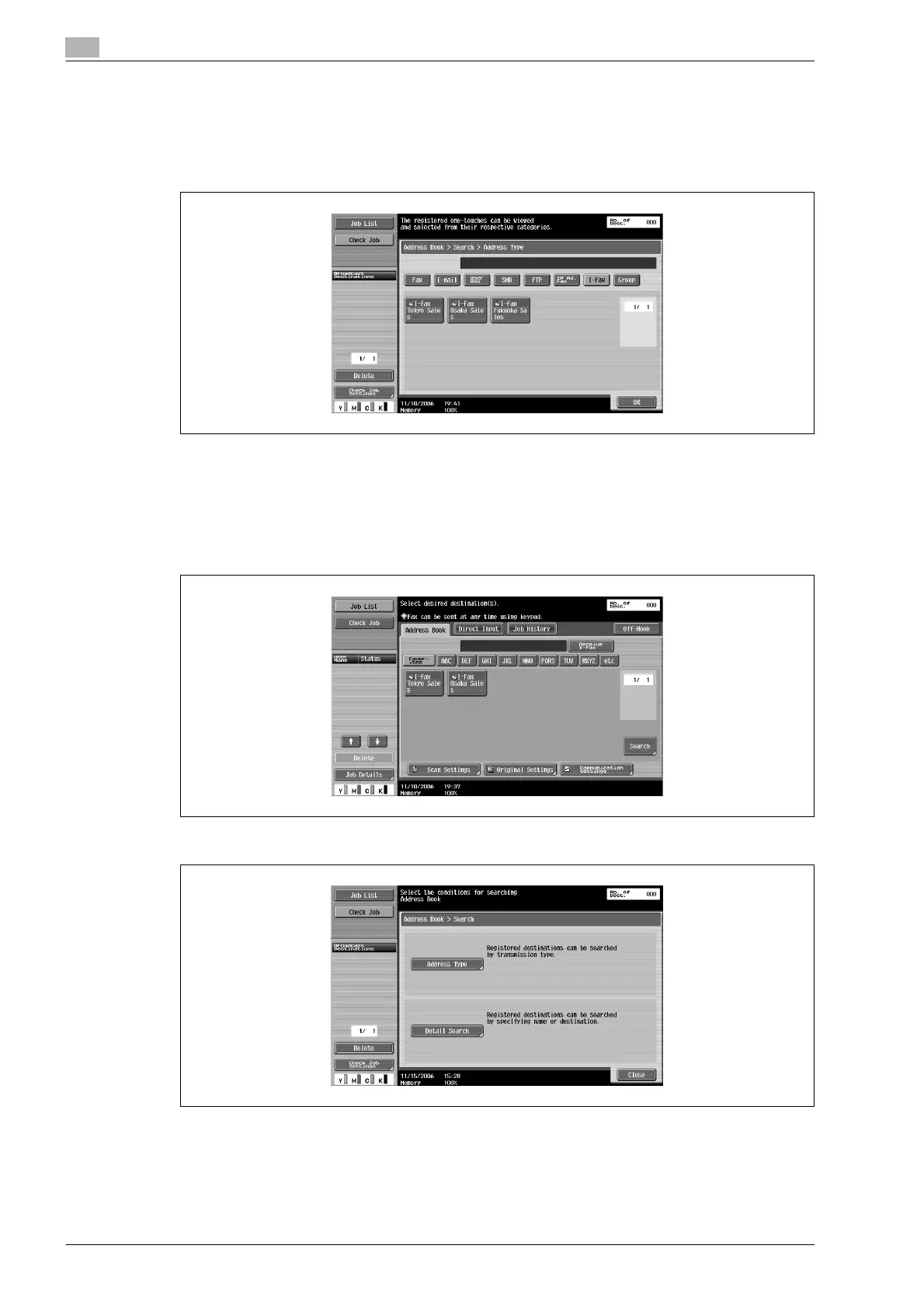
3 Select the destination type.
– When SMTP server capacity is set in E-Mail TX (SMTP) settings of the Utility mode, there is an error
if the size exceeds the set size and transmission is not possible.
– Display of default settings of [Address Book] tab can be changed to address type by Default
Address Book setting.
Desired destination button is displayed.
Searching the registered destination (Detail search)
Destination can be searched from destination name or E-mail address or a part of IP Address.
1 Touch [Search] of [Address Book] tab.
2 Touch [Detail Search].
– When the destination applicable to the entered information is not found, "Search Result: 0" is
displayed and button is not displayed on the screen.












 To Next Page