ineo+ 650/550/451 7-15
Fax Operations (Option)
7
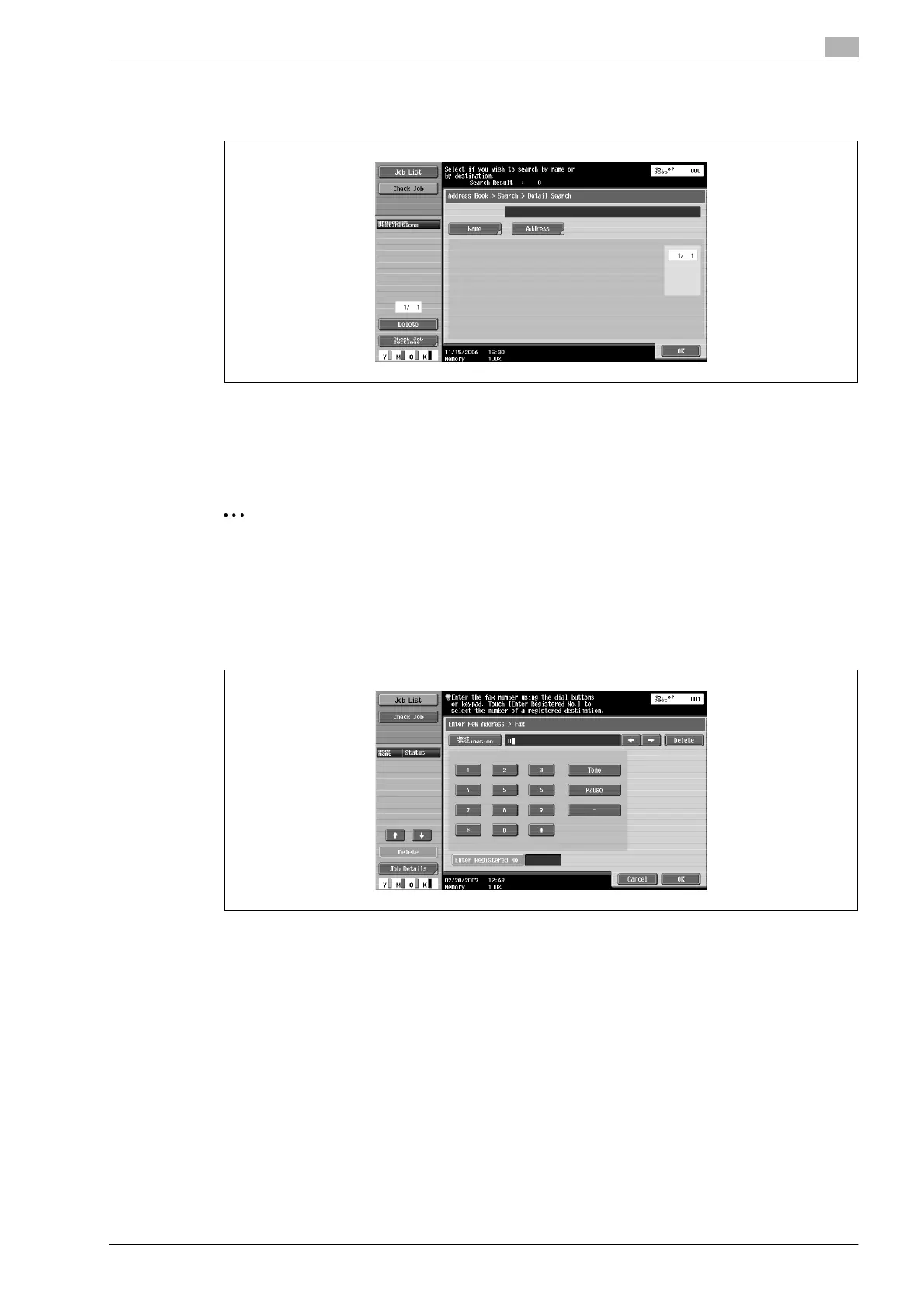
3 Touch [Name] or [Address].
– Enter the name or fax number using the keyboard displayed on the screen and touch [OK].
Desired destination button is displayed.
Specifying by direct input
A destination can be specified by direct input even if the destination is not registered with the address book.
2
Note
When [Manual Destination Input] is forbidden, the [Direct Input] tab is not displayed.
% Enter the fax number of the recipient.
– Enter the fax number of the recipient using the keypad.
– Entered numbers are all cleared by pressing [C] (clear) key.
– To recall a registered address book destination, touch [Enter Registered No.], type in the registration
number for an address book destination, and then touch [Apply].
– Special dialing symbols such as tone, pause, -, etc. are entered if necessary.
[Tone]: If pulse dialing is being used, touch this button to send a push-button tone. Tone is used
when a fax data services, etc are used. "T" appears on the screen.
[Pause]: Touch this button to insert a pause when dialing. Touch [Pause] once to insert a 1-second
pause; multiple pauses can be entered. "P" appears on the screen.
[-]: Entered as a delimiter when dialing. This has no effect on dailing. "-" appears on the screen.
– A fax number can also be entered by using the keypad in the screen that appears after touching
[Direct Input], then [Fax].
– When the keypad is used, the fax number can be entered directly even when [Address Book] tab or
the [Job History] tab is displayed.
– When using a dial (pulse) line, it is possible to change to push tone by just touching [*].
The destination is specified.












 To Next Page