6
Web Connection Operations
6-32 ineo+ 650/550/451
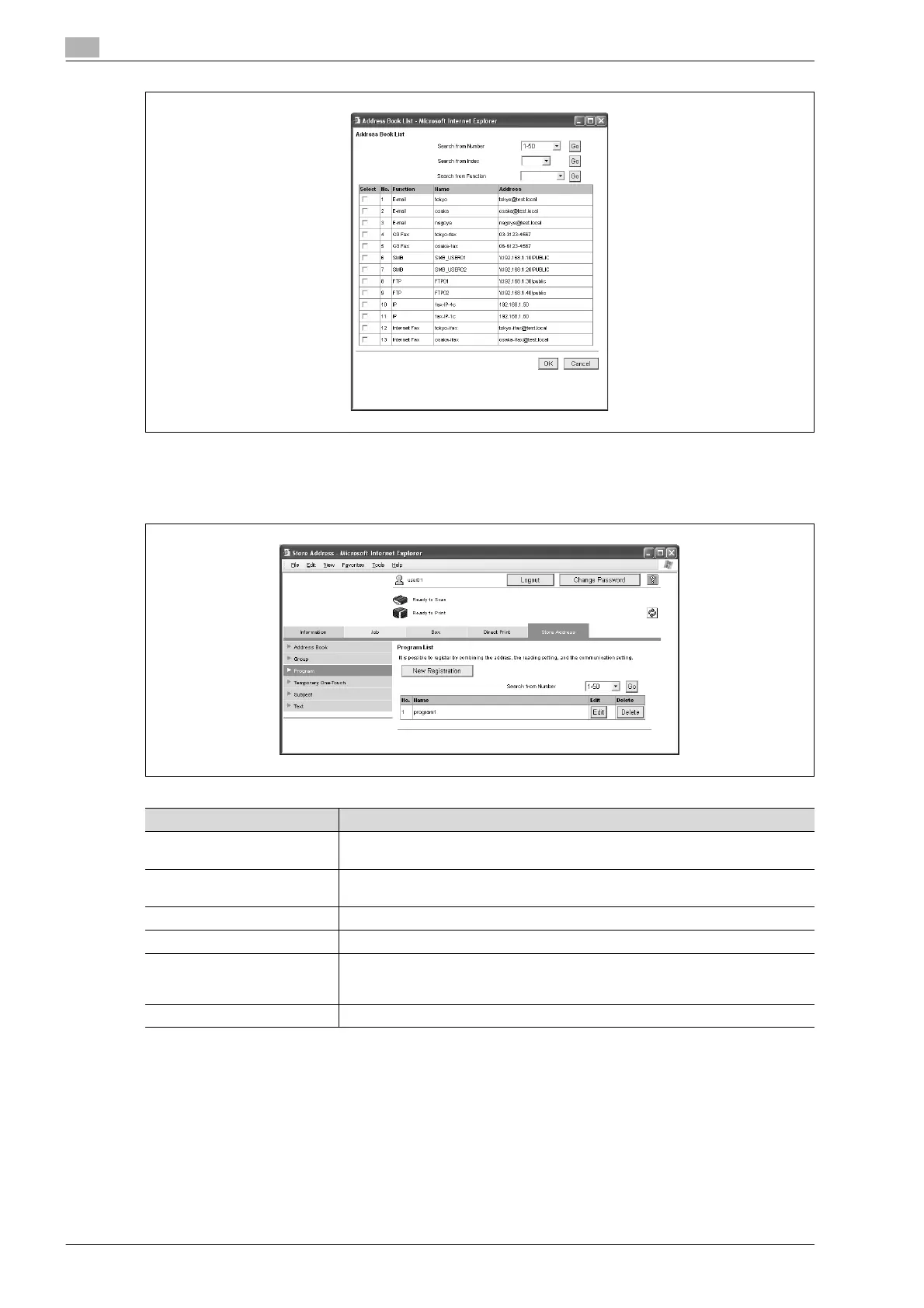
Program
The list of currently registered program destinations can be displayed, and destinations can be registered or
their settings can be changed.
Item Description
[New Registration] button Click this button to register a new destination. For details, refer to "Registering a
program destination" on page 6-33.
Search from Number Select a range of registration numbers, and then click the [Go] button to display the
list of destinations with the displayed numbers.
No. Displays the registration number.
Name Displays the name of the registered destination.
[Edit] button Click this button to display a page for changing the settings and editing the regis-
tered destination. The settings are the same ones available during registration.
Cannot change the registration number.
[Delete] button Click this button to display a page to delete the registered destination.












 To Next Page