ineo+ 650/550/451 2-75
Copy Operations
2
2.22 Displaying function descriptions (Help)
Descriptions of the various functions and details of operations can be viewed.
There are two methods for displaying the Help screens.
- Main Help screens (from the Basic screen)
- Help screens for settings (from screens other than the Basic screen)
Overview of help screens
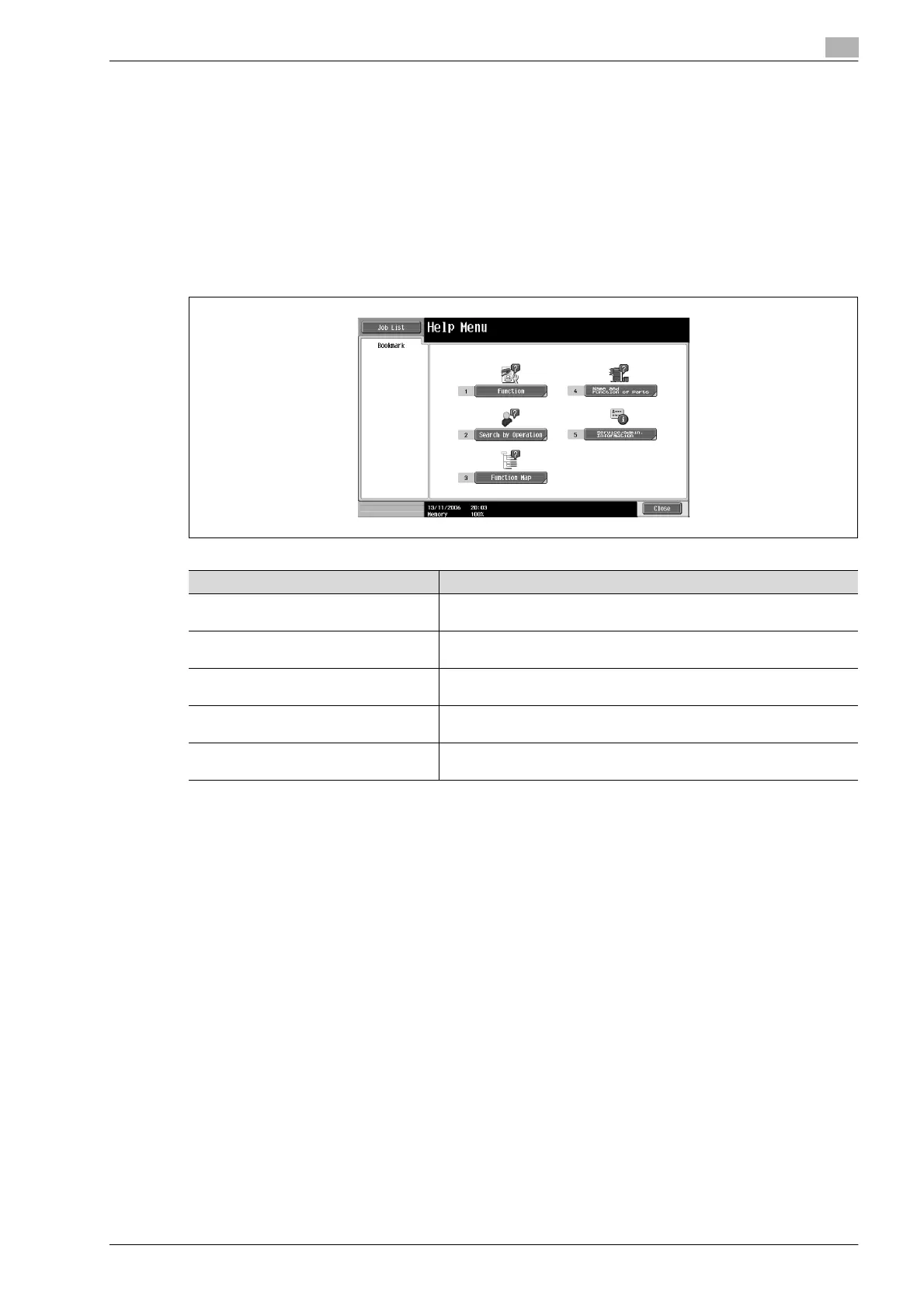
The following items are provided in the Help Menu screen.
Help Menu screen (1st level)
!
Detail
The Help screens cannot be displayed when the following operations are being performed.
While scanning, while printing, while printing a proof copy, during Enlarge Display mode, during
Accessibility mode
While the Help screens are displayed, the following keys are not available.
[Start], [Stop], [C] (clear), [Interrupt], [Proof Copy], [Access], [Mode Memory], [Enlarge Display]
Items in the Help Menu screen and other Help screens can be selected by touching the button or by
pressing the key in the keypad for the number of the desired item.
To display the next screen higher in the menu structure, touch [Close].
Touch [Exit] to exit the Help mode and return to the screen that was displayed before the [Help] key was
pressed.
Item Description
[Function] Use to search for descriptions from a Help menu divided by the function
types and names.
[Search by Operation] Use to search for descriptions from a Help menu divided by the opera-
tions.
[Function Map] Displays the Function Map screen, which contains a chart of the availa-
ble functions and settings.
[Name and Function of Parts] Displays the Help menu for the name and function of each part.
Use to check the description of the main unit and its options.
[Service/Admin. Information] Displays the name, extension number and e-mail address of the admin-
istrator.












 To Next Page