2
Copy Operations
2-76 ineo+ 650/550/451
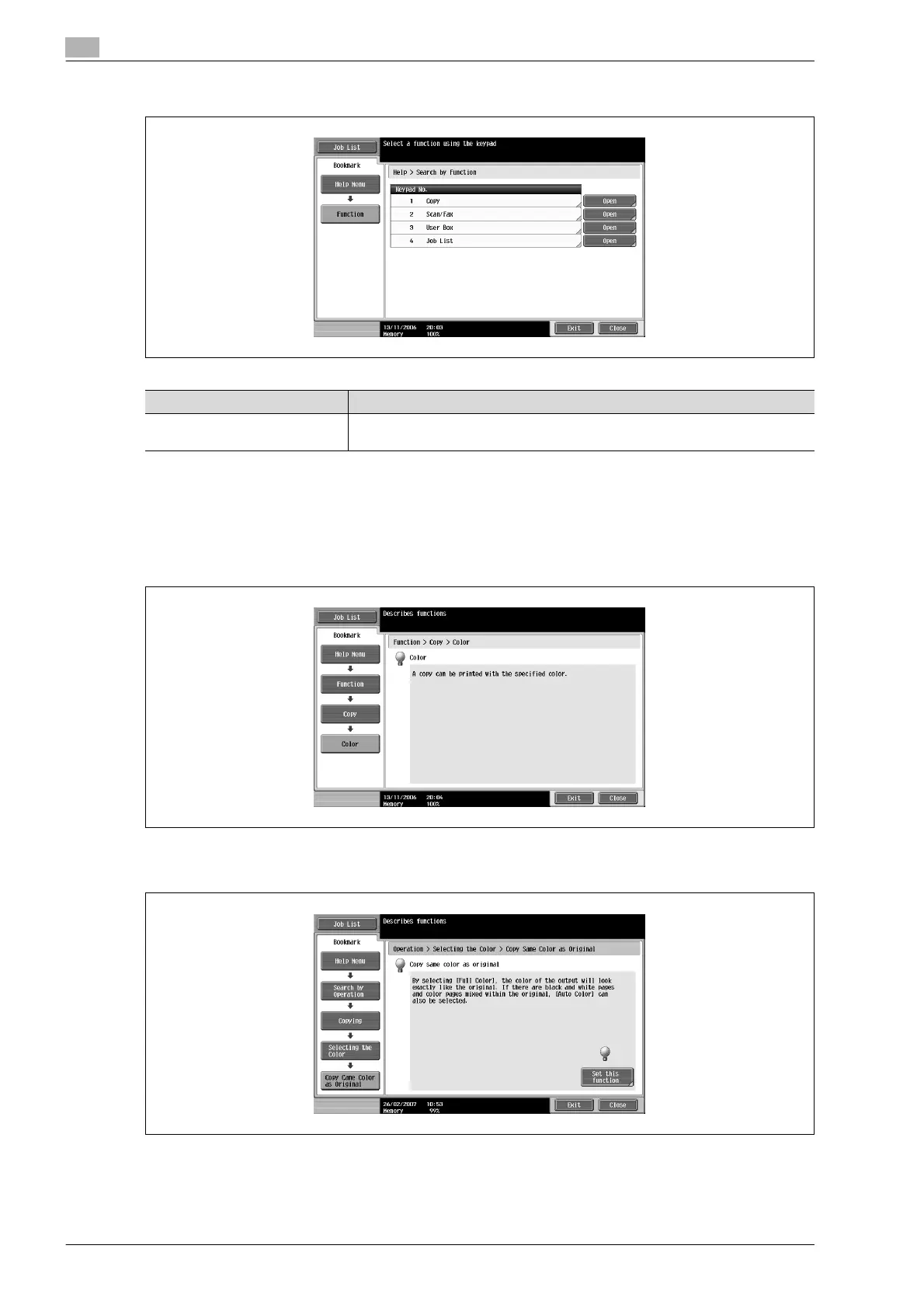
Help screen (2nd level) (Example: Function)
!
Detail
The items displayed in the Help menu for the name and function of each part differ depending on the
options that are installed.
Help screen (bottom level) (Example: Function % Copy % Color)
Help screen (bottom level) (Example: Search by Operation % Copying % Selecting the Color % Copy
same color as original)
Touch [Set this function] in the Copying Help screen to set the selected function.
Item Description
[Copy], [Scan/Fax],
[User Box], [Job List]
Displays the first Help screen for each description.












 To Next Page