3
Print Operations
3-36 ineo+ 650/550/451
Configure tab
2
Note
To display the Configure tab in Windows 2000/XP/Server 2003, right-click the icon of the installed
printer, and then click "Properties".
You cannot use the [Acquire Device Information] function if you are not connected to or able to
communicate with this machine.
Settings tab
2
Note
To display the Settings tab in Windows 2000/XP/Server 2003, right-click the icon of the installed printer,
and then click "Properties".
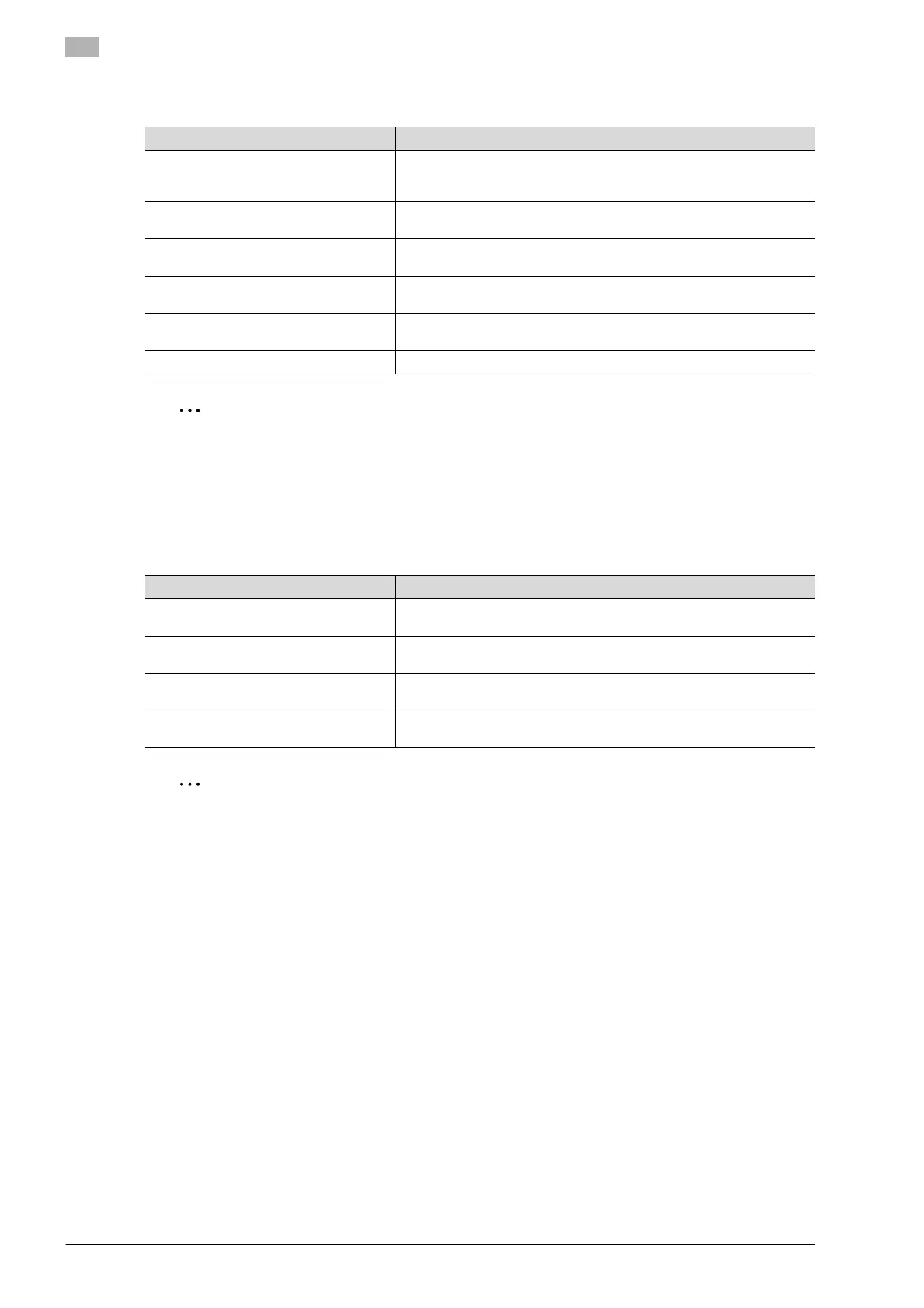
Item Function
Device Option Specifies the status of the options that are installed on this machine and
the status of the user authentication and account track functions. Specify
the status of each item from the "Setting" drop-down list.
Paper Tray Information Shows the paper type specified for each tray. Click the [Paper Tray Set-
tings] button to specify the settings for each paper tray.
Acquire Device Information Communicates with this machine to read the status of the installed op-
tions.
Acquire Settings Specifies the status of the connection that executes getting the option in-
formation.
Encrypt. Passphrase Enters the encryption passphrase when it is user defined by communi-
cating with this machine.
Software Tools Starts up software tools such as Web Connection.
Item Function
Display Constraint Message Displays a message when functions that cannot be specified at the same
time were enabled from the printer driver.
Display paper set in Print Server Proper-
ties.
Uses the paper that was added in [Server Properties] of the printer folder.
Verify Authentication settings before
printing
Verifies the authentication settings for this machine before printing and
displays a message if the settings are not compatible.
Popup Authentication Dialog when print-
ing
Displays the User Authentication/Account Track dialog box when a print
job is specified to enter the user name and department name.












 To Next Page