8
Network Fax Operations (Option)
8-26 ineo+ 650/550/451
8.10 Stopping the transmission
Stopping during transmission
In case of job during transmission, the transmission can be stopped from the next operation.
2
Note
A fax to be stored in this machine are called queued jobs.
1 Touch [Job List].
2 Touch [Job Details].
3 Touch [Send].
4 Check that the [Current Jobs List] is selected.
5 Touch [Delete] to delete the job to be cancelled.
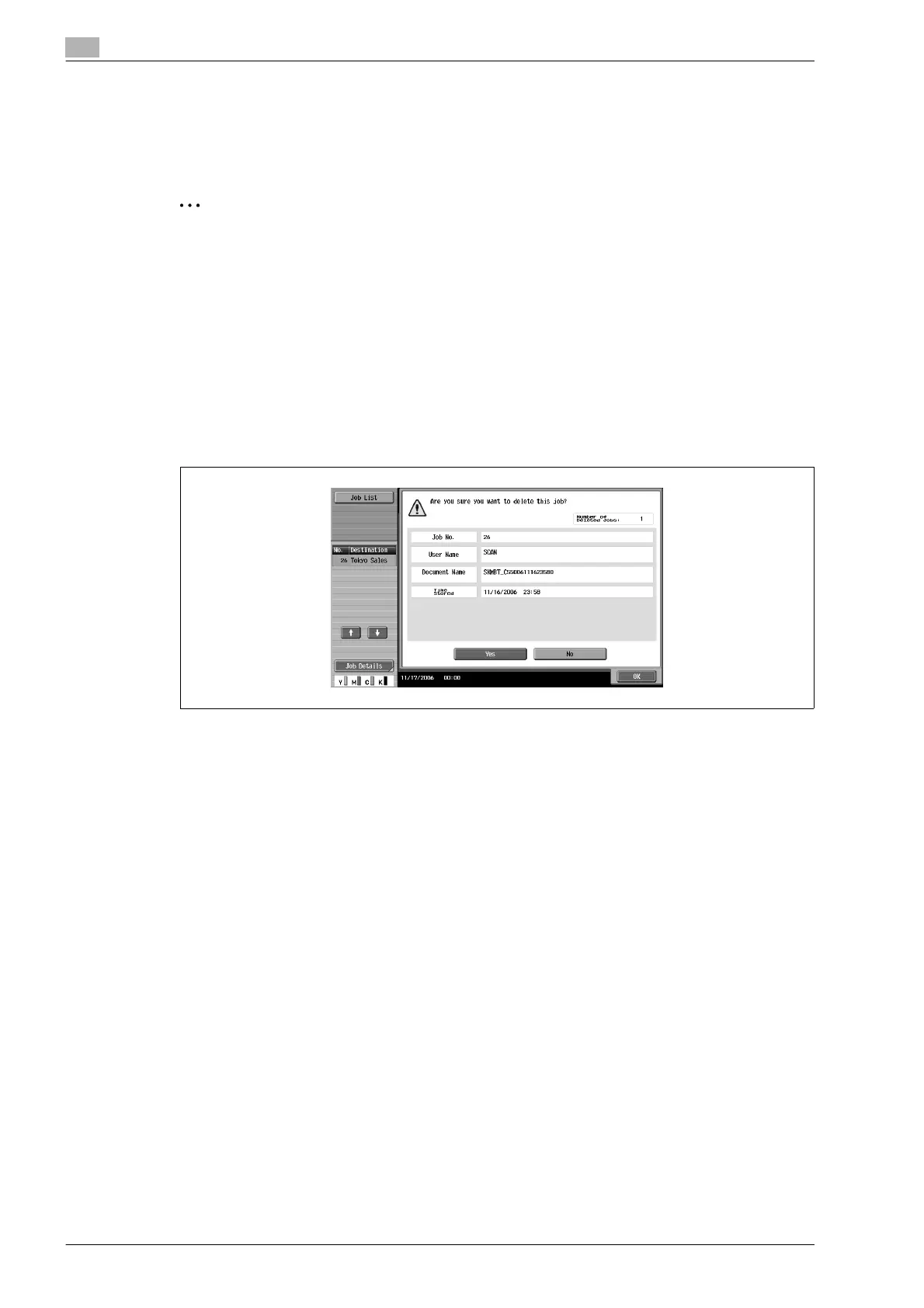
6 Touch [Yes] and then touch [OK].
The job is deleted.
7 Touch [Close] until it returns to Fax/Scan screen.












 To Next Page