4
Box Operations
4-20 ineo+ 650/550/451
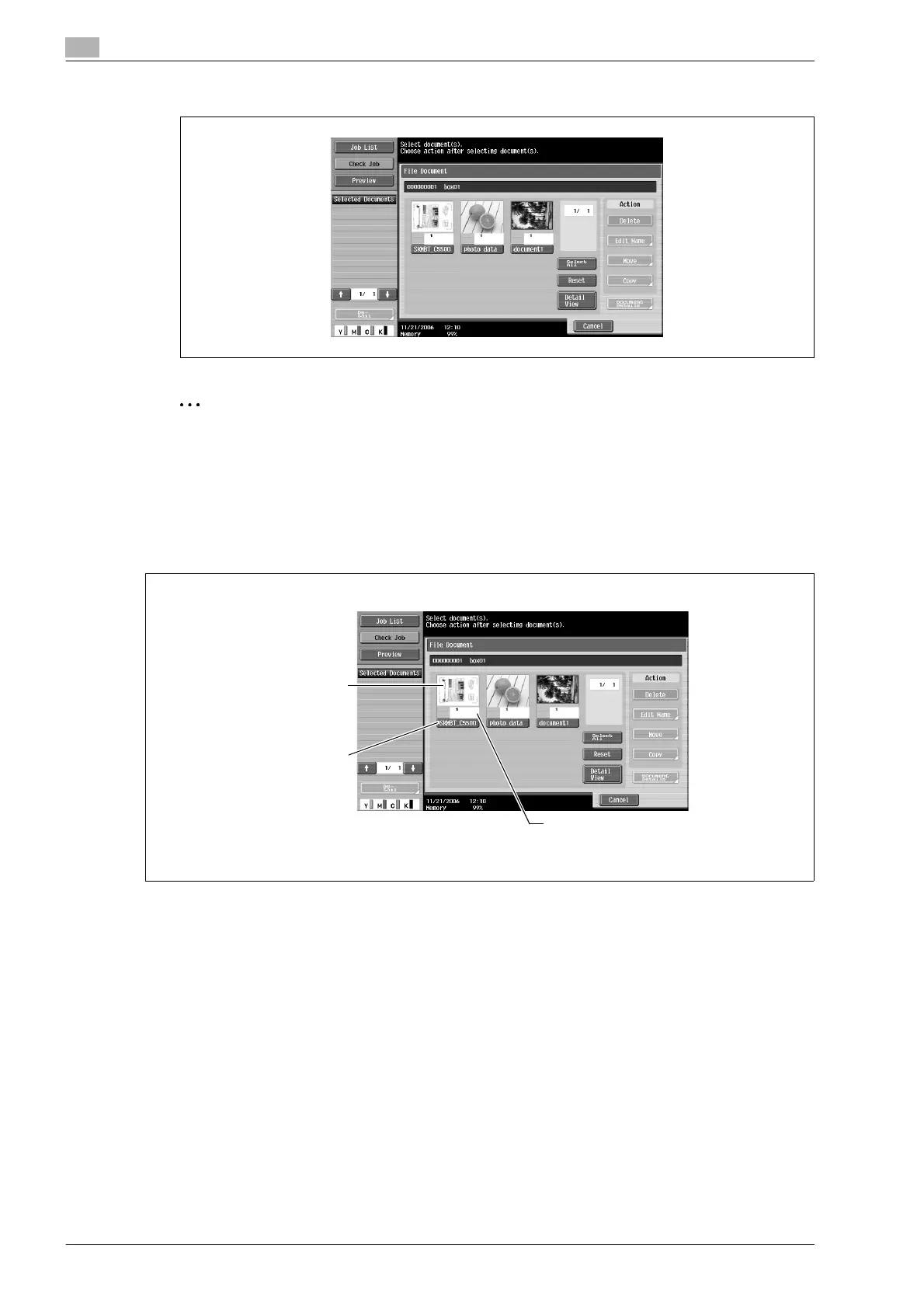
The list of documents saved in the user box is displayed.
2
Note
If "Prohibited Functions When Authentication Error" in Administrator mode is set to "Mode 2" and a user
enters an incorrect bpx password the specified number of times, that box is locked and can no longer
be used. Contact the administrator to cancel operation restrictions.
Description of file document screen
As a default, thumbnails of the saved documents and the document names are displayed. The following
information is displayed.
The number of pages is displayed.
The document name
is displayed.
A thumbnail of the
first page is displayed.












 To Next Page