7
Fax Operations (Option)
7-4 ineo+ 650/550/451
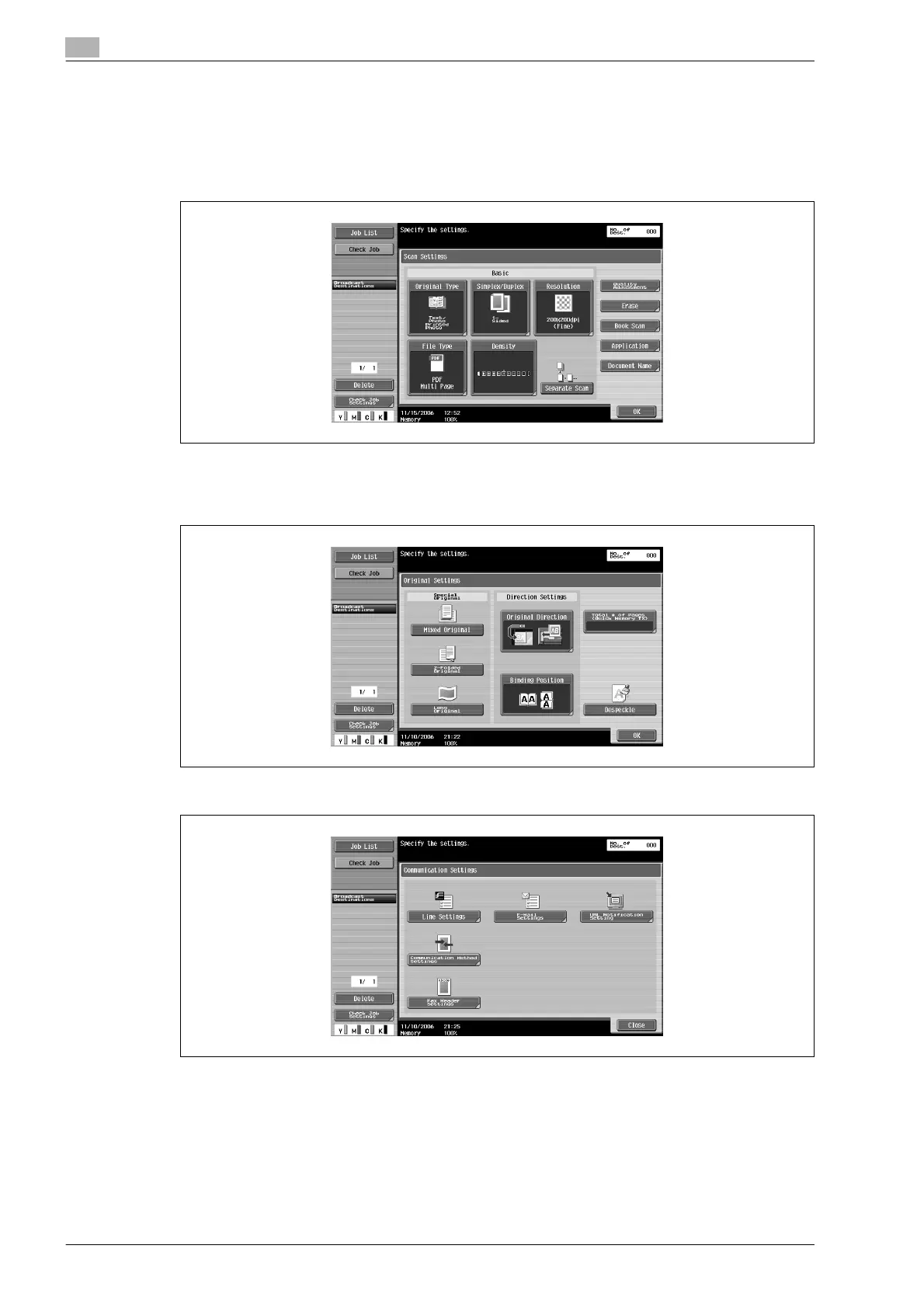
– Scan Setting functions are specified as follows at the time of purchase.
[Original Type]: Text/Photo (Printed Photo)
[Simplex/Duplex]: 1-Sided
[Resolution]: 200e200dpi (Fine)
[Density]: Standard
– [File Type] is not available in Fax mode.
– For details on specifying basic scan settings, refer to "Specifying scanning conditions" on page 7-9.
4 Touch [Original Settings], specify the desired function and touch [OK].
5 Touch [Communication Settings], specify the desired function and touch [Close].












 To Next Page