2
Copy Operations
2-98 ineo+ 650/550/451
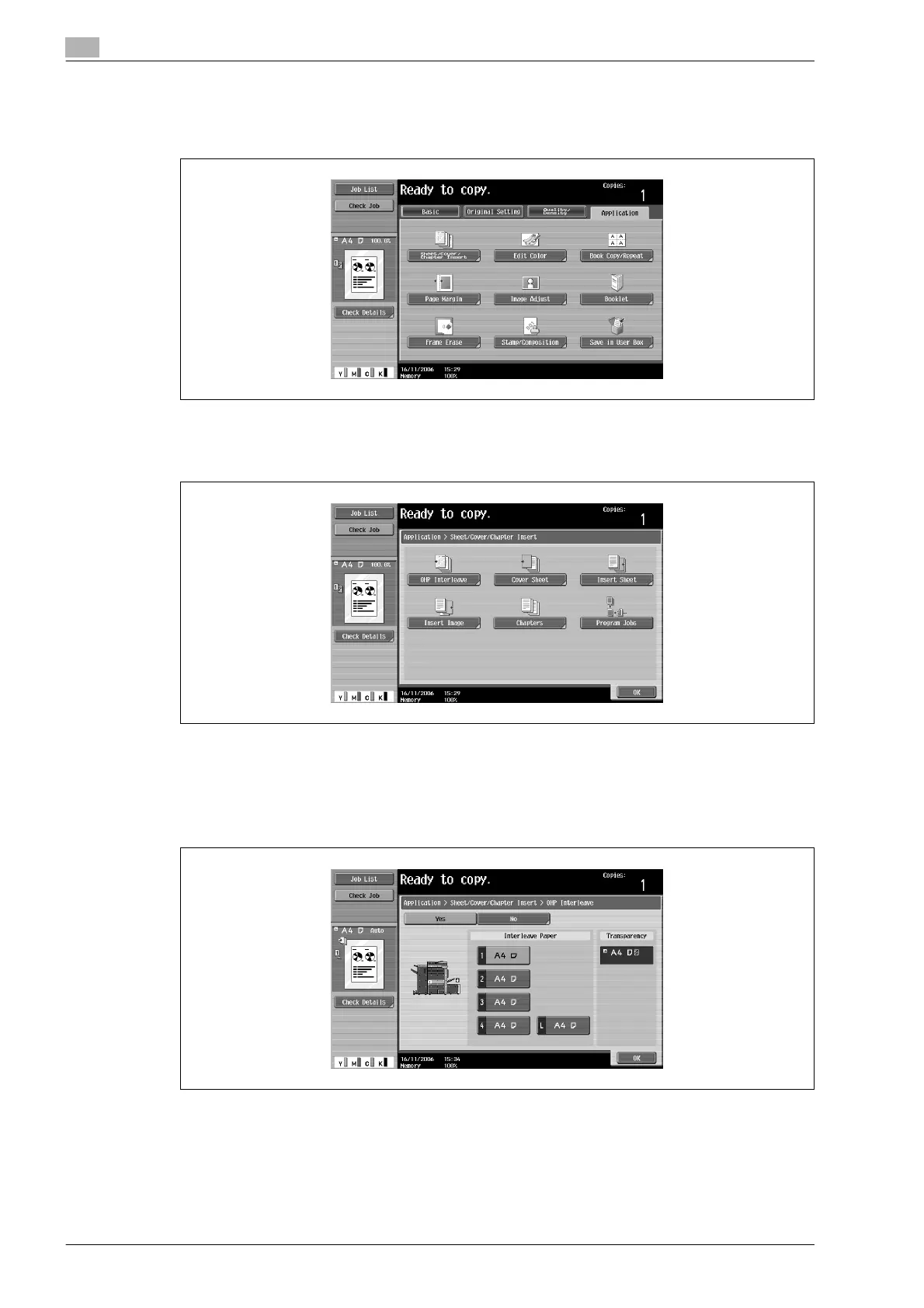
5 Touch [Application], and then touch [Sheet/Cover/Chapter Insert].
– To cancel changes to the settings for all Application functions, press the [Reset] key. All changes to
the settings are canceled.
The Sheet/Cover/Chapter Insert screen appears.
6 Touch [OHP Interleave].
The OHP Interleave screen appears.
7 Select the paper tray loaded with the interleaf paper.
– To cancel the setting and select the default, press the [Reset] key.
– To cancel the "OHP Interleave" function, touch [No].
8 Touch [OK].












 To Next Page