ineo+ 650/550/451 2-139
Copy Operations
2
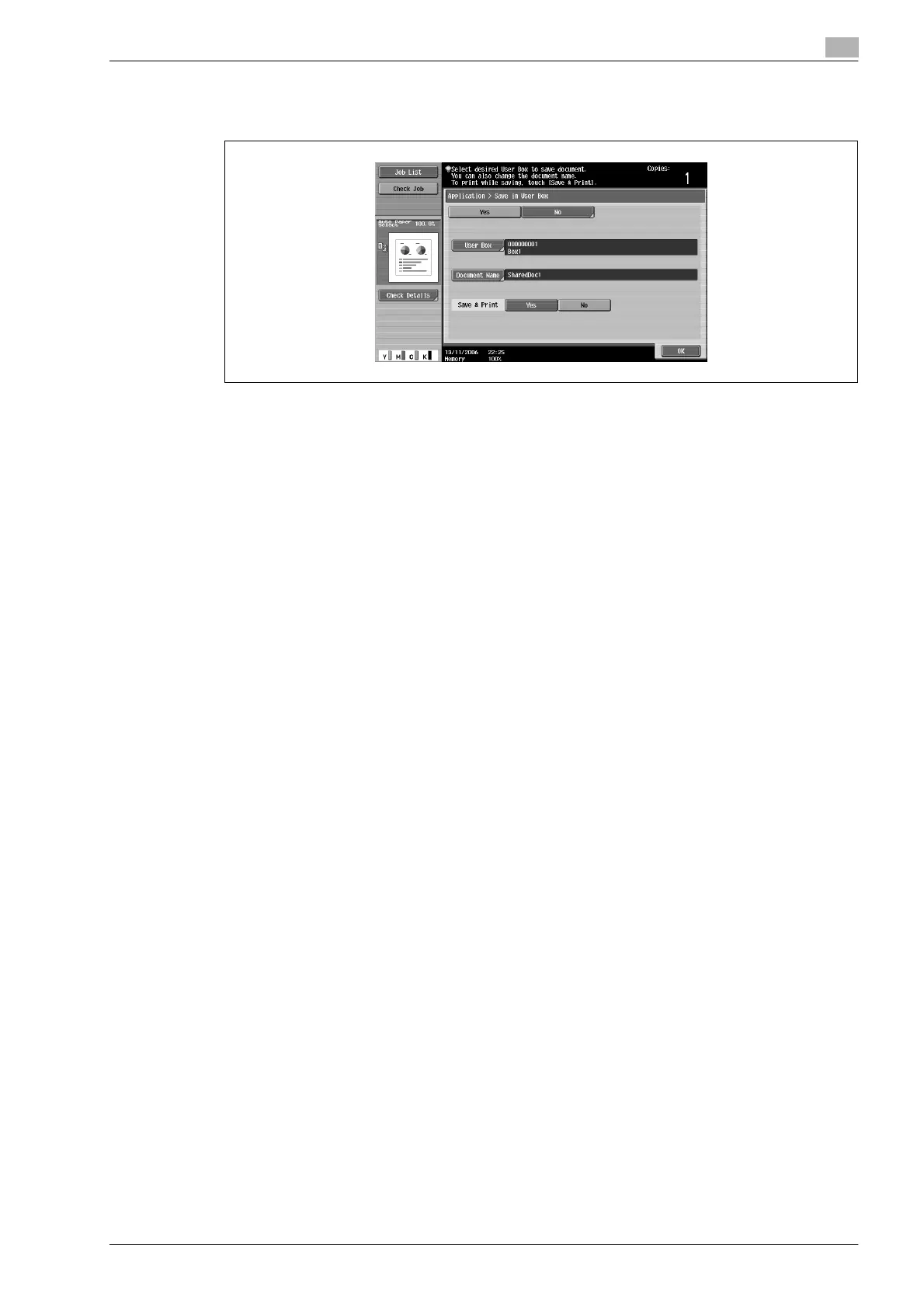
10 Touch [OK].
The Application screen appears again.
11 Specify any other desired copy settings.
12 Press the [Start] key.
If [Yes] beside "Page Print" was selected, the scanned document is copied and the document data is
saved in the specified user box.
If [No] beside "Page Print" was selected, the data for the scanned document is saved in the specified
user box.












 To Next Page