ineo+ 650/550/451 3-39
Print Operations
3
2
Note
The dialog boxes differ depending on the application.
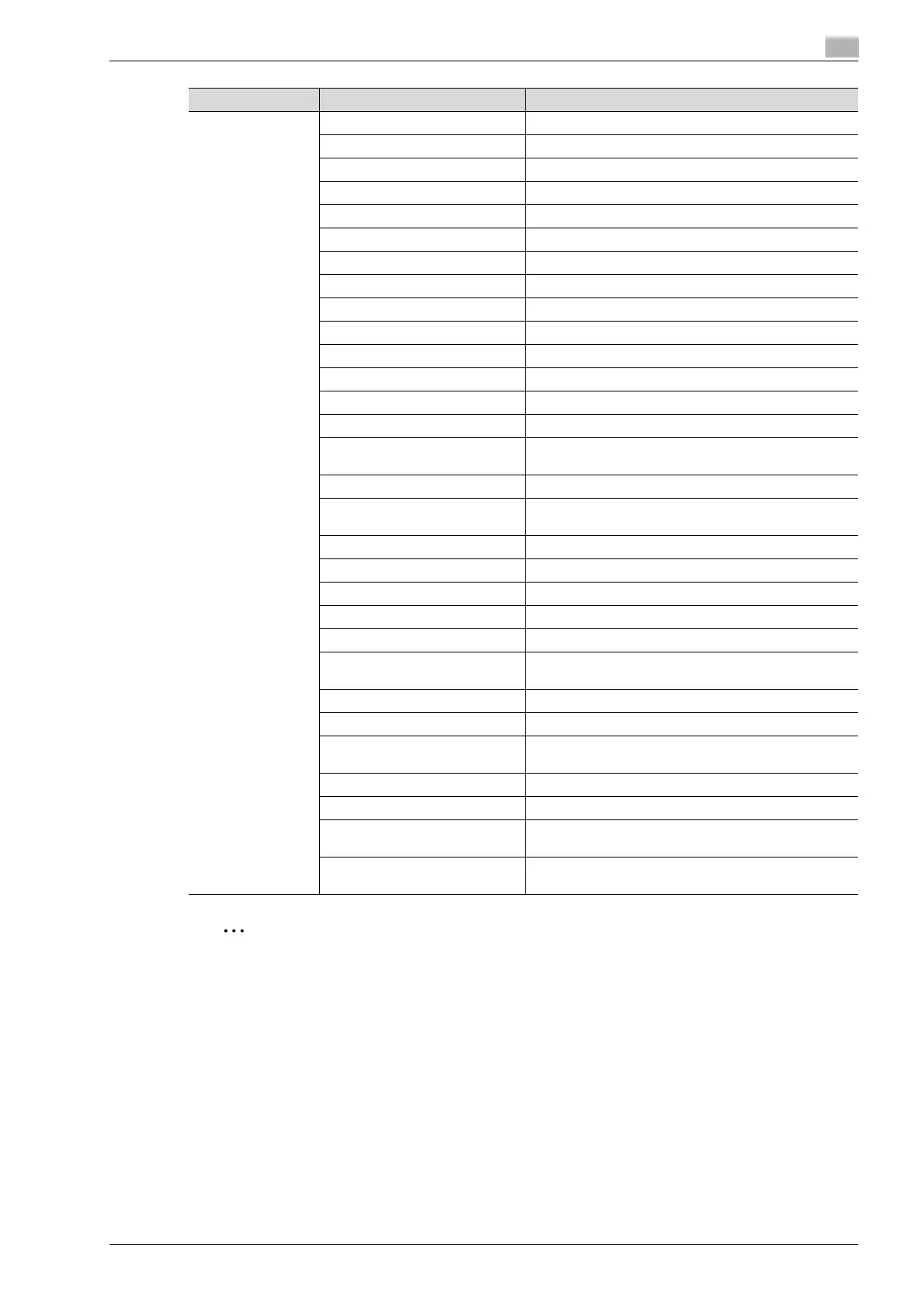
Finishing Options Offset Specifies offset.
Output Tray Selects the output tray.
Binding Direction Specifies the binding position.
Print Type Performs duplex printing.
Combination Performs booklet printing.
Staple Performs stapling.
Punch Performs hole punching.
Fold Performs folding.
Front Cover Attaches a front cover page.
Front Cover Tray Selects the paper tray for the front cover.
Back Cover Attaches a back cover page.
Back Cover Tray Selects the paper tray for the back cover.
PI Front Cover Attaches a front cover from the post inserter.
PI Back Cover Attaches a back cover from the post inserter.
Transparency Interleave Inserts interleaves between overhead projector transpar-
encies.
Interleave Tray Selects the paper tray for the transparency interleaves.
Output Method Stops printing temporarily after part of the document has
been printed so that the proof print can be checked.
Resolution Specifies the print resolution.
Select Color Specifies whether to print in color or grayscale.
Glossy Mode Prints using a gloss finish.
Color Settings Prints with a quality suitable for the original document.
Color Matching (Text) Adjusts the color quality of the text in a document.
Pure Black (Text) Specifies whether to enable grayscale of the text in a
document.
Screen (Text) Specifies screening of the text in a document.
Color Matching (Photo) Adjusts the color quality of photos in a document.
Pure Black (Photo) Specifies whether to enable grayscale of photos in a doc-
ument.
Screen (Photo) Specifies screening of photos in a document.
Smoothing (Photo) Specifies smoothing of photos in a document.
Color Settings (Graphic) Adjusts the color quality of a chart and graph in a docu-
ment to the text or photo settings.
Smoothing (Graphic) Adjusts the smoothing process of a chart and graph in a
document to the text or photo settings.
Menu Item Function












 To Next Page