ineo+ 650/550/451 4-31
Box Operations
4
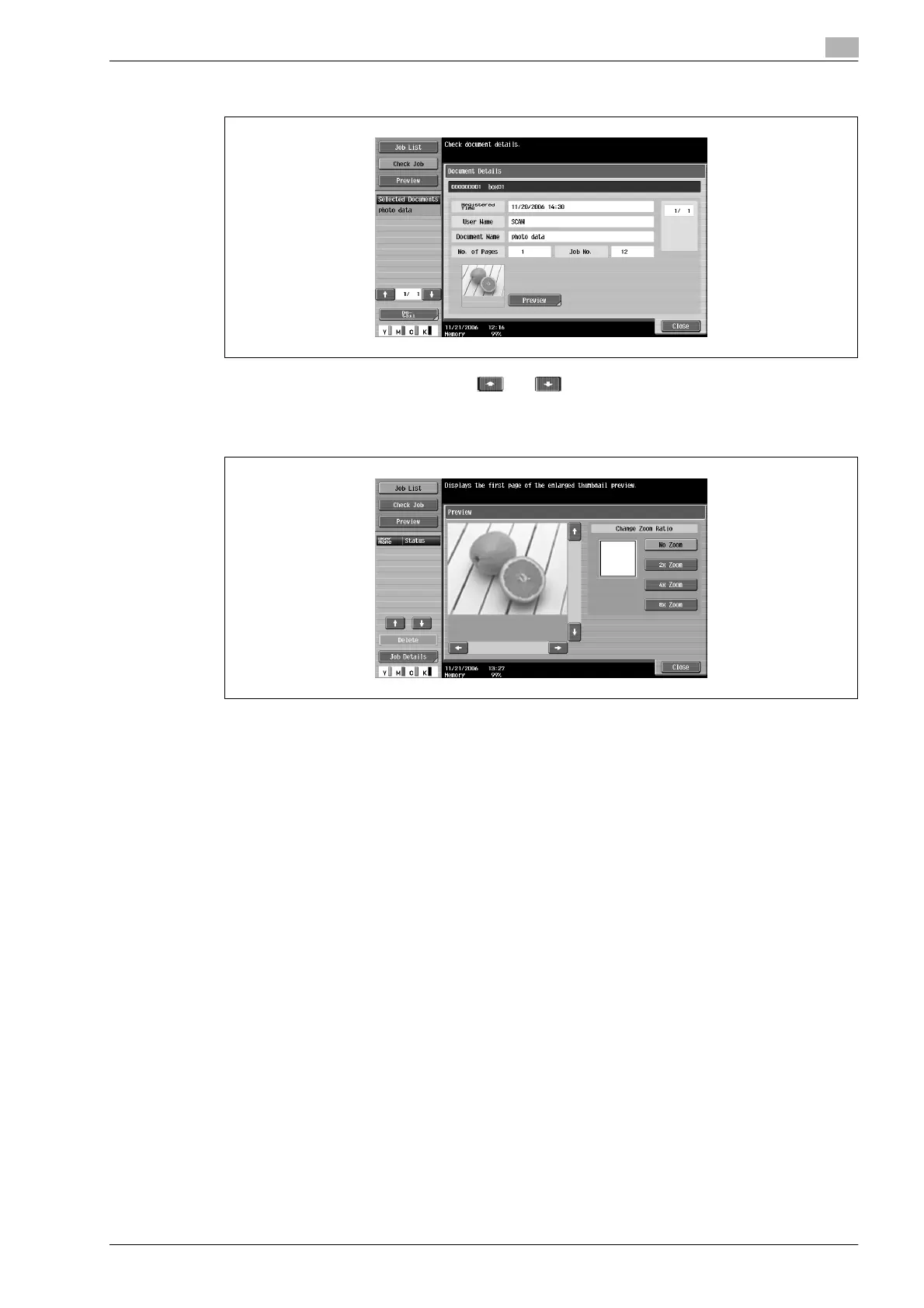
3 Check the details of the document.
– To select multiple documents, touch and to display different screens.
– To display the preview, touch [Preview].
– To perform the operation from the sub display area, touch [Preview] in the sub display area, and
then touch [Detail].
4 After checking the document, touch [Close].












 To Next Page