ineo+ 650/550/451 4-41
Box Operations
4
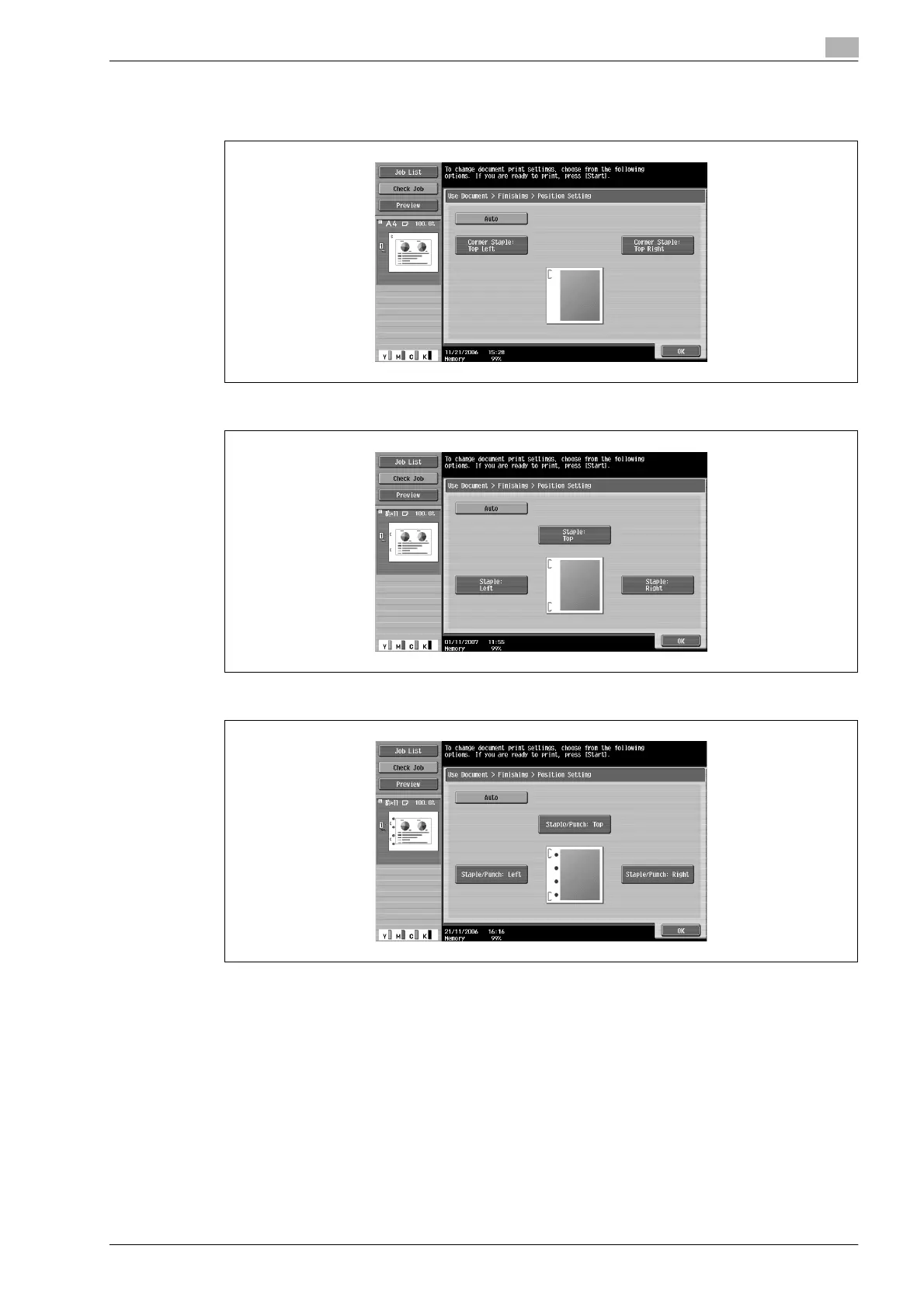
5 Touch the button for the desired position, and then touch [OK].
– When the "Corner" Staple setting is selected:
– When the "2 Positions" Staple setting is selected:
– When a Punch setting is selected:
6 If finisher FS-608 is installed, touch [Fold/Bind].
If finisher FS-519 is installed, touch [Center Staple/Fold].












 To Next Page