ineo+ 650/550/451 5-19
Network Scanner Operations
5
– When there are multiple LDAP servers
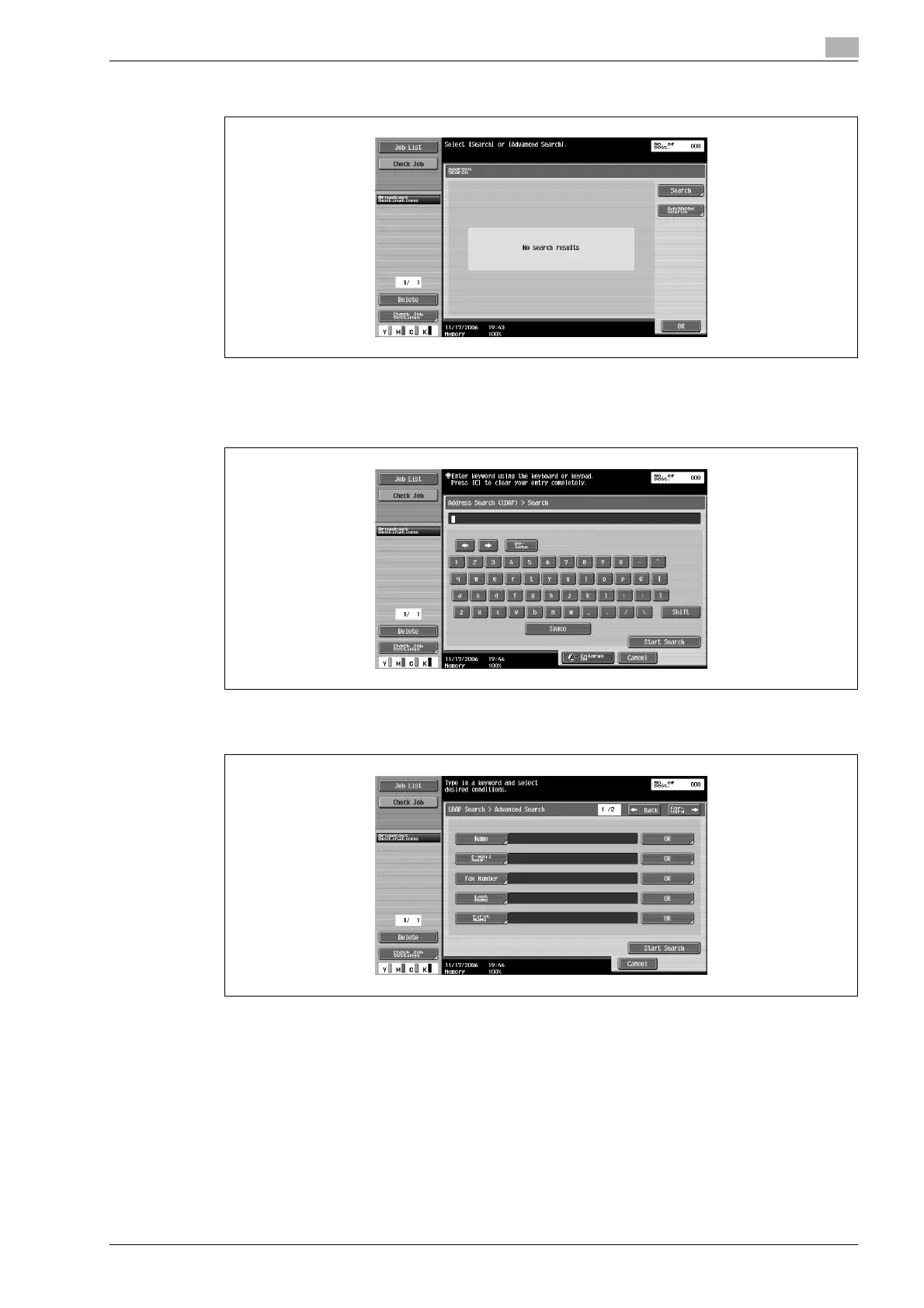
4 Specify the search conditions.
– If "Basic Search" was selected, type in the keyword to be searched for, and then touch [Start
Search].
– If "Advanced Search" was selected, select the search condition types and type in the text to be
searched for, and then touch [Start Search].
5 Select the desired destination, and then touch [OK].












 To Next Page