5
Network Scanner Operations
5-26 ineo+ 650/550/451
Entering addresses directly
Using the control panel to directly type in the destination address when scanning is called "direct input".
Settings can be specified for the following.
Detailed Settings
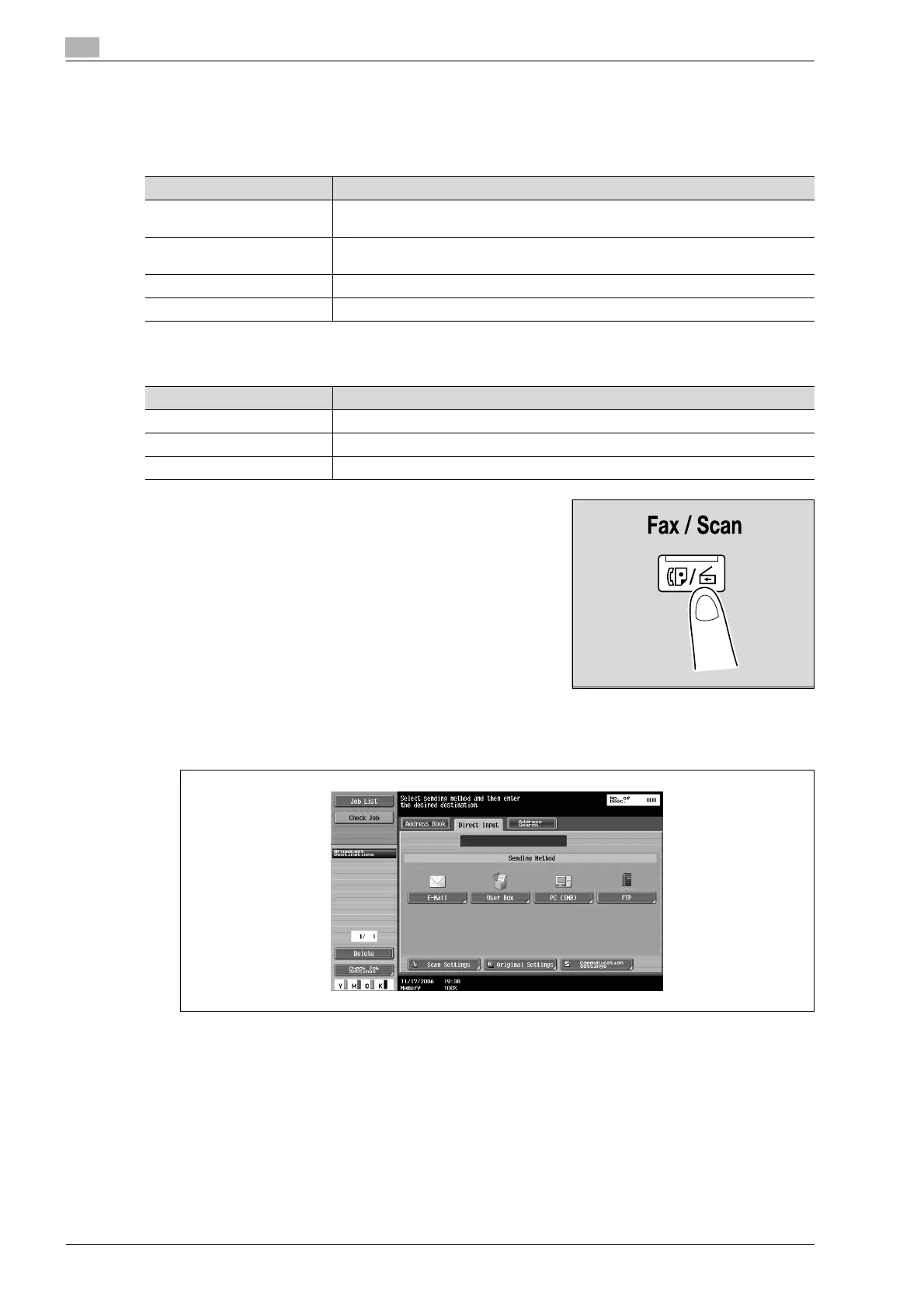
1 Press the [Fax/Scan] key in the control panel.
The Fax/Scan mode screen appears.
2 Touch [FTP] on the Direct Input screen.
A screen appears, allowing you to type in the host name for the destination and the file path.
?
Why is the Direct Input tab not displayed?
% If the "Manual Destination Input" (displayed by touching [Security Settings] on the Administrator
Settings screen, then [Security Details]) is set to "Restrict", the Direct Input tab does not appear.
Parameter Description
Host Name Specify the host name or IP address for the destination. Type using the keyboard
that appears, and then touch [OK].
File Path Specify the path to the destination folder. Type using the keyboard that appears, and
then touch [OK].
User Name Type in the user name used to log on, and then touch [OK].
Password Specify the password. Type using the keyboard that appears, and then touch [OK].
Parameter Description
Port Number Type in the port number.
PASV Select whether or not the PASV (passive) mode is used. Touch [Yes] or [No].
Proxy Select whether or not a proxy server is used. Touch [Yes] or [No].












 To Next Page