5
Network Scanner Operations
5-58 ineo+ 650/550/451
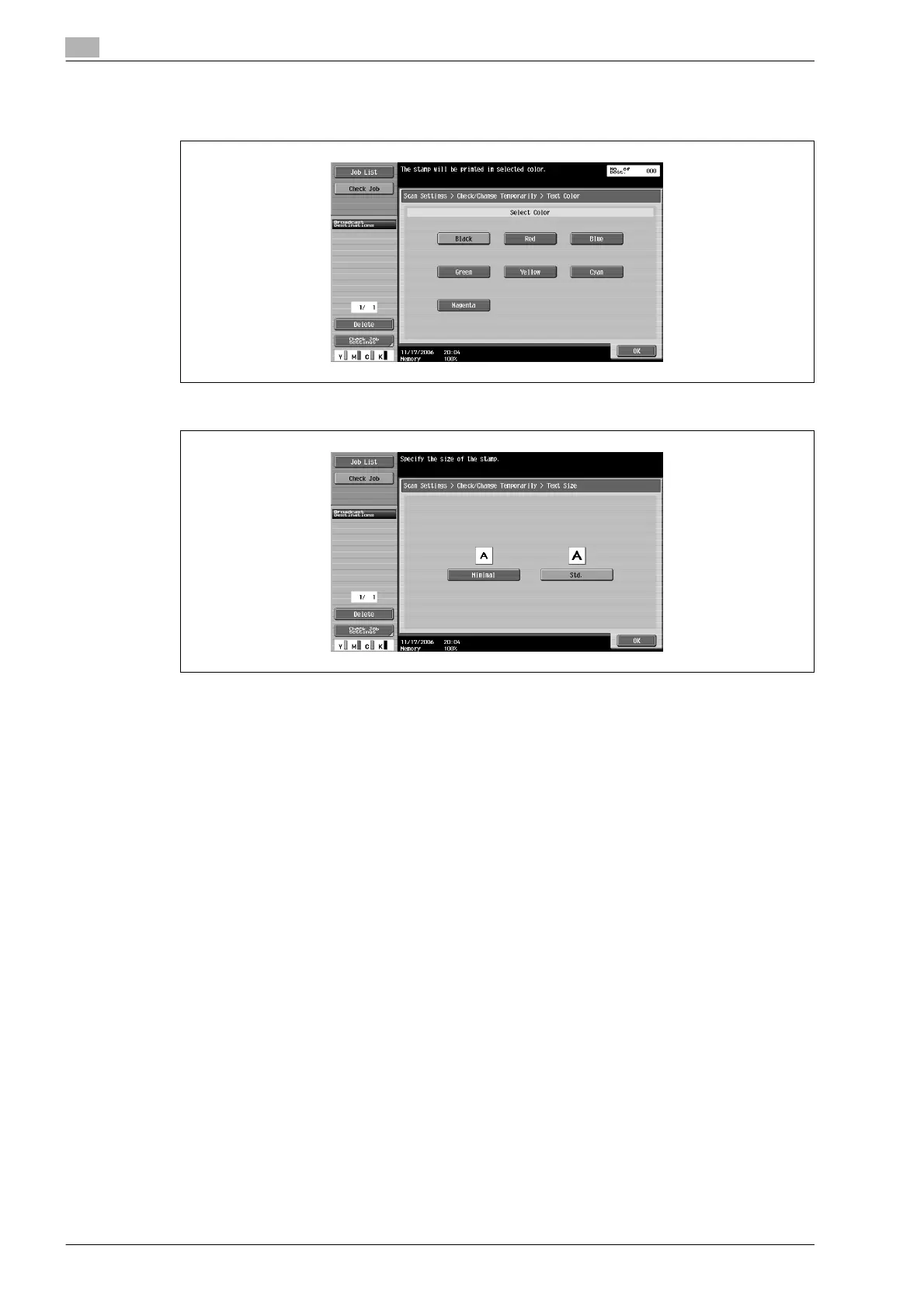
8 Specify the settings for the pages to be printed on, the text color and the text size.
–Text Color
–Text Size
– To cancel the temporarily changed settings, touch [Reset].
9 Touch [OK], and then touch [OK] in the next screen that appears.
10 Touch [Close], and then touch [Close] in the next screen that appears.












 To Next Page