ineo+ 650/550/451 5-61
Network Scanner Operations
5
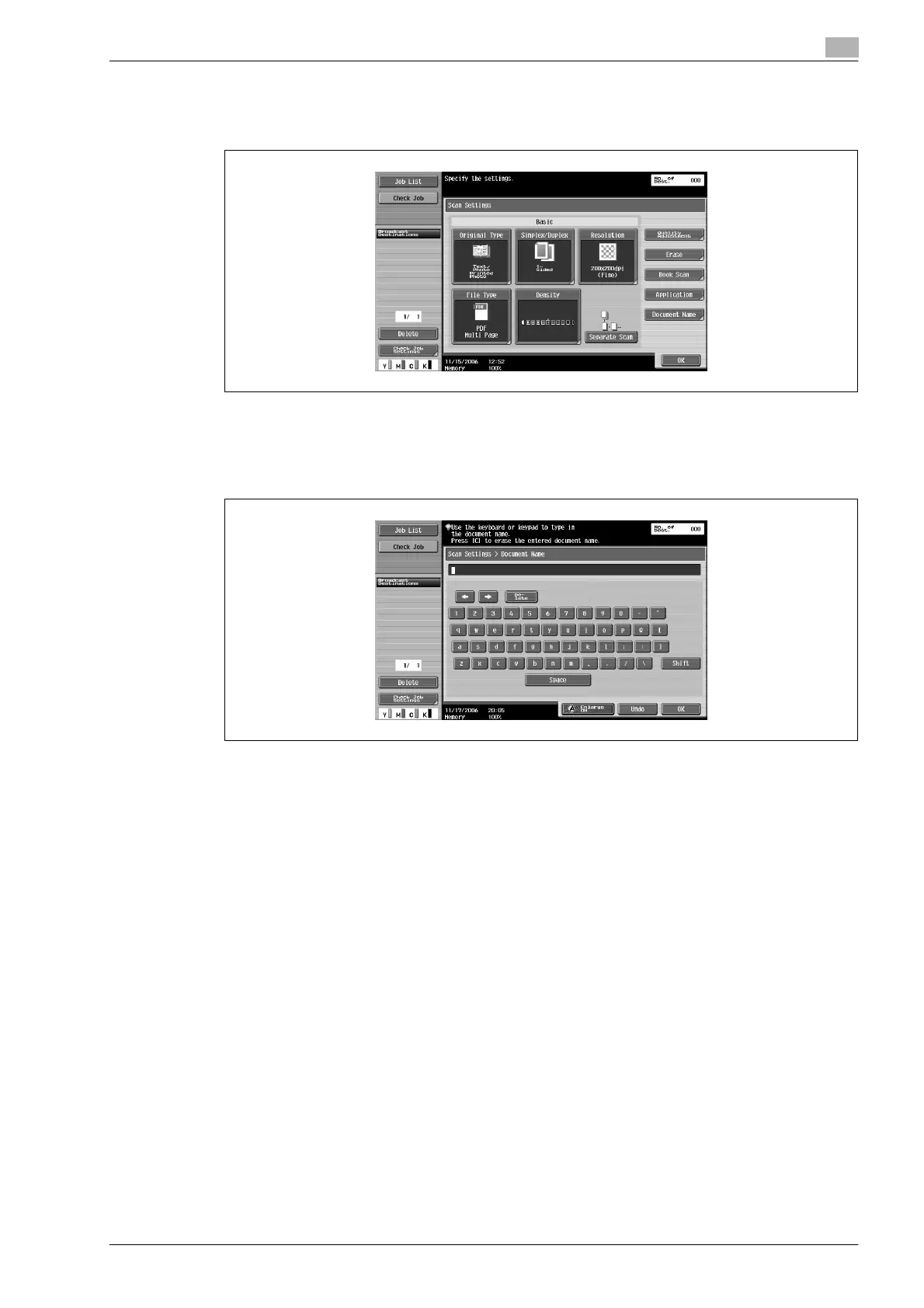
1 Touch [Scan Settings] in the Fax/Scan mode screen.
2 Touch [Document Name].
3 Using the keyboard that appeared in the touch panel, type in the document name.
– The document name can contain a maximum of 30 characters.
– To stop registering the document name, press the [Reset] key.
– For details on typing in text, refer to "Entering text" on page 9-3.
4 Touch [OK].












 To Next Page