5
Network Scanner Operations
5-70 ineo+ 650/550/451
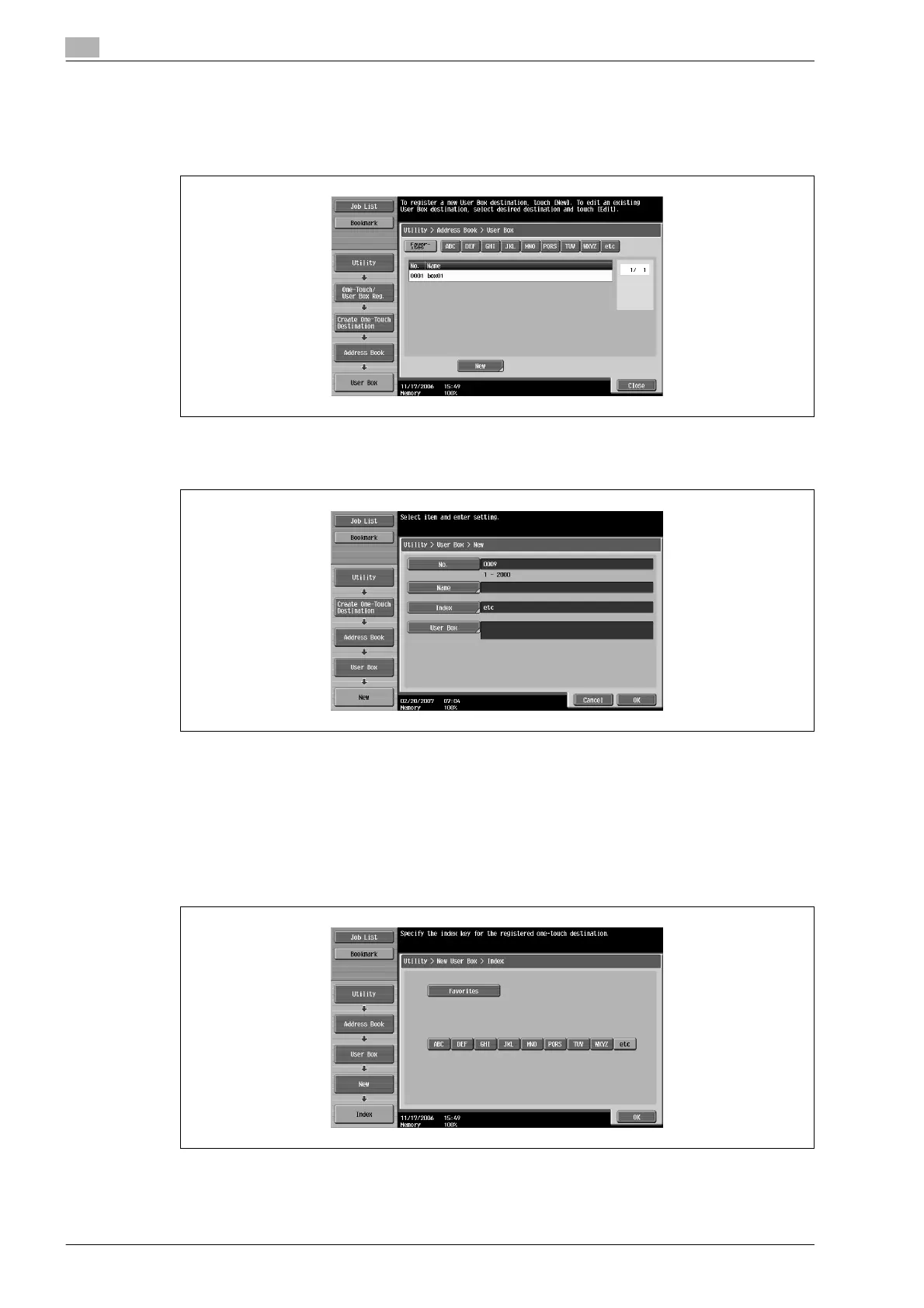
1 Touch [1 Create One-Touch Destination (Address Book)] in the Create One-Touch Destination screen.
2 Touch [2 User Box].
The User Box screen appears.
3 Touch [New].
The New screen appears.
4 To specify the registration number, touch [No.], and then use the keypad to type in the number.
5 Touch [Name], and then type in the registration name, using the keyboard that appears.
– For details on typing in text, refer to "Entering text" on page 9-3.
6 Touch [OK].
7 Touch [Index], and then select the index characters.
8 Touch [OK].












 To Next Page