ineo+ 650/550/451 5-75
Network Scanner Operations
5
5 Touch [Name], and then type in the registration name, using the keyboard that appears.
– For details on typing in text, refer to "Entering text" on page 9-3.
6 Touch [OK].
7 Touch [Index], and then select the index characters.
8 Touch [OK].
9 Touch [Host Address], and then type in the IP address or host name.
– To enter a host name, touch [Host Name Input], and then type in the host name, using the keyboard
that appears.
– To enter an IP address, touch [IPv4 Address Input] or [IPv6 Address Input], and then type in the
address, using the keypad or the number buttons that appear. Touch or to move the
cursor to the desired position, and then type in the numbers.
– When the input format is switched to entering an IP address after the host name was entered, the
host name is cleared.
– If [Host Name Input] is touched after the IP address was entered, the entered IP address is saved
and the input screen appears.
– When [Host Name Input] is touched, check that the DNS setting is correctly specified.
10 Touch [OK].
11 Touch [File Path], and then type in the file path, using the keyboard that appears.
12 Touch [OK].
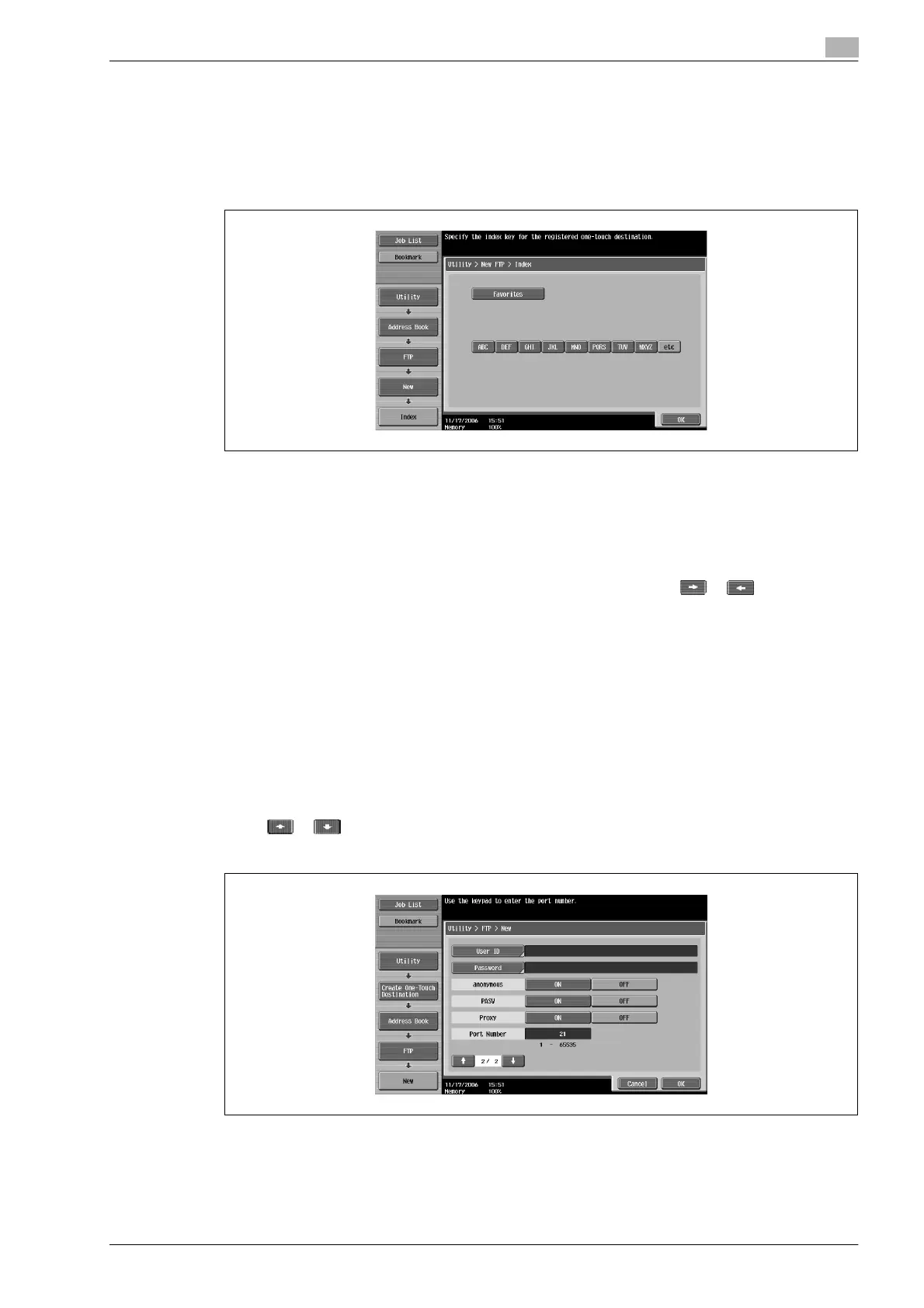
13 Touch or .
New screen 2/2 appears.
14 Touch [User ID], and then type in the user ID, using the keyboard that appears.
– To cancel registration of the user ID, touch [ON] beside "anonymous".
15 Touch [OK].












 To Next Page