ineo+ 650/550/451 7-29
Fax Operations (Option)
7
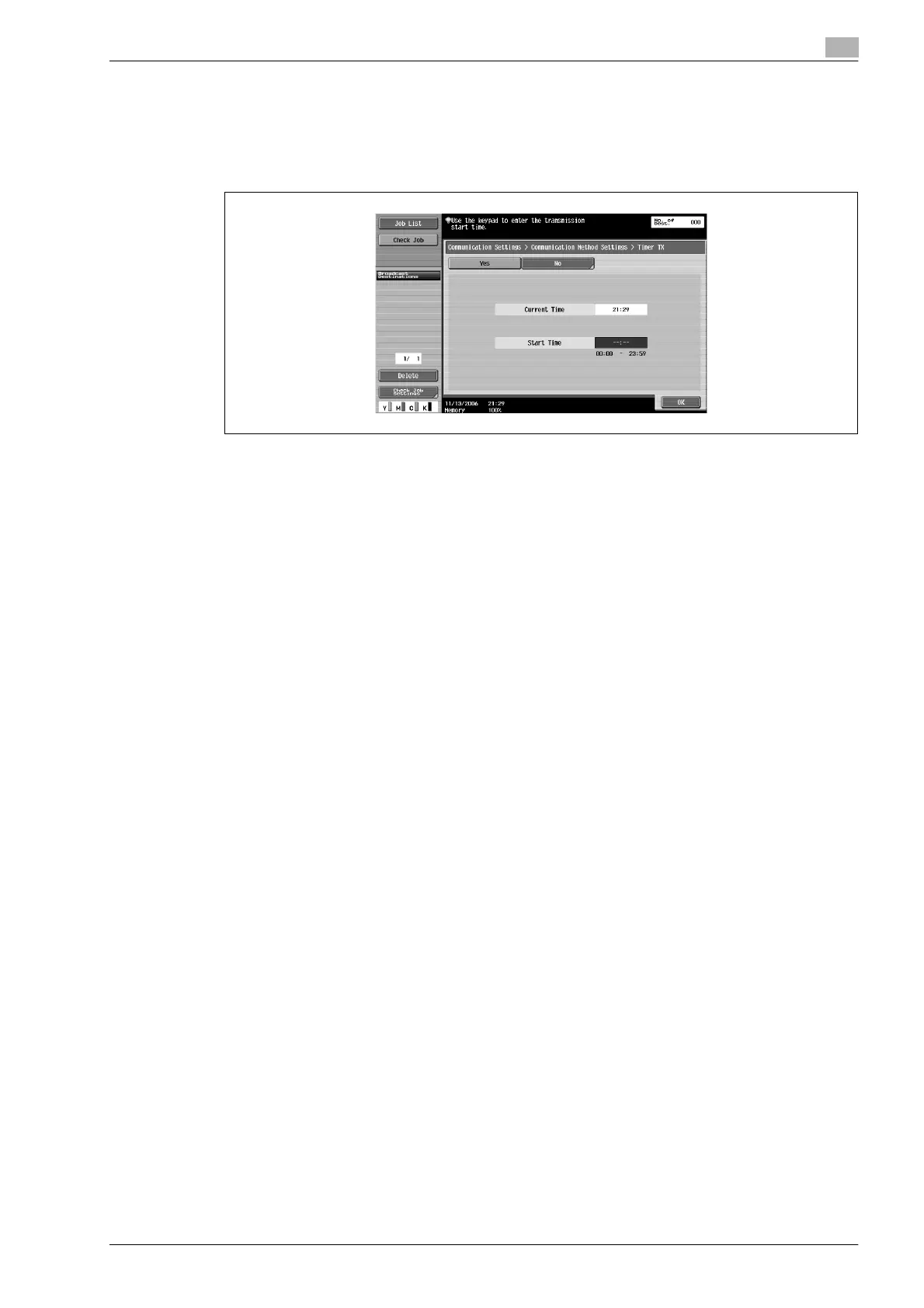
6 Enter the transmission start time using the keypad.
– Enter the transmission start time with 2 digits in the 24-hour clock format.
Example:
Enter "21" and "07" when setting the transmission start time as 9.07 pm.
– Touch [No] to release timer transmission settings.
7 Touch [OK] twice, and then touch [Close].
Timer TX is set, and the machine returns to the Fax/Scan screen.
8 Specify other settings if required.
– For details on Scan Settings, refer to "Specifying scanning conditions" on page 7-9.
9 Specify the destination.
– For details regarding specifying destinations, refer to "Specifying only one destination" on
page 7-12.
10 Press [Start] key.
– If the fax cannot be sent because the recipient’s line is busy, the recipients number is redialed. For
details regarding redialling, refer to "When unable to send" on page 7-22.
– For aborting transmission, refer to "Aborting transmission" on page 7-26.
The scanned original is stored in memory as a reserved original and transmission is started at the
specified time.












 To Next Page