8
Network Fax Operations (Option)
8-22 ineo+ 650/550/451
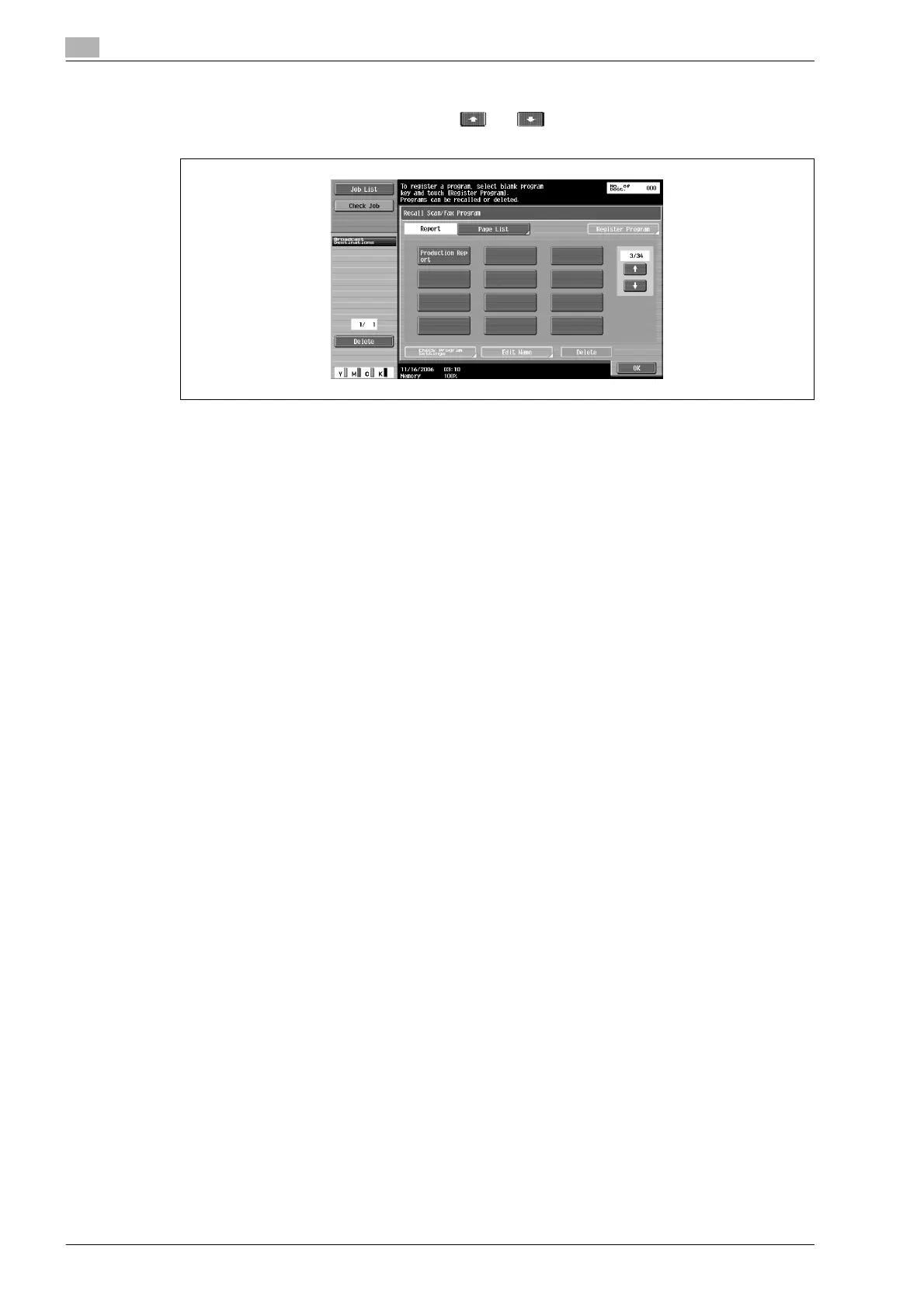
6 Touch the targeted program button and touch [OK].
– Program button is displayed on touching and .
– You can specify only one program destination.
Settings and destination are called.
7 Press [Start] key.
The original is scanned and then transmitted.












 To Next Page