217
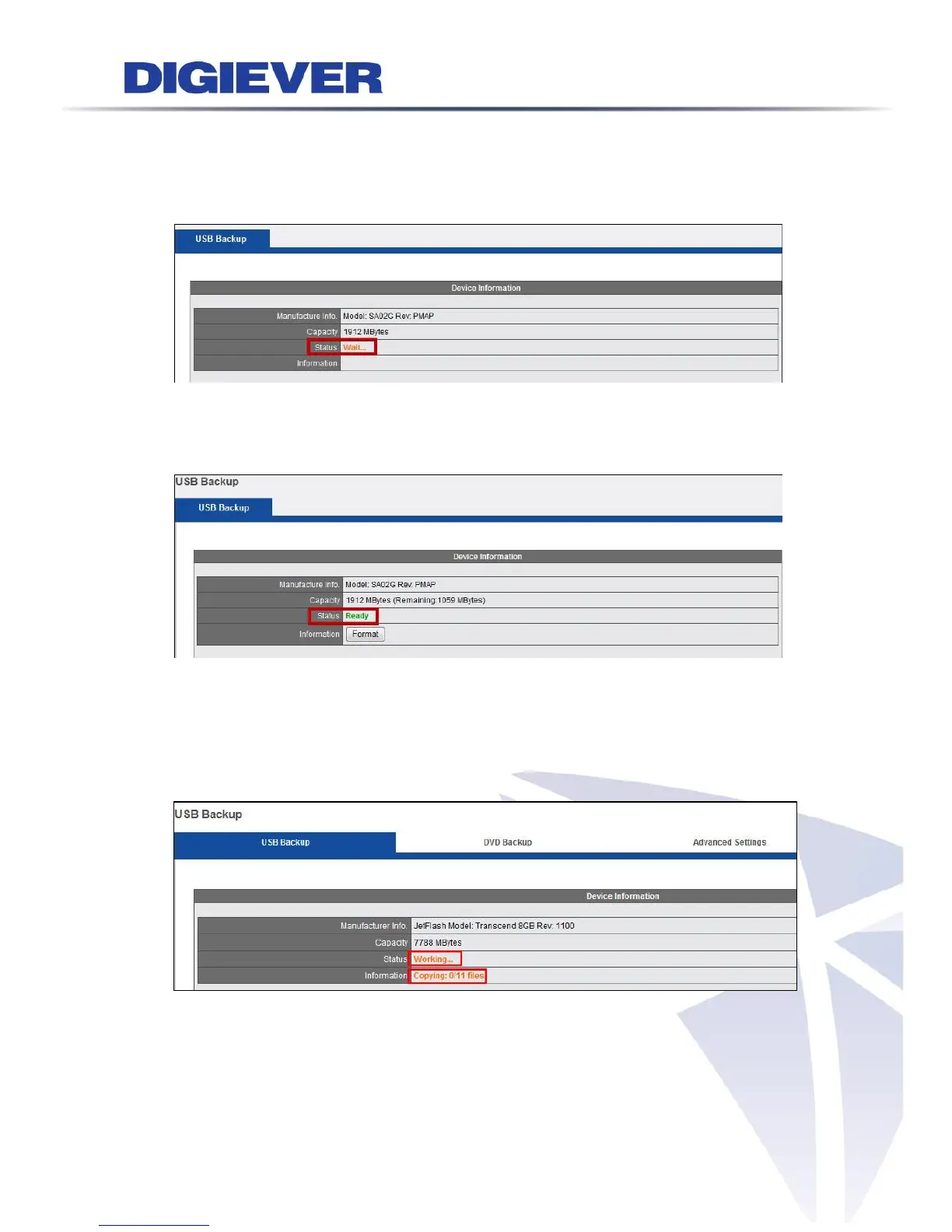
Device Information status
When a USB device is inserted to the NVR, the USB Backup Device Information in
Remote Browser will show the status “Wait... .”
When the USB is ready to begin, the Device Information will show the status “Ready,”
and the USB LED indicator will show blue.
If you want to delete the current data in USB, please click “Format” to delete the
current data of USB.
When NVR is in backup progress, the Device Information will show the status
"Working," and the information "Copying: ...files."



 To Next Page