5.29 Cameras
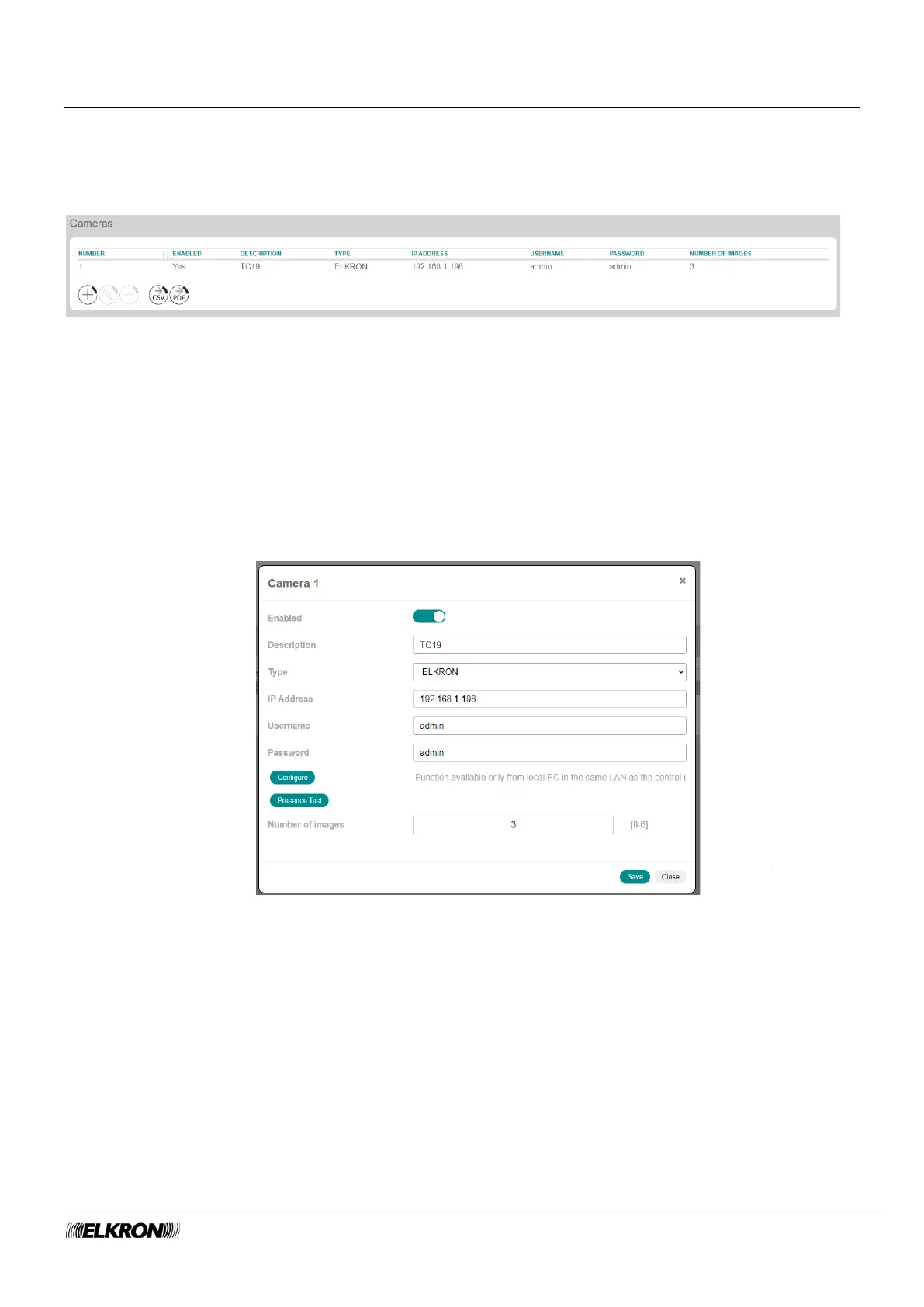
This can be used to view and configure the IP cameras of the system.
The images from the cameras can be viewed via the smartphone app.
It is accessed through the PROGRAMMING → Video → Cameras menu.
Figure 103 - Cameras
The IP Cameras table shows:
• NUMBER: This is the sequential number of acquisition of the camera.
• ENABLED: This shows whether the camera is enabled.
• DESCRIPTION: This is the alphanumeric label used to identify the IP camera more easily.
• TYPO: This is the type/make of the camera.
• IP ADDRESS: This shows the IP address of the camera.
• USERNAME: This is the user name used to log in to the camera.
• PASSWORD: This is the access code of the camera.
• NUMBER OF IMAGES: This is the number of frames that are stored in case of alarm.
Figure 104 - Cameras



 To Next Page