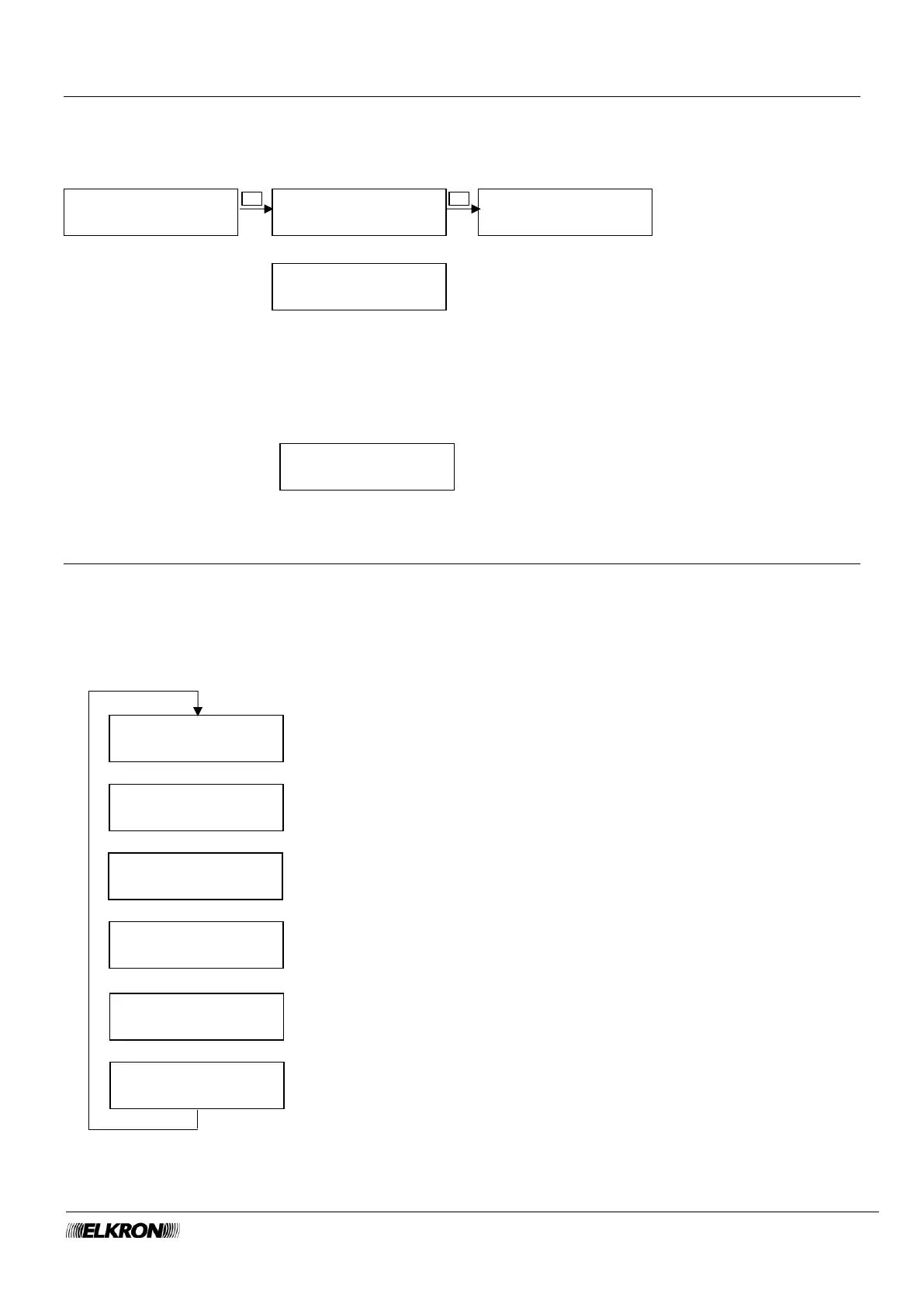
8.28 Enable Remote control menu
This can be used to enable the remote controls.
Available for Master.
It is accessed through the Main Menu → ENABLE → ENABLE REMOTE CONTROL menu.
If are no remote controls present, the following message will appear
8.29 State Connectivity Menu
This can be used to display the status of the various connection modes. If the connection is active, the
main parameter of the connection is also shown.
The data is read-only.
Available for Master, Installer.
It is accessed through the Main Menu → CONNETTIVITY → STATE CONNECTIVITY menu.



 To Next Page