EasyManua.ls Logo

Elkron MEDEA - Enable USER Menu; Enable KEY Menu

Elkron MEDEA
136 pages
Print Icon
To Next Page IconTo Next Page
To Previous Page IconTo Previous Page
Loading...
128
MEDEA Programming Manual
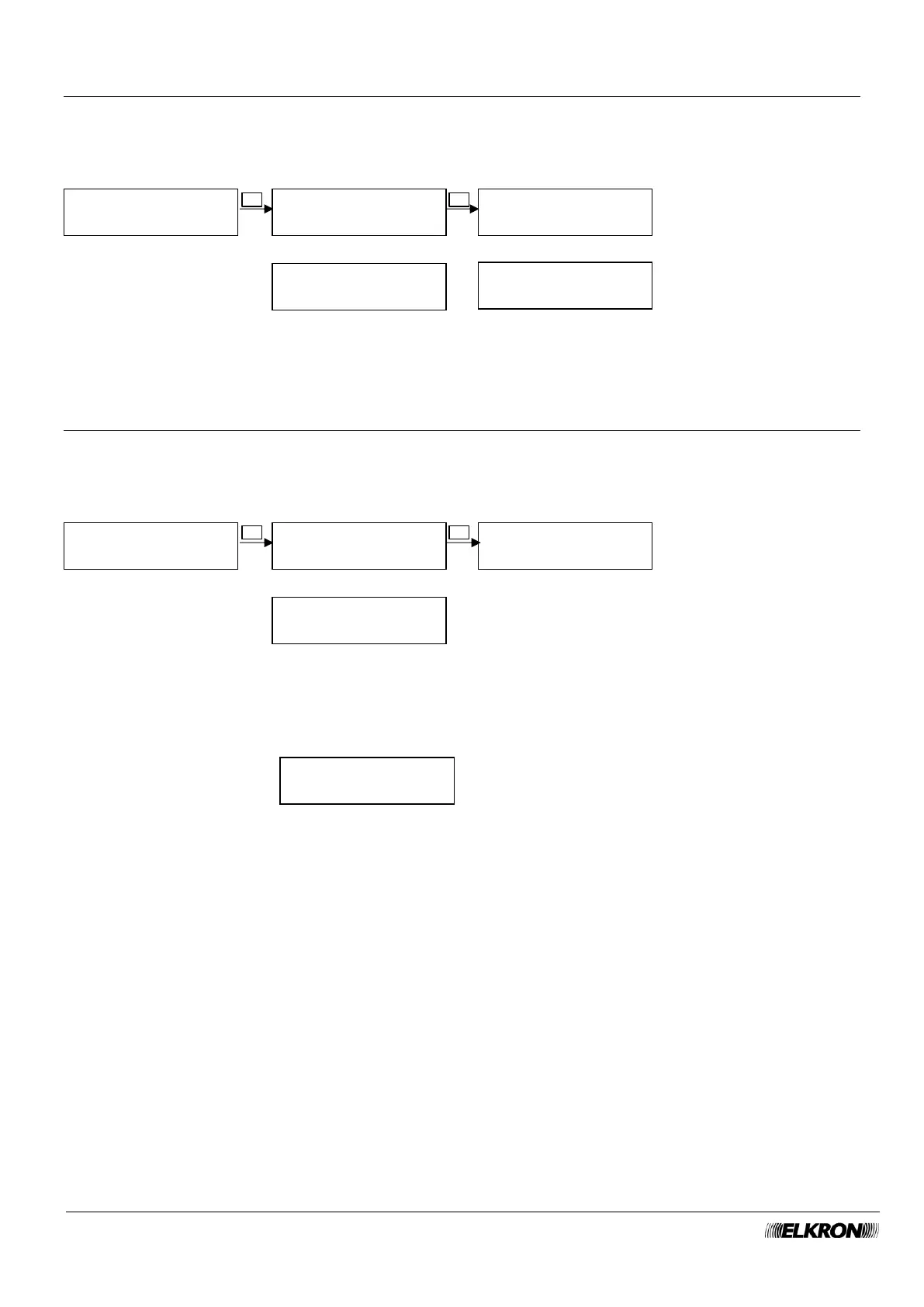
8.26 Enable USER menu
This can be used to enable user codes.
Available for Master.
It is accessed through the Main Menu ENABLE USER menu.
8.27 Enable KEY menu
This can be used to enable the keys.
Available for Master.
It is accessed through the Main Menu ENABLE KEY menu.
If are no keys are present, the following message will appear
ENABLE
USER
ACCESS FROM APP
YES
CODE
OFF
Enable and disable
remote access via app
with the ► button.
Enable and disable the
code with the ► button.
ENABLE USER
UT03:Description
ENABLE USER
UT02:Description
...
ENABLE
KEY
KEY
OFF
Enable and disable the
button with the ►.
button.
ENABLE KEY
KE02:Description
ENABLE KEY
KE01:Description
OK
▼ ▲
OK
▼ ▲
▼ ▲
...
▼ ▲
▼ ▲
OK
OK
NONE
KEY

Table of Contents

Other manuals for Elkron MEDEA