5.12 Audio generation
This can be used to generate the audio files used in voice calls. To do this, the device connected to the
control panel must have an active Internet connection.
The files are generated starting from the Description parameters of sectors, inputs, outputs, telephone
contacts, users, keys, scenarios and common messages customised during programming indicated by the
symbol . The characters of the Description parameter must be chosen from alphabetical characters,
including accented characters, numbers and space; no other characters, such as special characters or
symbols, can be used.
The various descriptions are sent to the Elkron Cloud which, via Google Cloud Services, transforms them
into audio files. The audio files are then sent back to the control panel and saved only in the control panel.
These audio files are not transferred with the data export and import procedures (see paragraph 3.3.3
Utility import/Export menu).
The function is accessed through the PROGRAMMING→ Audio Generation menu.
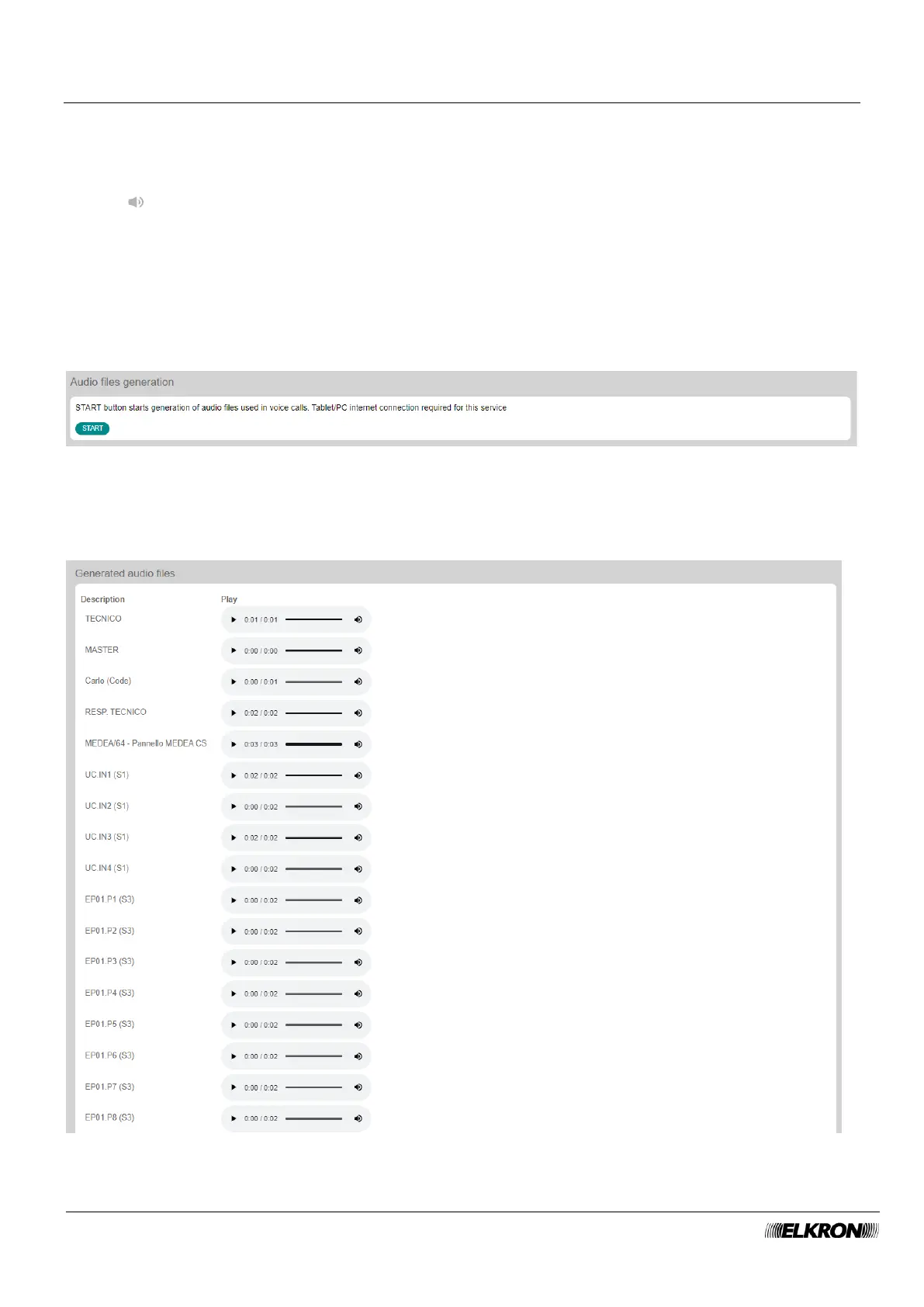
Figure 69 - Audio file generation
The START button triggers the generation of audio files. A progress bar appears during generation and
the elapsed time and time remaining until the end of the operation are displayed.
Once the generation of the audio file is finished, each single generated file can be played.
Figure 70 - Audio file generation



 To Next Page