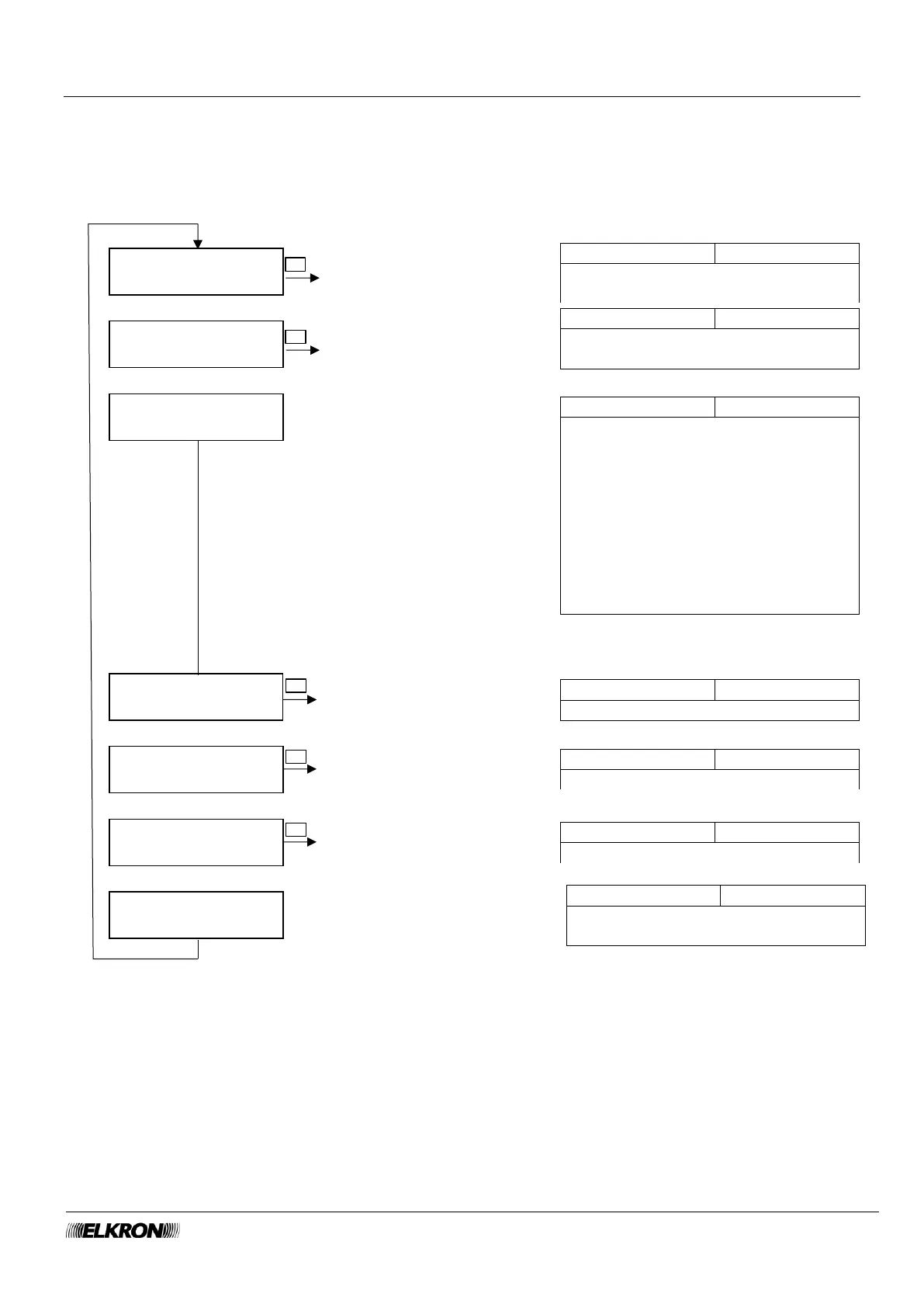
8.13 Enable menu
This can be used to enable and disable Installer, Technical Manager, Users, keys, remote controls and
time scheduler.
Available for Master with system not armed.
It is accessed through the Main Menu → ENABLE menu.
Enable and disable the Installer with
the ► and ◄ buttons
Enable and disable the Technical
Manager with the ► and ◄ buttons
Enable and disable the time scheduler
with the ► and ◄ buttons
Enable User menu
page 128
This determines how the Installer
code and Technical Manager code
are disabled. Use the ► and ◄
buttons to select the desired option.
MAI = always enabled
DOPO 2 ORE = automatically
disabled after two hours after enabling
CODICE UTENTE = automatically
disabled as soon as a valid master or
user code is entered.
Enable and disable remote controls
Enable Remote Control
menu page 128



 To Next Page