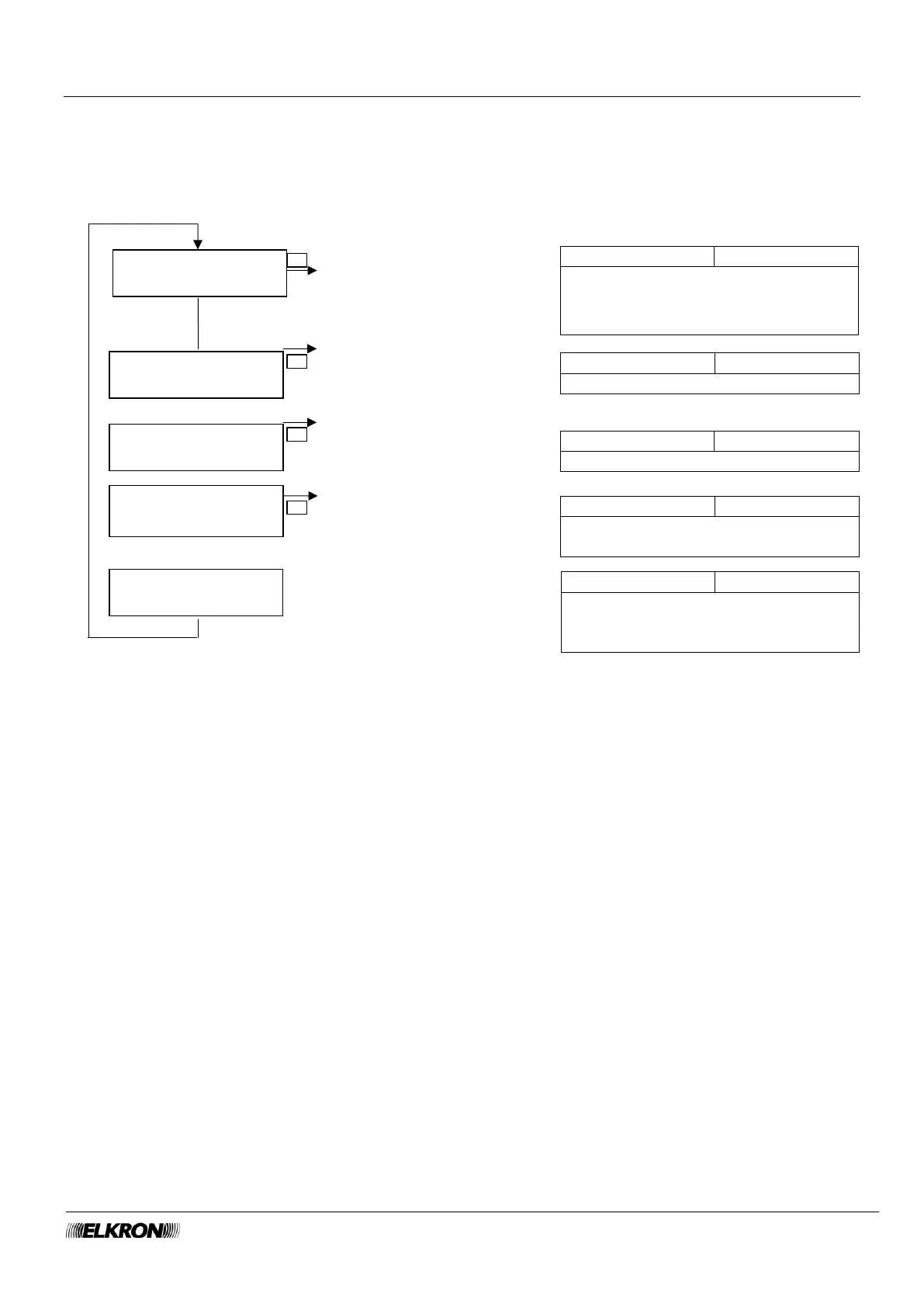
8.15 Connectivity menu
This can be used to configure Ethernet, WiFi, and cell phone data traffic connections, enable and disable
the cloud, and check connectivity status.
Available for Master, User (STATO CONNETTIVITA’ item only), Installer.
It is accessed through the Main Menu → CONNECTIVITY menu.
Configure the connection via LAN port
Configure the WiFi connection
Configure the data connection via
cellular telephone network
Show the status of Ethernet, WiFi,
mobile data and cloud connections,
with any assigned addresses.
Connectivity menu
LAN port page 129
Connectivity menu
WiFi page 131
Connectivity menu
Mobile Data page 132
State Connectivity
menu page 129
Enable and disable the connection to
the Elkron cloud (with ► and ◄
buttons)



 To Next Page