8.21 Display menu
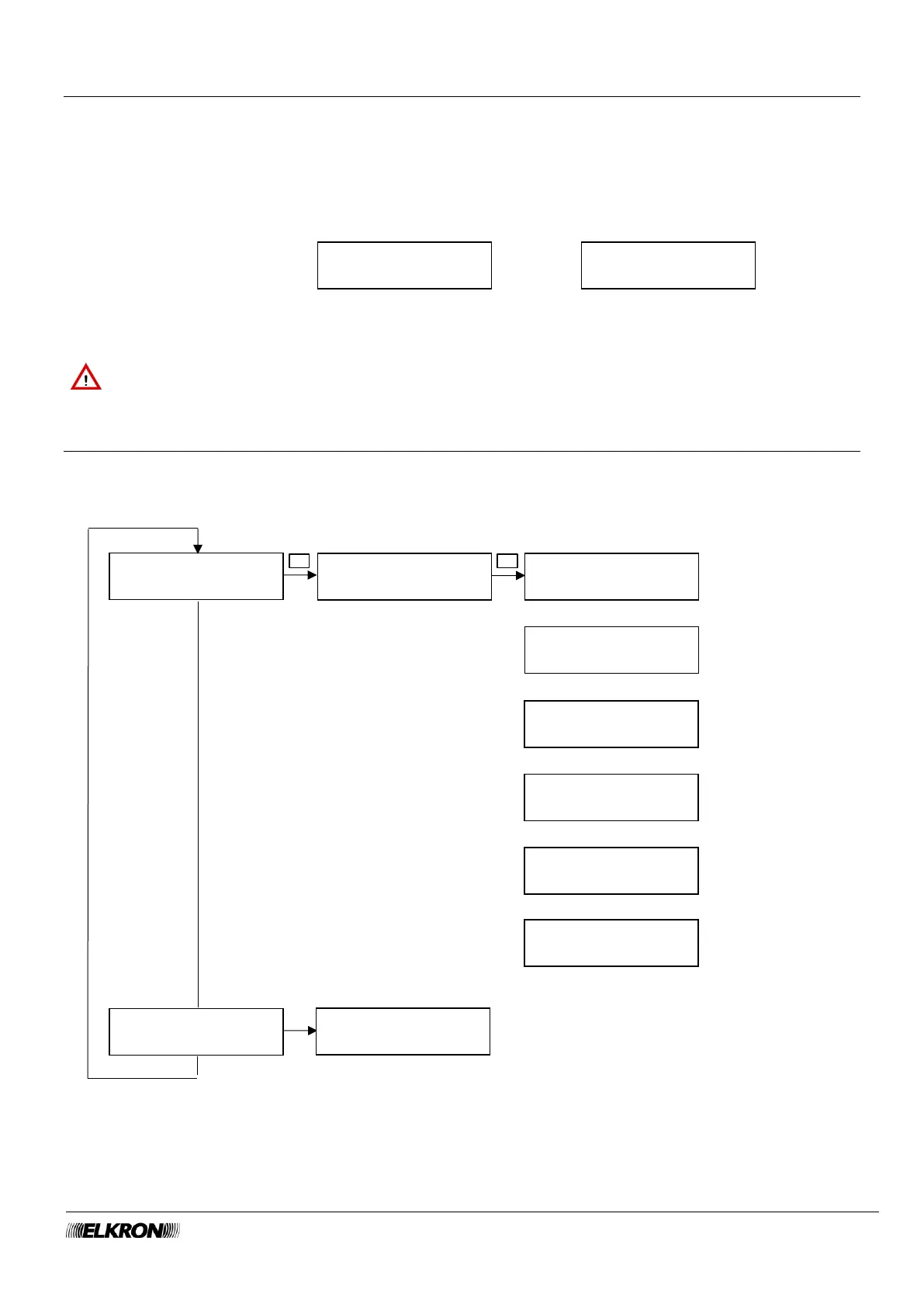
It can be used to set the information shown on the keypad display when it is in the stand-by state. You can
choose between "panel model with date and time" and "system status".
Available for Master, Installer.
It is accessed through the Main Menu → SETTING → DISPLAY menu.
Menu option MOD.CENTR/DATA STYSTEM STATUS
Display in stand-by
Use the ► and ◄ buttons to change the display.
For system status □ = sector disarmed, ■ = sector armed.
8.22 Users menu
This can be used to configure new users and edit existing ones.
Available for Master, User (user NAME item only), Installer.
It is accessed through the Main Menu → SETTING → USERS menu.
Users can access the USERS menu and only edit their own user Description.



 To Next Page