9 - Updating firmware and software of MEDEA control
panel and devices over the bus
It is possible to update the firmware (FW) and software (SW) of the MEDEA control panel and connected
BUS devices using various procedures:
• Over LAN with local or remote connection.
• Directly from a PC to MEDEA control panel over USB cable.
• Directly from a PC to MEDEA control panel over Ethernet cable.
The procedures require access to the programming web pages of the control panel and are described in
the paragraphs (see paragraph 3.1 Accessing the control panel) and then in the General Parameters
submenu (see paragraphs 1.1 4.1.3 Control Unit Upgrade from cloud Errore. L'origine riferimento non
è stata trovata. and 4.1.4 Control Unit Update from File).
9.1 Update file name
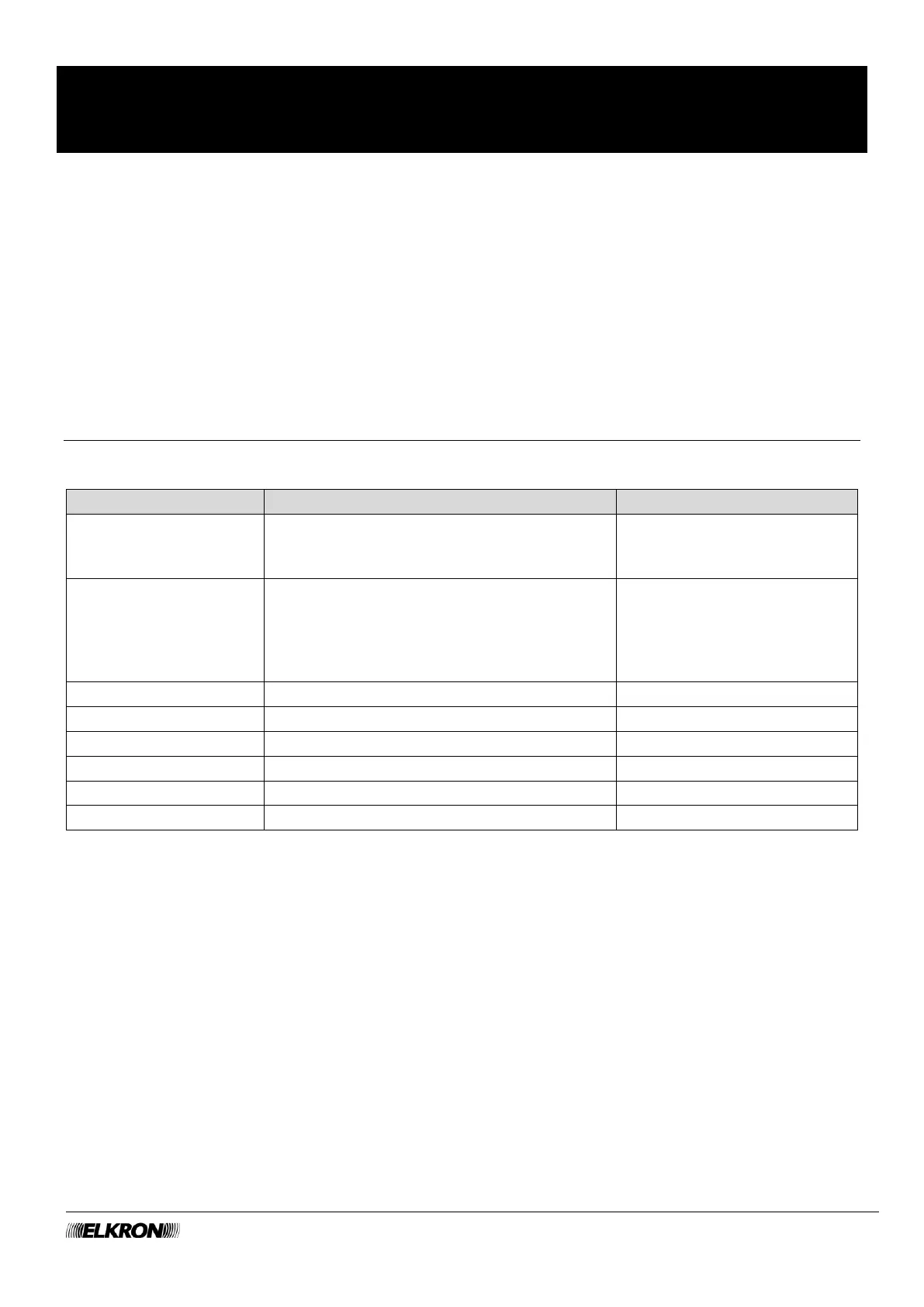
Update file names use the following conventions:
Control panel software, which manages the
entire system.
Firmware of the control panel, which manages
the inputs and outputs of the control panel,
expansion modules, keypads, readers,
wireless receivers and supervised power
supply units
Table 16 - FW and SW update file names
NOTES: File names can be written in upper and/or lower case.
The * character represents a character string that can vary from file to file, e.g. to indicate the
firmware version, e.g. BL_EXP_MODULE_v101b05.BIN is the upgrade file for expansion module
version 1.1b05.
This installation manual refers to version SW 1.5_100 of MEDEA control units and version FW 1.1_25 of
BUS line peripheral devices



 To Next Page