The following buttons appear under underneath:
• CSV: This can be used to export the outputs list to a “.csv” file, which can be opened with a
spreadsheet.
• PDF, which exports the list of outputs to a PDF file.
The < and > buttons in the bottom right are used to navigate between table pages.
6.1.9 Event History
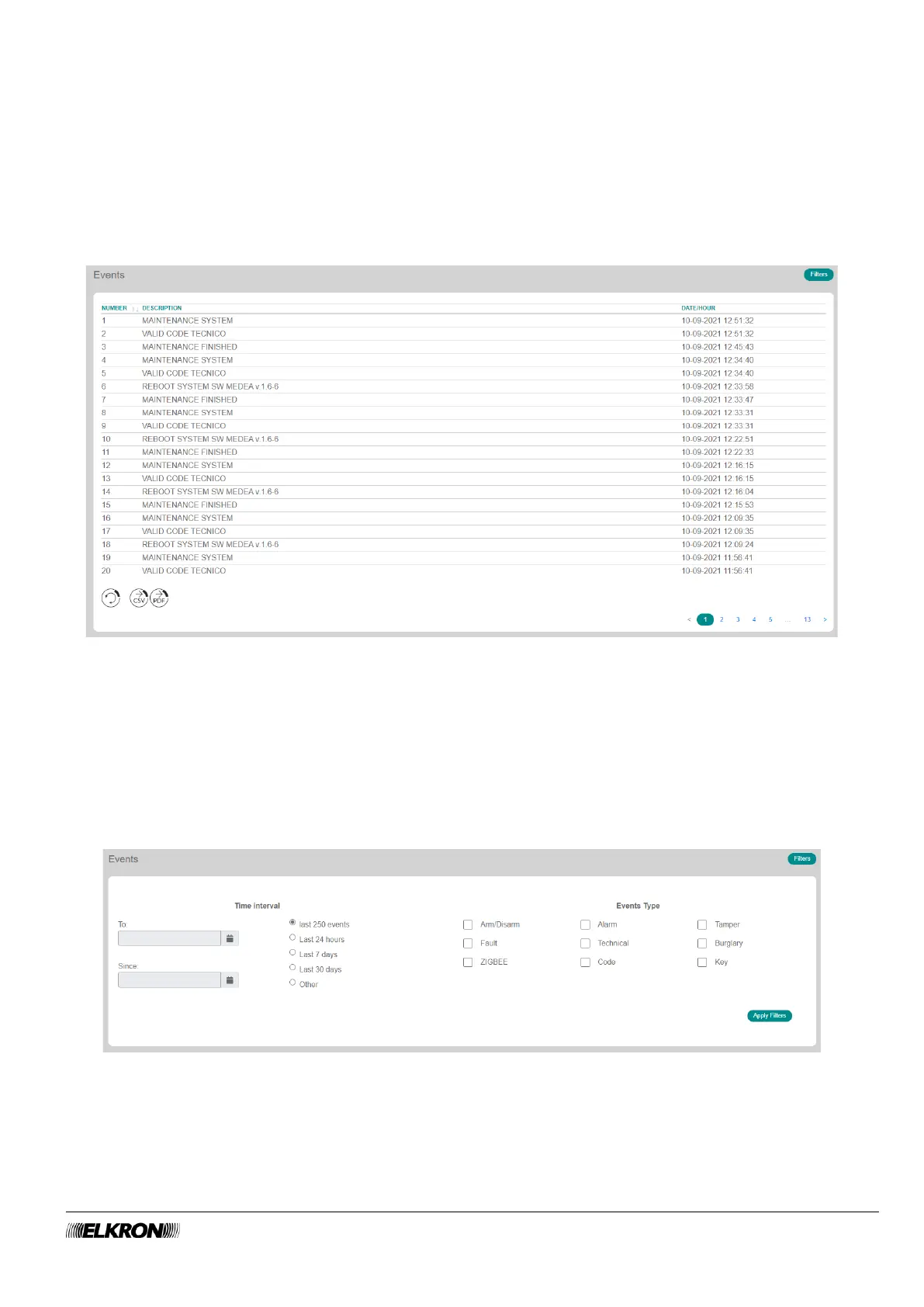
The Event History submenu can be used to view the event log.
t is accessed through the DIAGNOSTIC→ Events History menu.
Figure 118 - Events
Events are shown in reverse chronological order, from most recent to oldest.
The date and time and the self-explanatory description of the event itself are shown for each event.
Inputs and outputs involved are specified with their logical identifier.
Keyboards, readers and concerned sectors are specified with their physical address.
When configured, the custom description of the input, output, sector, user etc. is also displayed for faster
identification.
Click on the Filters button to enable the table for selecting events from the system history file according to
time interval and event type.
Figure 119: Event Filters



 To Next Page